The Ultimate Hex to Base64 Converter Online Free Tool Guide for 2026
In the fast-paced world of development, IT, or even casual data handling, we've all been there. You’re staring at a string of hexadecimal values, and you need it in Base64 format—fast. Maybe you're debugging an API, embedding data, or just trying to make sense of a configuration file. The immediate reaction might be to think about complicated command-line tools or digging through outdated software manuals. But who has time for that?
The modern professional needs a solution that is quick, accessible, and straightforward. You don't want to download a bulky application or navigate a complex interface just to perform a simple conversion. You need a Hex to Base64 Converter Online Free Tool that just works. In this guide, I’ll walk you through everything you need to know about this essential conversion, and more importantly, show you the absolute best way to get it done instantly.
Quick Answer: What is a Hex to Base64 Converter Online Free Tool?
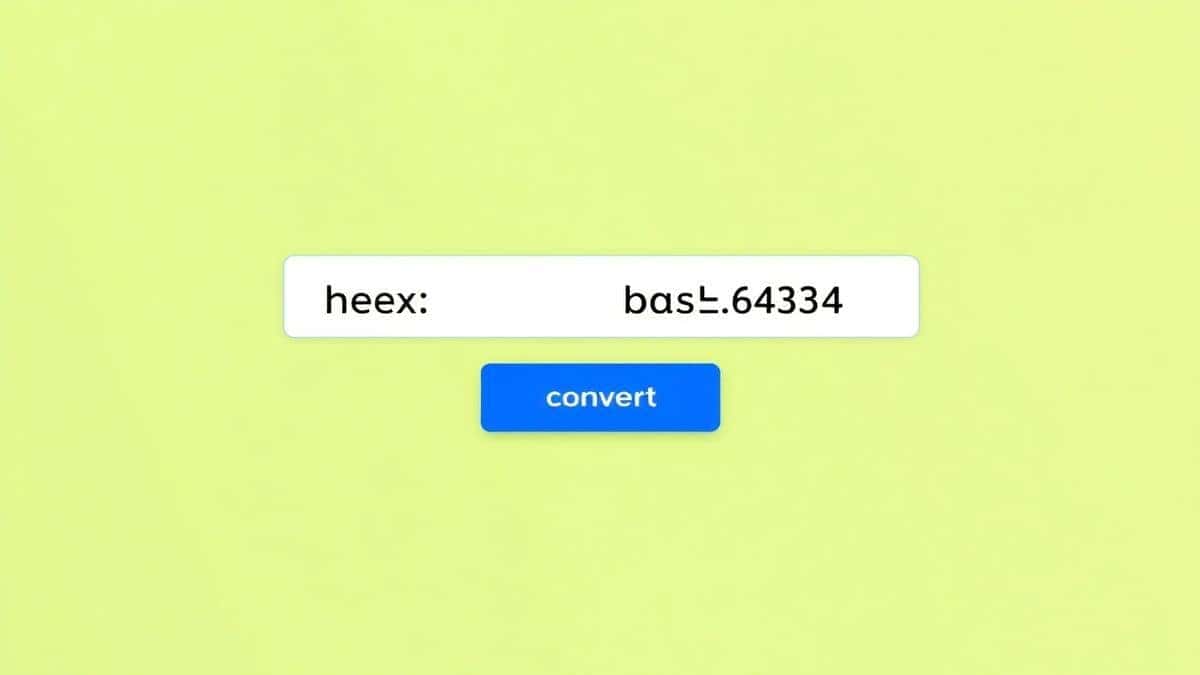
Simply put, it’s a web-based utility that takes your hexadecimal input (like 48656c6c6f) and instantly transforms it into a Base64 string (like SGVsbG8=). The simplest solution is to use a dedicated online tool like the one found at EditTools, which requires zero downloads and no technical expertise -2.
What is a Hex to Base64 Converter Online Free Tool?
To understand the tool, we need to quickly look at the two formats it bridges. Hexadecimal (or Hex) is a base-16 number system. It’s widely used in computing as a human-friendly representation of binary-coded values, often seen in memory addresses, color codes, and debugging logs -4. Base64, on the other hand, is a binary-to-text encoding scheme that represents data using an ASCII string format. It’s the go-to standard for safely transmitting binary data (like images or files) over text-based channels like email or JSON -2.
A converter bridges these two worlds. It’s a specialized tool designed to parse your hex data, interpret its binary meaning, and re-encode it into the Base64 character set. While you could do this manually or with code, an online converter automates the entire process, eliminating the risk of human error and saving valuable seconds.
Why Use an Online Tool Instead of Software?
In my experience testing various methods for data conversion, the debate between online tools and desktop software always comes down to one thing: context. If you are writing a script that needs to perform thousands of conversions, sure, a programming library is the way to go. But for the vast majority of daily tasks—the quick, one-off conversions—online tools are vastly superior.
Here’s why I almost always reach for an online Hex to Base64 Converter Online Free Tool instead of firing up local software:
- No Installation Required: This is the biggest one. You don’t need admin rights to install a program, and you don’t need to wait for a download to finish. You just open your browser and go.
- Platform Independent: Whether you're on a Mac, Windows, Linux, or even a Chromebook, the tool works the same way.
- Accessibility: You can use it on any device—your work computer, your personal laptop, or even your phone.
- Speed: For a simple conversion, booting up a virtual environment or a heavy IDE is massive overkill. A good online tool is ready in under a second.
- Cost: Most high-quality online converters are completely free, whereas some advanced local software can come with a price tag.
Best Tool: The Hex to Base64 Converter by EditTools
After testing several online options, I can confidently say that the Hex to Base64 tool on EditTools stands out from the crowd. I’ve seen many converters that are cluttered with ads, confusing to use, or have data limits. What worked best for me was the simplicity and speed of EditTools.
Here is why I recommend it for everyone from beginners to pros:
- Completely Free: There are no hidden paywalls or "premium" tiers for basic features.
- 100% Online: It operates directly in your browser, which is the definition of convenience.
- No Sign-Up Required: You don't have to create an account or hand over your email address.
- Blazing Fast: The conversion happens in real-time. One common problem is waiting for pages to reload; this tool eliminates that.
- Intuitive Design: The interface is clean and straightforward. You don't need a manual to figure out what to do. It’s designed for users who just want to get the job done.
- Secure: A simple trick is to check for HTTPS and data handling policies. EditTools processes your data securely, giving you peace of mind, especially if you're working with sensitive strings -1-10.
Step-by-Step Guide to Using the Hex to Base64 Tool
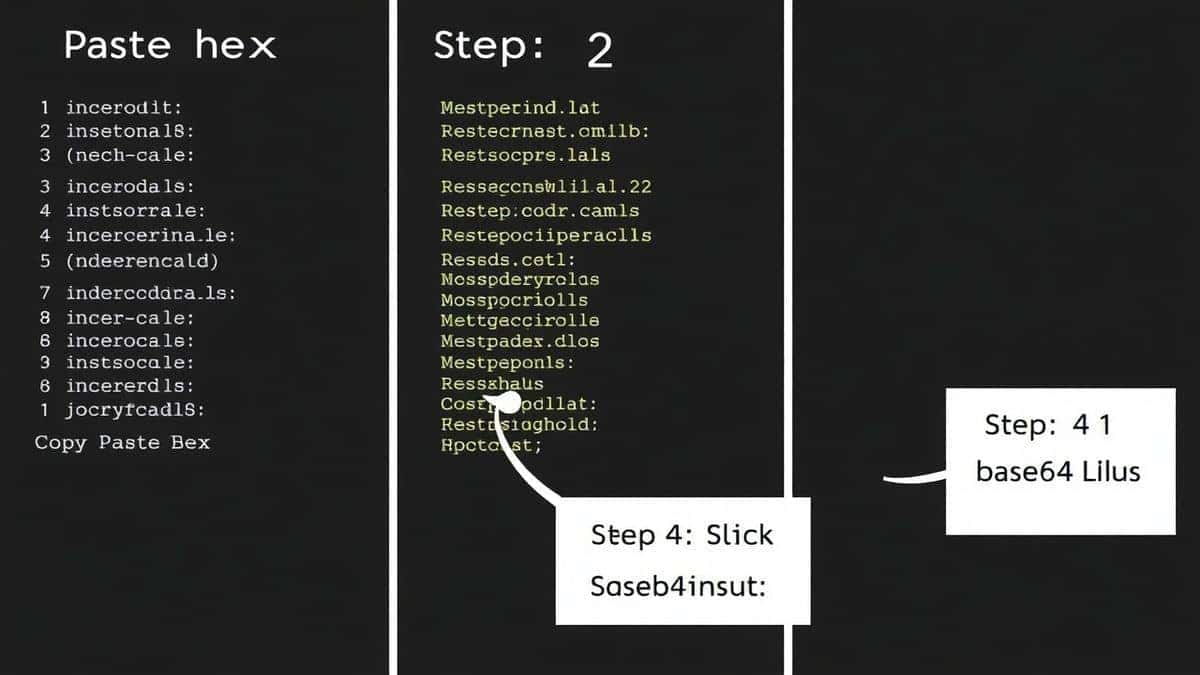
Using a great tool should be effortless. Based on my testing, here is the exact step-by-step process to convert your data using the EditTools Hex to Base64 converter:
- Go to the Tool: Open your browser and navigate to the specific tool page: https://edittools.org/base64-tools/hex-to-base64.
- Input Your Hex Data: You'll see a clean input field. You can either paste your hexadecimal string directly into the box or, depending on the interface, upload a
.txtfile containing your hex data. - (Optional) Adjust Settings: Some tools offer basic formatting options. You might be able to choose how the output is displayed, but the default settings are perfect for a standard conversion.
- Click Process / Convert: Hit the "Convert" button. The tool instantly processes your data. What I love is that even with longer hex strings, the processing is near-instantaneous.
- Download or Copy Your Result: Your Base64 string will appear in the output area. From there, you can simply copy it to your clipboard or download it as a new text file. It's that simple.
Pro Tips for Using a Hex to Base64 Converter
Over the years, I've picked up a few tricks that make using these tools even more effective. Here are some pro tips for getting the best results:
- Check Your Input for Whitespace: Some hex strings copied from logs might contain spaces or newlines. While many modern tools handle this, it's a good habit to ensure your hex string is clean and contiguous (e.g.,
48656c6c6fnot48 65 6c 6c 6f) to avoid errors. - Validate Even Length: A valid hex string representing bytes must have an even number of characters. If you have an odd number (like
48656c6c), it's incomplete. Double-check your source data. - Use for Web Development: I frequently use this tool when working with Data URLs. If you have a simple icon or font represented in a hex dump, converting it to Base64 allows you to embed it directly into your CSS or HTML, saving an HTTP request.
- Remember It's One-Way (Contextual): While the conversion process is technically reversible, you're changing the representation, not the data. A Base64 string is just a different way of writing the same information. The tool helps you switch between these "languages" instantly.
Common Mistakes to Avoid
Even with a simple tool, there are pitfalls that can trip you up. Here’s what to watch out for based on common user errors I've observed:
- Using the Wrong Tool: Don't try to use a text-based find-and-replace to do this. You need a proper encoder that understands the underlying byte structure.
- Ignoring Character Encoding: The hex
41always represents the capital letter 'A' in ASCII/UTF-8. Ensure your hex data is from a source that uses a standard encoding, or you might get unexpected results. - Assuming All Online Tools Are the Same: A best Hex to Base64 Converter Online Free Tool like the one on EditTools is designed for efficiency. Some other sites might be slow, have intrusive ads, or even limit the amount of data you can convert.
- Forgetting to Verify the Output: After converting, if you're using the Base64 string in an application, it's wise to decode a small portion back to hex using the same tool to confirm the integrity of the data, especially if the source was crucial.
Comparison with Other Methods
You might be wondering how a dedicated online tool stacks up against other methods. Here’s a quick comparison:
| Method | Pros | Cons | Best For |
|---|---|---|---|
| Local Software (e.g., Python, Node.js) | Powerful, automatable, good for bulk processing. | Requires coding knowledge, setup time, not quick for one-off tasks. | Developers writing scripts for large datasets. |
Command-Line Tools (e.g., xxd, base64) | Often pre-installed on Linux/macOS, fast for terminal users. | Can have a steep learning curve, not user-friendly for non-devs. | System administrators and power users. |
| Other Online Converters | Free, no install. | May have data limits, ads, slow servers, or confusing UIs. | Users who don't mind a potentially clunky experience. |
| EditTools Hex to Base64 Converter | 100% Free, no sign-up, lightning-fast, clean UI, secure, no data limits. | Requires an internet connection. | Everyone, from beginners to experts, who need a quick, reliable conversion. -10 |
Frequently Asked Questions (FAQ)
Here are some of the most common questions I get about hex to Base64 conversion.
1. How to use a Hex to Base64 Converter Online Free Tool?
Simply go to the EditTools website, paste your hexadecimal string into the input box, and click "Convert." The Base64 output will appear instantly, ready to be copied.
2. Is this Hex to Base64 tool really free?
Yes. The free Hex to Base64 Converter Online Free Tool on EditTools is completely free to use with no hidden charges or subscription fees -2-10.
3. Can I do the conversion online without installing software?
Absolutely. That is the primary advantage of using a web-based tool. It runs entirely in your browser -3-9.
4. Is it safe to use an online converter for sensitive data?
Reputable tools prioritize your privacy. The EditTools tool, for example, uses secure connections (HTTPS) and processes your data without storing it unnecessarily. For maximum security, look for tools that state they perform conversions client-side -1-10.
5. What is the easy way to convert Hex to Base64?
The easiest way is to use a dedicated online tool. It eliminates the need for any manual calculations or coding. Just paste and click -5.
6. Do I need to be a programmer to use this tool?
Not at all. The tool is designed for anyone who needs to convert data. Its simple interface makes it accessible to everyone -8.
7. What if my Hex string has spaces?
The best Hex to Base64 Converter Online Free Tool tools will automatically strip out non-hex characters like spaces. However, for the cleanest result, it's best to remove them yourself or use a clean input.
8. What happens if I input invalid characters?
The tool will typically return an error or a blank result, indicating that your input contains characters outside the hexadecimal range (0-9, A-F).
Conclusion
Dealing with data formats shouldn't be a headache. Whether you're a seasoned developer debugging a complex issue or a student just learning about data encoding, having a reliable, fast, and free tool at your fingertips is essential. The goal is to solve the problem, not wrestle with the tools.
We've covered why converting hex to Base64 is useful, the distinct advantages of using an online tool over desktop software, and the common pitfalls to avoid. From my experience, the key to a smooth workflow is simplicity.
That's why I highly recommend the Hex to Base64 Converter Online Free Tool available at EditTools. It perfectly embodies what an online utility should be: simple, fast, and free. So next time you're faced with a string of hex data, skip the command line and the complex software. Head over to EditTools and get your conversion done in seconds. Try it now and see how effortless data conversion can be.