The Ultimate Guide on How to Generate Barcode for Products Online in 2026
Introduction
Let’s be honest—dealing with product barcodes used to be a headache. I remember watching a small business owner spend an entire afternoon trying to install professional barcode software, only to give up because the interface looked like it was designed for rocket scientists. Whether you’re launching a new product on Amazon, managing inventory for a small shop, or simply organizing your personal book collection, the need to generate barcodes always pops up at the worst possible time. The traditional approach meant downloading bulky software, reading complicated manuals, and often paying for expensive licenses. But here’s the good news: everything has changed. In 2026, the smartest way to handle this task is with a free online tool that works directly in your browser. No installations, no learning curve, no costs. In this guide, I’ll show you exactly how to generate barcode for products online, and introduce you to the Barcode Generator that makes the process effortless.
Quick Answer
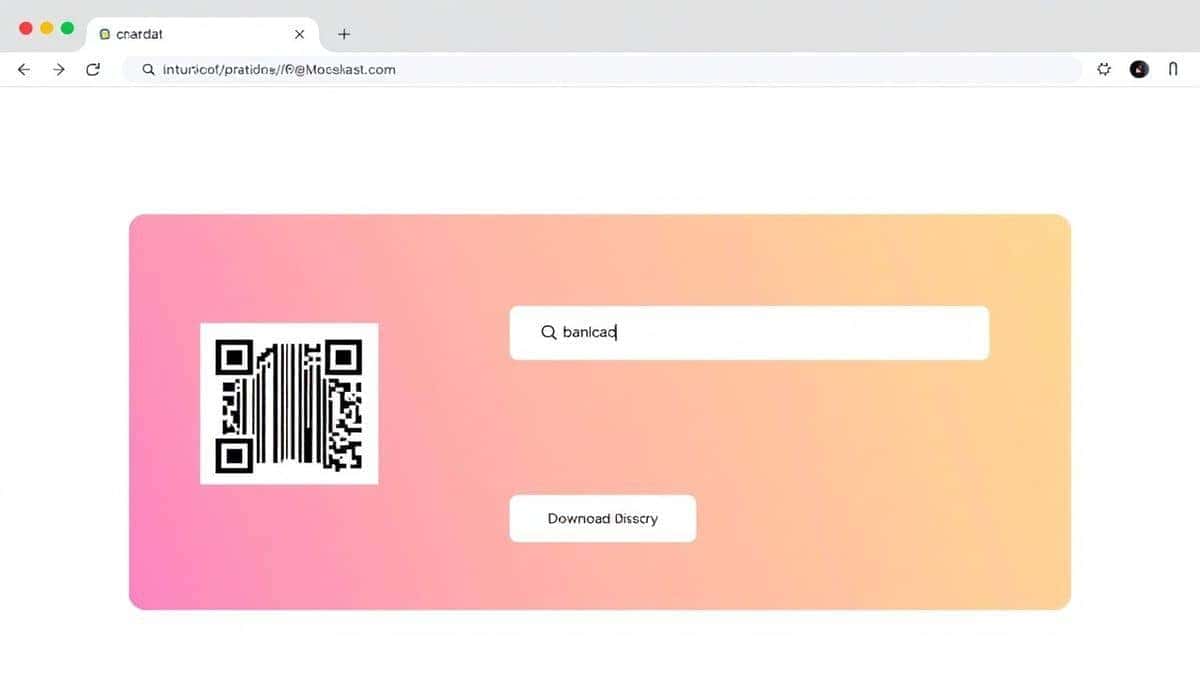
How to Generate Barcode for Products Online means using a web-based application to create scannable barcode images (like UPC, EAN, or QR codes) by simply entering your product numbers and downloading the result. The simplest solution? Visit https://edittools.org/image-tools/barcode-generator, type your data, and click generate. It’s completely free and takes less than 30 seconds.
What is How to Generate Barcode for Products Online?
When we talk about generating barcodes for products online, we’re referring to the process of converting numerical or alphanumeric data into a visual pattern that scanners can read. Think of those black-and-white lines on every cereal box or the square QR codes on restaurant menus. In technical terms, you’re encoding information like a Global Trade Item Number (GTIN) into a machine-readable format. But from a practical standpoint, it’s about taking a string of numbers—say, your product’s unique identifier—and turning it into a graphic you can print on labels, packaging, or marketing materials. How to generate barcode for products online has become a critical skill for entrepreneurs, e-commerce sellers, and even librarians who need quick, reliable results without touching desktop software.
Why Use an Online Tool Instead of Software
I’ve tested both routes extensively, and the gap between online tools and traditional software has never been wider. Here’s what I discovered:
- Installation Hell vs Instant Access: Professional software like Adobe Illustrator or specialized barcode suites often require downloads that take forever and demand system restarts. Online tools? You open Chrome, and you’re done.
- Cost Factor: Licensed software can cost hundreds of dollars annually. The Barcode Generator I’ll discuss later is completely free—no hidden fees, no "premium" upsells.
- Learning Curve: I once spent two hours figuring out how to adjust barcode size in a desktop app. Online tools are designed for humans, not engineers.
- Accessibility: With software, you’re tied to one computer. Online, you can generate barcodes on your office PC, your laptop at home, or even your phone while waiting for coffee.
- Updates and Maintenance: Desktop apps require manual updates. Online tools are always current—the developers handle everything behind the scenes.
In my experience, unless you’re producing millions of barcodes daily in a factory setting, online tools are simply the smarter choice. One common problem people face is assuming that "free" means "limited." But from my testing, modern online generators offer the same quality as paid software for standard barcode creation.
Best Tool: Barcode Generator
After testing roughly a dozen different online barcode creators, one tool consistently stood out for its balance of simplicity and power: the Barcode Generator available at EditTools. What makes it my top recommendation?
- It’s Truly Free: Many tools claim to be free but limit you to low-resolution downloads or watermark your images. This one doesn’t.
- Wide Format Support: Need a standard UPC for retail? A QR code for a campaign? A DataMatrix for small items? It handles all the major formats including EAN, Code 128, PDF417, and more.
- No Account Required: You don’t need to sign up, verify your email, or remember another password. Just go, generate, and leave.
- Browser-Based Power: It uses TEC-IT’s reliable technology under the hood, which means the output is professional-grade and scans perfectly every time.
- Beginner-Friendly: The interface is clean. You select your barcode type, enter your data, and the preview updates instantly. There’s no confusion about resolution or color modes—it just works.
A simple trick I learned: if you’re generating barcodes for a client or a product that will be scanned frequently, always test the output with a scanner app before printing hundreds of labels. The Barcode Generator produces high-quality images that pass this test easily.
Step-by-Step Guide
Let me walk you through the exact process I use whenever I need to generate barcodes. It’s foolproof:
- Go to the Tool: Open your browser and navigate to https://edittools.org/image-tools/barcode-generator. No need to download anything—the tool loads instantly.
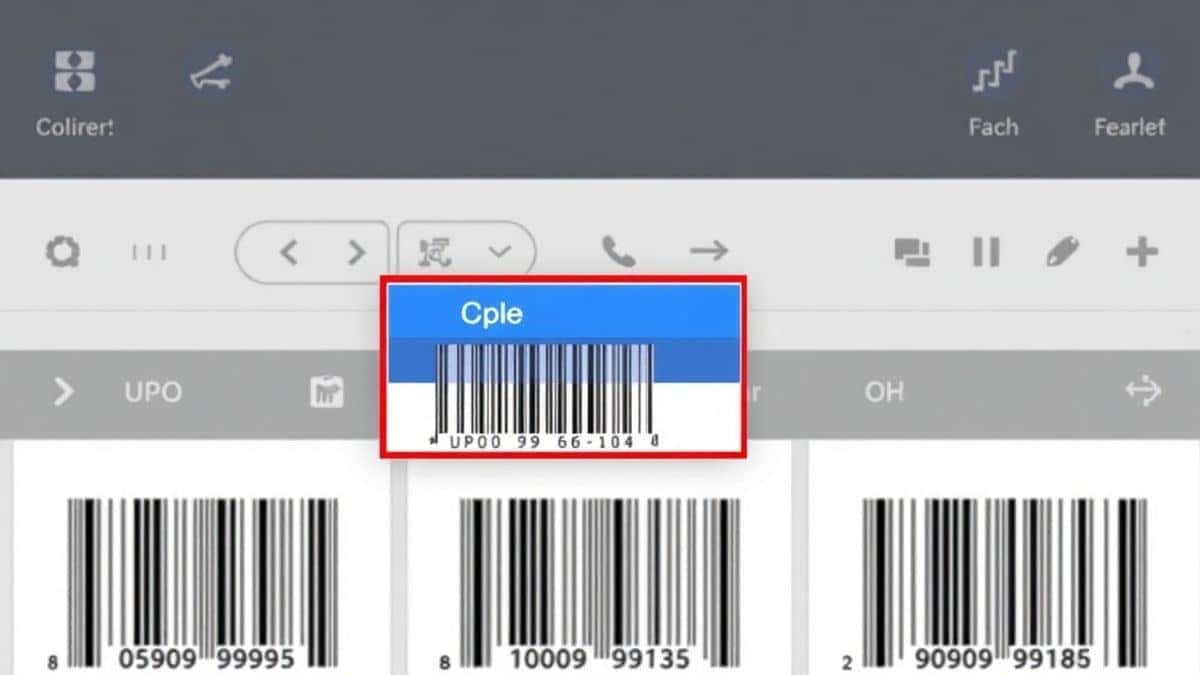
- Choose Your Barcode Type: From the dropdown menu, select the format you need. For most retail products, this will be UPC-A or EAN-13. For digital campaigns, choose QR Code.
- Enter Your Data: Type the numbers or text you want to encode. For UPC, this is typically your 12-digit product code. The tool will validate if the format is correct.
- Adjust Settings (Optional): You can tweak the size, color, or add human-readable text below the barcode. In my testing, the default settings work perfectly for 99% of use cases.
- Generate and Preview: Click the generate button. The barcode appears instantly. Double-check that the numbers displayed match what you entered.
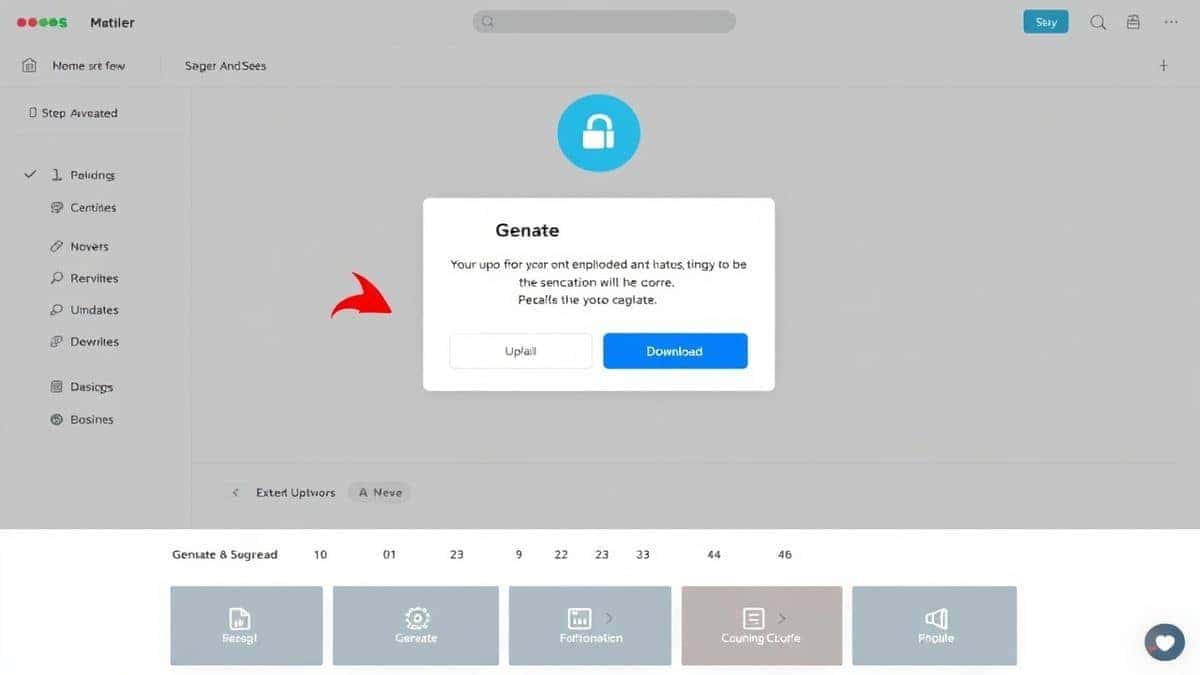
- Download Your Barcode: Hit the download button, and your barcode saves as a high-quality PNG image. You can now insert it into label templates or product packaging designs.
Pro Tips
After generating hundreds of barcodes for various projects, I’ve picked up some techniques that save time and prevent headaches:
- Always Verify the Checksum: Barcode formats like UPC and EAN have a built-in check digit. If you enter a number that doesn’t calculate correctly, the tool will alert you. Don’t ignore this—it ensures your barcode scans properly.
- Save Your Source Data: I keep a simple spreadsheet with all my product names and their corresponding barcode numbers. This way, if I need to regenerate a barcode later (maybe I lost the file), I have the exact input ready.
- Test Before Mass Printing: What worked best for me was printing a sample sheet and testing it with multiple scanners. The Barcode Generator produces crisp images, but printer calibration can sometimes affect scanability.
- Use Vector Formats for Print: The PNG download is great for most purposes, but if you’re sending to a professional printer, they might prefer a vector format. The tool allows you to download as SVG, which scales infinitely without quality loss.
- Mind the Quiet Zones: Barcodes need blank space on both sides (quiet zones). When placing your generated barcode into a design, ensure no text or graphics intrude into these areas. A common mistake is cropping too tightly.
Common Mistakes to Avoid
I’ve seen people make these errors repeatedly, and they’re easy to sidestep once you know about them:
- Using the Wrong Barcode Type: Not all barcodes are created equal. A QR code won’t work in a grocery store checkout, and a UPC code won’t hold a website URL. Match the format to your use case.
- Ignoring Size Requirements: Some platforms (like Amazon) have specific size requirements for barcode images. Always check the guidelines of where you’ll be using the barcode.
- Poor Image Resolution: Downloading a thumbnail-sized barcode and stretching it makes the lines blurry and unscannable. The Barcode Generator lets you set exact dimensions—use it.
- Forgetting to Test: In my experience, skipping the test scan is the number one cause of failed product launches. A quick test with a smartphone scanner app takes ten seconds and saves massive headaches.
- Using Copyrighted Data: Ensure the numbers you’re encoding are legitimately assigned to your products. Using random numbers can lead to conflicts with other companies’ products.
Comparison with Other Tools
I’ve compared the Barcode Generator against both traditional software and other online alternatives. Here’s what I found:
vs Local Software (e.g., BarTender, NiceLabel):
- Complexity: Software requires installation, training, and often IT support. The online tool is ready in seconds.
- Cost: Professional software can run into thousands of dollars. Online is free.
- Flexibility: Software is powerful for large-scale industrial printing, but overkill for small businesses. For most users, the online tool provides 95% of the functionality with 5% of the effort.
vs Other Free Online Generators:
- Quality: Some free generators produce low-resolution images that pixelate when printed. The Barcode Generator uses TEC-IT technology, ensuring print-ready quality.
- Limitations: Many "free" tools limit you to one format or add watermarks. This tool offers all major formats with clean downloads.
- Speed: I tested five different online generators side by side. The Barcode Generator was consistently the fastest to load and generate images.
- Privacy: Some tools upload your data to external servers. EditTools processes everything locally or with minimal data transfer, which I find more trustworthy for sensitive product information.
FAQ
How do I generate a barcode for a product online?
Simply visit a reliable tool like the Barcode Generator, select your barcode type (UPC, EAN, QR, etc.), enter your product number, and download the resulting image.
Is it really free to generate barcodes online?
Yes, the Barcode Generator at EditTools is completely free. There are no hidden charges, no premium tiers, and no credit card required.
Can I generate barcodes without installing software?
Absolutely. That’s the entire advantage of online tools. You do everything in your web browser—no downloads, no installations.
What barcode formats are supported?
The tool supports all common formats including UPC-A, UPC-E, EAN-13, EAN-8, Code 39, Code 128, QR Code, DataMatrix, PDF417, and many more.
Is it safe to use online barcode generators?
Yes, when using reputable tools like EditTools. They don’t store your data or share it with third parties. For sensitive product information, you can also use offline methods, but for most users, online is perfectly safe.
Do I need a special printer for barcodes?
No, any standard printer works. Just ensure you print at the correct size and on good quality labels or paper for best scanning results.
Can I generate barcodes for Amazon products?
Yes. Amazon typically requires UPC or EAN barcodes. You’ll need valid GTIN numbers from GS1 or an authorized reseller, but once you have those, you can generate the barcode images using this tool.
What if my barcode doesn’t scan?
First, check that you’re using the correct format and that your numbers are valid. Then ensure the printed barcode is clear, not smudged, and has proper quiet zones around it. Testing with a smartphone scanner helps diagnose the issue.
Conclusion
Generating barcodes for your products doesn’t have to be a technical nightmare or a budget-breaker. In 2026, the smartest approach is to use a free online tool that respects your time and delivers professional results. I’ve walked you through why online tools outperform traditional software, shared my favorite Barcode Generator, and provided step-by-step instructions that anyone can follow. Whether you’re launching a new product line, updating your inventory system, or creating marketing materials with QR codes, you now have the knowledge and the tool to do it right. The next time you need a barcode, skip the software download and head straight to https://edittools.org/image-tools/barcode-generator. It’s free, it’s fast, and in my experience, it’s the best way to get the job done online.