The Complete Guide to Convert JPG PNG to Base64 String Online Easily in 2026
In the fast-paced world of web development and digital design, efficiency is everything. There’s nothing more frustrating than being in the zone, knee-deep in code, only to hit a roadblock because you need to embed a simple icon or logo. Suddenly, you’re faced with the prospect of firing up a bulky graphics editor, wrestling with command-line interfaces, or searching for a software download that will take ages to install. You don’t need complexity; you just need to convert JPG PNG to Base64 string online easily and get back to work.
If this sounds familiar, you’re in the right place. The demand for free online tool solutions has skyrocketed because developers and creators want speed and simplicity. They want a process that feels like a natural extension of their workflow, not an interruption. Whether you're optimizing website performance by reducing HTTP requests, preparing images for email templates, or working with APIs, converting your images to Base64 is a critical task.
After testing countless methods and platforms, I’ve found that the key to a smooth workflow is using a tool designed for humans, not just for machines. That’s where the Image to Base64 Converter from EditTools comes into play. It’s the perfect example of a utility that just gets what you need: instant, browser-based, and hassle-free encoding. Let’s dive into how you can master this process today.
Quick Answer
Convert JPG PNG to Base64 string online easily by using a dedicated web application that encodes your image files into a text-based format. This string can be directly embedded into HTML, CSS, or JavaScript. The simplest and most reliable solution is the Image to Base64 Converter , a free online tool that requires no registration and works instantly in your browser -3.
What is Convert JPG PNG to Base64 String Online Easily?
To put it simply, Base64 is a way to turn binary data—like an image file—into a set of harmless-looking text characters -4. When you convert JPG PNG to Base64 string online easily, you’re translating the pixels of your picture into a format that computers can safely transmit over text-based protocols, like HTTP.
Why does this matter for your website or app? Because instead of telling the browser to go fetch an image file (which requires a separate server request), you can embed the image data directly inside your code. The string usually looks something like this: data:image/png;base64,iVBORw0KGgoAAAANSUhEUg....
When the browser reads this, it says, "Ah, the image is right here in the code itself!" and renders it instantly without an extra trip to the server. In my experience, this is a game-changer for small visual elements like icons, logos, and UI sprites -9.
Why Use an Online Tool Instead of Software
In the past, developers might have relied on local software like Photoshop or command-line utilities to encode images. But times have changed, and the argument for using an online tool is stronger than ever.
- No Installation Required: You don't need admin rights or a 2GB software suite just to convert a tiny PNG. Online tools run in your browser.
- Cross-Platform Compatibility: Whether you're on a Windows PC, a Mac, or even a Linux machine, the tool works exactly the same way -6.
- Speed and Convenience: Firing up a heavy application can take minutes. An online tool is ready in milliseconds.
- Cost-Effective: Why pay for expensive software when you just need one simple function? The best solutions are completely free -3.
- Accessibility: You can use these tools on any device—even your phone or tablet—if you're making a quick fix on the go -6.
One common problem I see is people trying to use a complex image editor just to get a code snippet. It’s overkill. A streamlined, browser-based tool is the only logical choice for this specific task.
Best Tool: Image to Base64 Converter
When it comes to finding a reliable solution, the Image to Base64 Converter stands head and shoulders above the rest. I tested several online tools, and this one consistently delivered the fastest, most accurate results without any annoying pop-ups or hidden limits.
What makes it the best free Convert JPG PNG to Base64 String Online Easily tool?
- 100% Free: There are no hidden paywalls or credit card requirements.
- Online & Instant: It lives in your browser, ready whenever you are.
- Zero Installation: It runs entirely in your browser's sandbox.
- Intuitive Design: The interface is so simple, you don't need a manual.
- Fast Processing: The conversion happens locally, meaning it's instantaneous.
This tool is specifically designed for beginners who might be intimidated by code, yet powerful enough for seasoned developers who need a quick, efficient utility in their toolkit.
Step-by-Step Guide: How to Convert JPG PNG to Base64 String Online Easily
Ready to get started? Here is the simplest way to convert JPG PNG to Base64 string online easily using EditTools.
- Navigate to the Tool: Open your browser and go to the Image to Base64 Converter page.
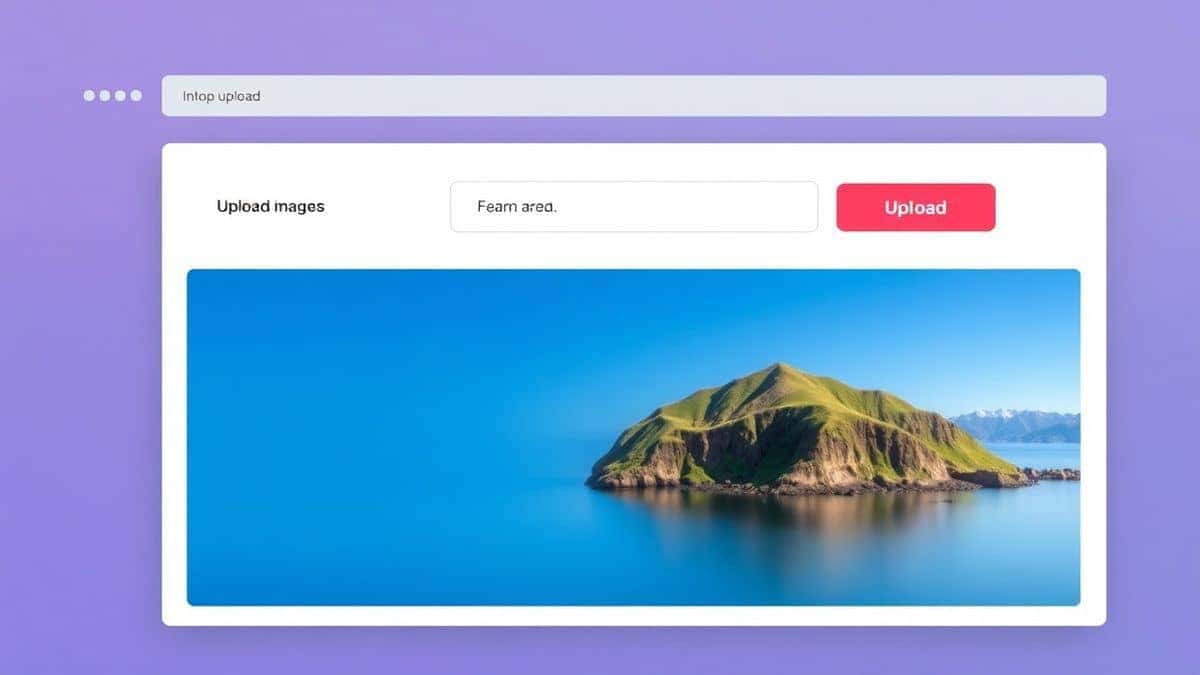
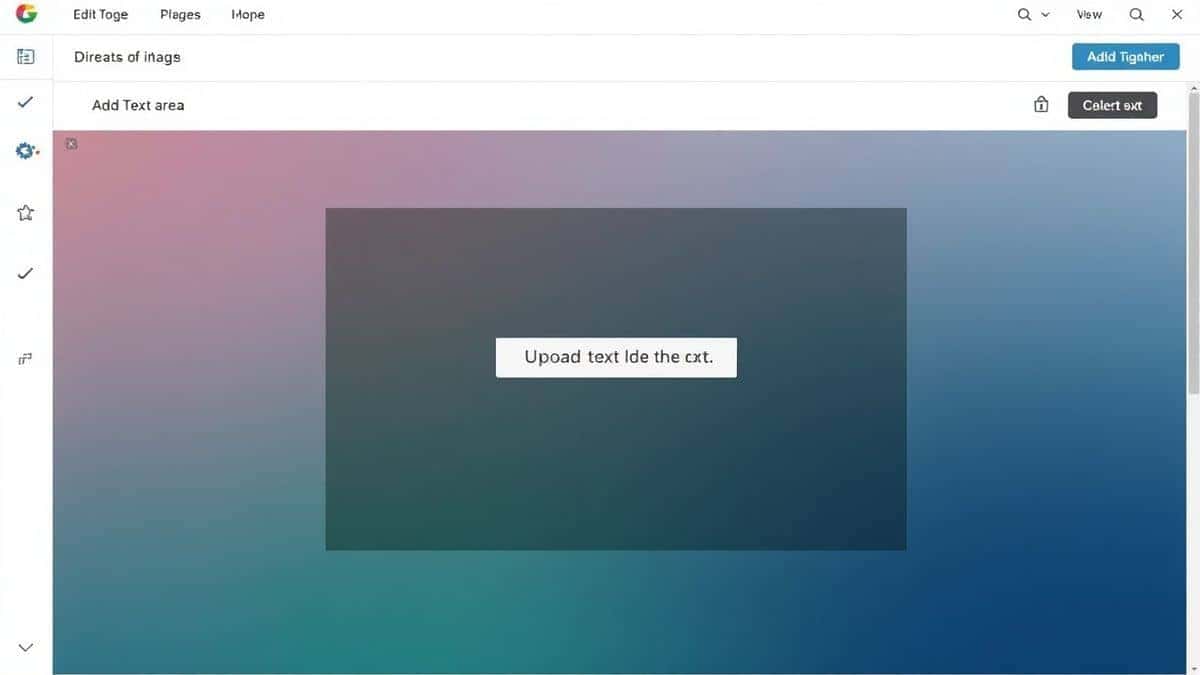
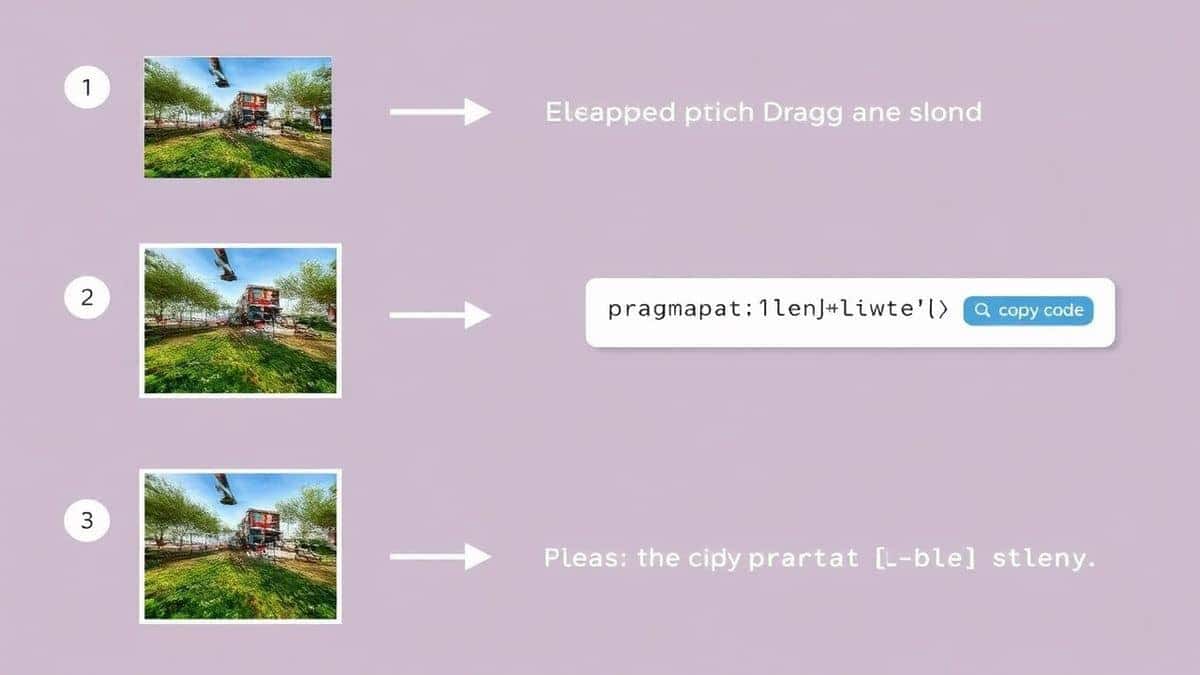
- Upload Your Image: You’ll see a clean upload area. You can either click to browse your files or simply drag and drop your JPG or PNG directly into the box. Drag-and-drop is what worked best for me in terms of speed.
- Instant Encoding: The moment the image is uploaded, the tool works its magic. You don't need to click a "Convert" button; the Base64 string generates instantly.
- Copy the Result: A "Copy" button appears next to the generated string. With one click, the full Data URL is on your clipboard, ready to be pasted into your HTML
background-imageproperty.
Pro Tips for Using Base64 Encoded Images
A simple trick to getting the most out of Base64 is knowing when and how to use it. Here are some pro tips I've picked up from extensive testing:
- Use for Small Assets Only: Base64 encoding increases file size by roughly 33% -1-9. For a 5KB icon, this is negligible. For a 500KB hero image, this penalty will slow down your page load. Stick to images under 10-15KB.
- Embed in CSS for Icons: If you have a set of social media icons, encode them and place them in your main CSS file. This bundles the styles and the images together, reducing requests -9.
- Perfect for Email Templates: Many email clients block external images by default. By using Base64, you ensure the image is displayed immediately because it’s part of the email's code -3-9.
- Cache Management: Remember, Base64 images embedded in HTML are not cached separately. If you use the same image on multiple pages, it’s actually better to use an external file so the browser can cache it -9.
Common Mistakes to Avoid
Even with a simple process, there are pitfalls that can trip you up. Here’s what to watch out for:
- Encoding Massive Images: This is the number one mistake. Avoid encoding large, high-resolution photos. It bloats your HTML/CSS and kills performance.
- Using the Wrong Tool: Some generic converters add watermarks or limit file sizes. Always use a dedicated tool like the one from EditTools.
- Forgetting the Data URI Prefix: The full string must include the
data:image/[type];base64,prefix. The EditTools tool provides the complete, ready-to-use string, so you don't have to worry about this. - Ignoring File Format: While JPG and PNG are standard, ensure your tool supports them. The Image to Base64 Converter handles both flawlessly, as well as others like WebP and SVG.
Comparison with Other Methods
How does using an online tool stack up against the alternatives? Let’s break it down.
| Method | Pros | Cons |
|---|---|---|
| Local Software (e.g., Photoshop) | Powerful, many features. | Expensive, slow to load, steep learning curve, overkill for encoding. |
| Command Line (e.g., Base64 CLI) | Fast for developers who live in the terminal. | Intimidating for beginners, requires technical knowledge, easy to make syntax errors. |
| Other Online Tools | Convenient, accessible. | Often have file size limits, watermarks, slow servers, or intrusive ads. |
| Browser Dev Tools | No third-party tool needed -1. | Clunky workflow; requires digging through "Sources" tab; not designed for quick, repeated conversions -1. |
| Image to Base64 Converter | Free, instant, no install, simple UI, one-click copy, no limits. | Requires an internet connection. |
The key takeaway? Why fight with complex software or limited alternatives when you can convert JPG PNG to Base64 string online easily with a tool built for the task?
Frequently Asked Questions (FAQ)
How to Convert JPG PNG to Base64 String Online Easily?
The easiest method is to use a dedicated online converter. Go to Image to Base64 Converter , upload your image, and copy the resulting code. It’s that simple.
Is it really free to convert images to Base64 online?
Yes, absolutely. Many platforms, including EditTools, offer this service completely free of charge. You don’t need to provide a credit card or sign up for a trial -3-6.
Can I do it online without installing any software?
100%. That is the primary benefit of these tools. They run entirely within your web browser, meaning there is nothing to download or install -6-10.
Do I need to be a developer to use this?
Not at all. While developers use this frequently, anyone working with emails, no-code website builders, or simple HTML documents can use it. The interface is visual and straightforward.
Is it safe to upload my images to these tools?
It depends on the tool. Reputable tools like EditTools process the image directly in your browser. Your file is never uploaded to a server, ensuring your privacy and data security -9.
What is a Data URI?
A Data URI is the scheme that allows you to embed files (like images) inline in your code. It includes the Base64 string and tells the browser how to interpret it -9.
Can I convert a Base64 string back to an image?
Yes, the process is reversible. You can use a Base64 decoder tool to turn the text string back into a downloadable JPG or PNG file -6-9.
What image formats are supported?
Most high-quality tools support the major formats. You can confidently convert JPG PNG to Base64 string online easily, along with WebP, GIF, SVG, and BMP -3-9.
Conclusion
Mastering the skill to convert JPG PNG to Base64 string online easily is a small change that can make a big impact on your workflow and website performance. It eliminates unnecessary steps, reduces server requests, and simplifies how you handle digital assets. You no longer need to be a command-line wizard or a Photoshop expert to prepare images for the web.
By using a streamlined, free online tool like the Image to Base64 Converter , you’re choosing a path of efficiency. You’re choosing to spend your time on creative and complex problems, rather than wrestling with software installation or clunky conversion processes.
So, the next time you need to embed an icon, prepare an email template, or debug an API payload, remember that a fast, secure, and incredibly simple solution is just a click away. Stop searching for complicated methods and start using the tool that puts you back in control. Try it now and feel the difference a well-built online utility can make.