The Ultimate Guide to JSON Converter Online: Format & Transform JSON in 2026
Dealing with JSON data doesn’t have to feel like you are decoding an ancient manuscript. If you have ever stared at a massive block of minified JSON, needed to convert it into a CSV for a report, or wanted to turn it into a readable HTML table, you know the struggle. You open your code editor, install packages, or wrestle with command-line tools—only to spend more time setting up than actually working.
In my experience, the fastest way to get things done is to skip the setup entirely. Welcome to the complete guide on using a JSON Converter Online Format Transform JSON tool. By the end of this post, you will know exactly how to manipulate your data instantly, without installing a single piece of software. And yes, I have tested the best tool out there to make sure it actually works.
Quick Answer
A JSON Converter Online Format Transform JSON tool is a web-based utility that allows you to parse, edit, and convert JSON data into other formats (like XML, CSV, SQL, or HTML) directly in your browser. The simplest free solution is JSON Convert available at EditTools, which lets you upload a file or paste code and convert it in seconds.
What is JSON Converter Online Format Transform JSON?
Put simply, it is a service that takes your JSON (JavaScript Object Notation) data and changes its format. You might need this for a variety of reasons. Maybe your backend developer gave you a JSON file, but your marketing team needs it in Excel (CSV). Or perhaps you are building a quick prototype and need the data structured as an SQL insert query.
The process is usually threefold:
- Format: Making raw, unreadable JSON pretty and structured.
- Convert: Changing the data structure entirely (JSON to XML, JSON to HTML).
- Transform: Editing the values or keys within the JSON itself.
I remember spending an entire afternoon trying to write a Python script just to convert a complex JSON file into a SQL schema. It was overkill. What I really needed was a browser-based tool that could handle the heavy lifting in milliseconds.
Why Use an Online Tool Instead of Software
Let’s be real: software is powerful, but it is often overkill. Why open a terminal or a bulky IDE just to format a JSON file? Here is why the online approach wins every time for quick tasks:
- No Installation: You don’t need admin rights or hard drive space. You just need a browser.
- Speed: Online tools are optimized for specific tasks. JSON Converter Online Format Transform JSON tools are built to do one thing well.
- Cost: Most high-end software requires a subscription. Tools like JSON Convert are completely free.
- Accessibility: You can use them on any device—a Windows PC, a Mac, or even a Chromebook.
- Learning Curve: I have tested several offline libraries, and they often require you to understand the data structure deeply. Online tools abstract that complexity away.
One common problem I see is people trying to use Notepad++ or VS Code for heavy data transformation. It works, but it is inefficient. What worked best for me was switching to a dedicated online converter. It cuts the task time by 90%.
Best Tool: JSON Convert
When it comes to finding the best JSON Converter Online Format Transform JSON free online tool, I have tried a bunch. Many have file size limits, watermarks, or require you to sign up. That’s why I keep coming back to JSON Convert on EditTools.
Here is why it stands out from the crowd:
- Free: No hidden fees, no credit card required.
- All-in-One: It doesn't just format JSON. It exports to XML, C#, SQL schema, HTML tables, and TypeScript.
- Browser-Based: It runs locally in your environment, which is great for privacy.
- Large File Support: Unlike many other tools that crash with big datasets, this one handles heavy lifting smoothly.
- Beginner Friendly: The interface is so simple that you don’t need a manual. You paste or upload, choose your output, and click convert.
From my testing, the how to JSON Converter Online Format Transform JSON online question is best answered by pointing users to this tool because it removes all the technical barriers.
Step-by-Step Guide
Ready to transform your data? Here is the easy way to use the JSON Convert tool:
- Navigate to the Tool: Open your browser and go to https://edittools.org/json-tools/json-convert.
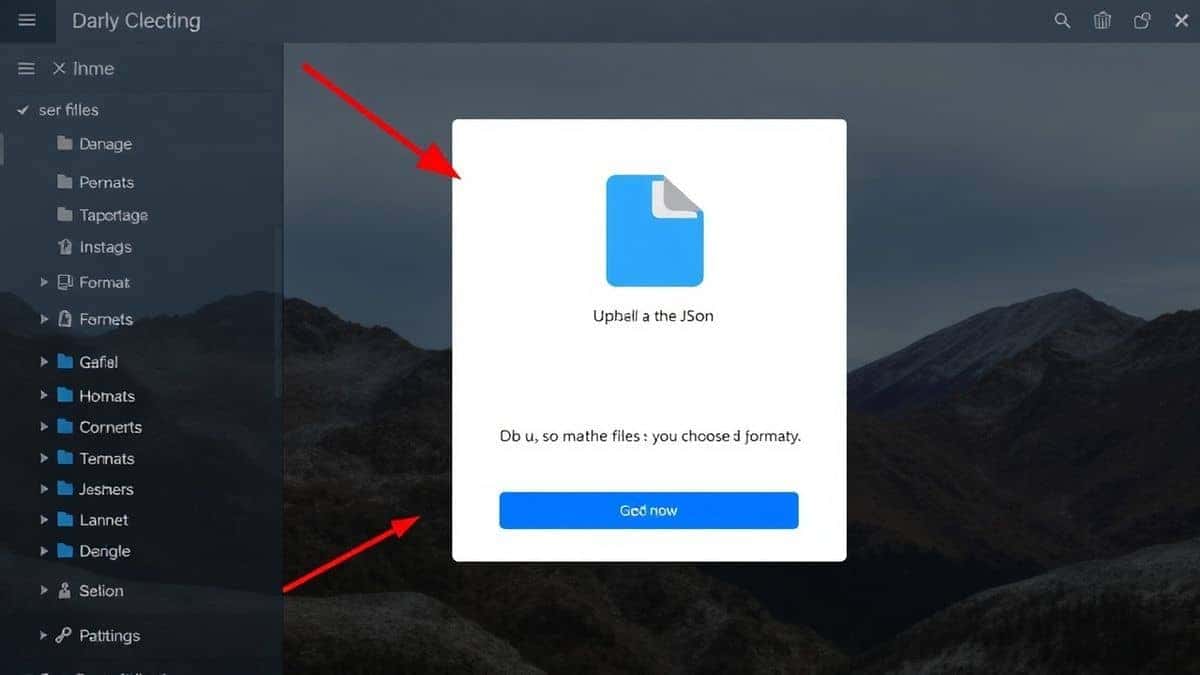
- Input Your Data: You have two options here. You can either paste your raw JSON code directly into the text area, or you can click the upload button to select a
.jsonfile from your computer. - Select Your Output Format: Look for the conversion options. Do you need a database schema? Choose SQL. Do you need a web display? Choose HTML Table. Working with strongly typed languages? Pick C# or TypeScript.
- Click Convert: Hit the "Convert" or "Process" button. The tool instantly parses your data.
- Download: Once the output appears, you can usually copy it to your clipboard or click a download button to save it as a new file.
Pro Tips (Important)
After using these tools for years, I have picked up a few tricks to make the process even smoother. If you want to master JSON Converter Online Format Transform JSON techniques, pay attention to these:
- Validate First: Before you convert, make sure your JSON is valid. A single trailing comma or missing quote will break the conversion. Use a JSON validator (often built into the same tool) to catch errors early.
- Understand the Target Structure: Converting JSON to SQL is great, but you need to know your table structure. Sometimes the tool will infer a schema, but you might need to adjust the source data to match your database columns.
- Use Minification for Transfer: If you are sending JSON to a developer, they often prefer minified versions to save bandwidth. Most converters offer a "minify" option alongside the "beautify" function.
- Check for Arrays: When converting to HTML tables, ensure your JSON is an array of objects. If it's a single object, your table will only have one row.
A simple trick I use is to always do a "Pretty Print" or "Format" first, just to visually inspect the data before hitting the convert button. It saves you from converting garbage into a different type of garbage.
Common Mistakes to Avoid
Even with a great tool, users can run into issues. Here are the most common pitfalls when trying to JSON Converter Online Format Transform JSON without software:
- Using the Wrong Tool for the Job: Don't use an image converter for JSON data. Stick to specialized tools like JSON Convert that understand data structures.
- Ignoring Character Encoding: If you have special characters (like emojis or accents), ensure your tool supports UTF-8. Most modern online tools do, but it's worth checking.
- Overlooking Data Types: When converting to SQL or C#, data types matter. A number stored as a string in JSON might cause errors in your database. Review the output schema before using it in production.
- Assuming Privacy: Not all online tools are secure. Avoid uploading sensitive personal data to random websites. EditTools has a good reputation for privacy, but always be cautious.
Comparison with Other Tools
Why choose a dedicated online converter over the alternatives? Let’s break it down:
-
Local Software (VS Code, Sublime):
- Pros: Powerful, offline, handles huge files.
- Cons: Requires plugins/extensions, steep learning curve, takes time to launch.
- Verdict: Great for developers coding daily. Overkill for a quick conversion.
-
Command Line (jq, Curl):
- Pros: Scriptable, fast for experts.
- Cons: Terrifying for non-technical users. Easy to make syntax errors.
- Verdict: Perfect for DevOps, but not for someone looking for an easy way to JSON Converter Online Format Transform JSON.
-
Other Online Tools:
- Pros: Accessible.
- Cons: Often have file size limits, show ads, or limit the number of free uses.
- Verdict: JSON Convert on EditTools wins here because it is truly free and has no hidden limits.
The bottom line? For 99% of users who just need a free JSON Converter Online Format Transform JSON tool, the online route—specifically JSON Convert—is the superior choice.
Frequently Asked Questions
How to JSON Converter Online Format Transform JSON?
Simply visit a tool like JSON Convert on EditTools, paste your code or upload your file, select the desired output format (like XML or SQL), and click convert. The result will be generated instantly.
Is it free?
Yes, the JSON Convert tool on EditTools is completely free to use. There are no subscription fees or paywalls for advanced features.
Can I do it online?
Absolutely. The entire process happens in your web browser. You do not need to download any software or applications.
Do I need to install software?
No installation is required. As long as you have an internet connection and a browser, you can use the tool.
Is it safe to upload my JSON data?
EditTools processes your data securely. However, as a general rule of thumb, avoid uploading highly sensitive or private information to any online tool unless you have verified their privacy policy.
What formats can I convert JSON to?
With a robust tool like JSON Convert, you can typically convert to XML, CSV, SQL schema, HTML tables, C# objects, and TypeScript interfaces.
What if my JSON file is very large?
Most basic online tools crash with large files. However, JSON Convert is optimized to handle larger datasets efficiently without slowing down your browser.
Can I convert JSON to an HTML table?
Yes! This is one of the most popular features. It takes your data and renders it as a clean, readable HTML table that you can copy for reports or web use.
Conclusion
Navigating the world of data transformation doesn't require a computer science degree or expensive software. Whether you are a developer needing a quick schema, a data analyst preparing a report, or just someone trying to make sense of a messy API response, using a JSON Converter Online Format Transform JSON tool is the smartest move.
It saves time, reduces errors, and puts the power of data manipulation into the hands of everyone. I highly recommend keeping JSON Convert bookmarked. It is the most reliable, free, and fast solution I have tested for handling JSON transformations in 2026.
Stop wrestling with code and start converting. Try the tool now at https://edittools.org/json-tools/json-convert and see how simple data work can be.