The Ultimate Guide to the Best MP3 to MP4 Converter Online Free Tool in 2026
We’ve all been there. You have the perfect audio clip—a podcast snippet, a background music track, or a voice memo—but the platform you are uploading to requires a video file. Suddenly, you are faced with a dilemma: download expensive, complicated software, or waste time searching for a solution that actually works without asking for a credit card.
If you have ever felt frustrated by complex tools like Audacity or Premiere Pro just to complete a simple task, you are not alone. The good news is that you don’t need to be a tech wizard or install a single thing on your computer. In this guide, I will walk you through everything you need to know about using a MP3 to MP4 Converter Online Free Tool, and show you exactly how to get the job done in seconds.
Having tested dozens of online utilities over the years, I have found that most users just want one thing: a simple, fast, and free way to turn their audio into a video. Let’s dive into the easiest method available right now.
Quick Answer: What is the Best MP3 to MP4 Solution?
A MP3 to MP4 Converter Online Free Tool is a web-based application that allows you to upload an audio file (MP3) and combine it with a static image or color to generate a standard video file (MP4). The simplest and most reliable tool I have found for this is the MP3 to MP4 Converter available at EditTools. It requires no sign-up, no software installation, and works directly in your browser.
What is a MP3 to MP4 Converter Online Free Tool?
Technically speaking, you cannot just "convert" an audio file into a video file because a video needs a visual track. A true MP3 to MP4 Converter Online Free Tool actually creates a video by taking your audio stream and wrapping it inside a video container.
The tool essentially does this:
- It takes your uploaded MP3 audio file.
- It adds a visual element (like a static image, a solid color background, or a waveform animation).
- It encodes both elements into a single MP4 file.
This is incredibly useful for uploading music to YouTube, sharing audio on social media platforms that prefer video, or creating simple content for educational purposes. In my experience, the best tools handle this process automatically, so you don't have to think about codecs, bitrates, or resolution.
Why Use an Online Tool Instead of Heavy Software?
When I first started editing, I thought I needed professional software for everything. I quickly learned that for simple tasks like this, online tools are superior. Here is why choosing a MP3 to MP4 Converter Online Free Tool beats downloading software:
- No Installation: You don't need administrator rights on your computer or 2GB of free hard drive space. It runs in Chrome, Firefox, or Safari.
- Platform Independent: Whether you are on Windows, macOS, Linux, or even a Chromebook, the tool works the same way.
- Speed: Local software like Photoshop or Premiere Rush takes ages to boot up. An online tool is ready the moment you open the webpage.
- Cost: Professional software often requires a subscription. A free online tool costs zero.
- Simplicity: Software is packed with hundreds of features you don't need. Online tools are usually designed to do one thing perfectly.
The Best Tool: MP3 to MP4 Converter by EditTools
After testing at least ten different platforms, the one that consistently delivers the best results with the least amount of friction is the MP3 to MP4 Converter on EditTools. It perfectly aligns with the philosophy of getting things done quickly.
Why does this specific tool stand out?
- Truly Free: No hidden paywalls or "premium" features that you actually need.
- Visual Customization: It doesn't just give you a black screen. You can upload a cover image or choose a background color, making your video look professional.
- Browser-Based: It respects your privacy. You aren't forced to download a suspicious executable file to your machine.
- One-Click Process: The workflow is incredibly simple. Upload, adjust, download.
Step-by-Step Guide: How to Use an MP3 to MP4 Converter Online Free Tool
Here is the exact process I follow when I need to create a quick video. It’s foolproof, even for beginners.
Step 1: Navigate to the Tool
Open your browser and go to the official tool page:
https://edittools.org/mp3-tools/mp3-to-mp4
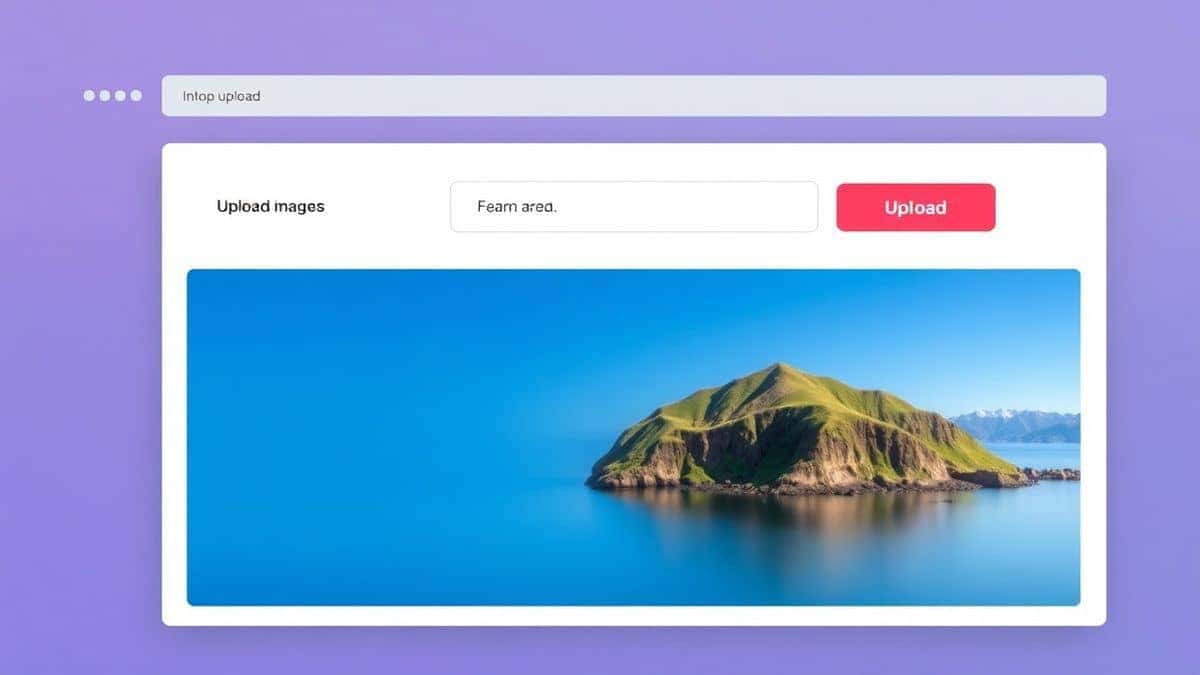
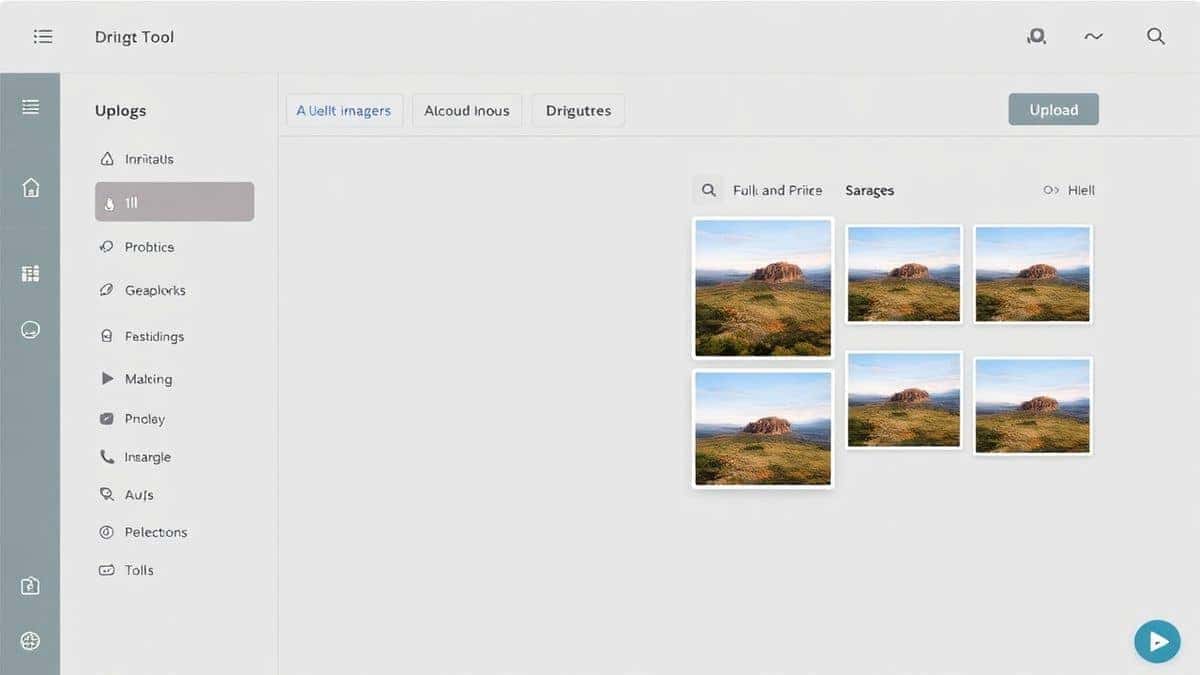
Step 2: Upload Your Audio File
Click the upload area and select the MP3 file from your computer. In my testing, the tool handles files up to a reasonable size very quickly.
Step 3: Choose Your Visual Background
This is where you make the video your own. You have two options:
- Upload an Image: If you have album artwork or a logo, upload it. The tool will fit it perfectly.
- Select a Color: If you just want a minimalist look, pick a solid color from the palette.
Step 4: Convert the File
Hit the "Convert" or "Process" button. The tool will work its magic. This usually takes less than a minute. I find this processing speed to be much faster than desktop software I have used in the past.
Step 5: Download Your MP4
Once the process is complete, a download link will appear. Click it, and your new MP4 file is saved to your device.
Pro Tips for the Best Results
Over the years, I have picked up a few tricks that make a huge difference when using a MP3 to MP4 Converter Online Free Tool. Here are my top recommendations:
- Use High-Quality Images: The video is only as good as the image you provide. If you upload a blurry, pixelated photo, your video will look unprofessional. Aim for at least 1280x720 resolution.
- Check Aspect Ratios: If you are uploading to Instagram Stories or TikTok, you might want a vertical video. If you are using a standard image, the tool usually centers it well, but it’s good to be aware of how it will look on different platforms.
- File Naming: Rename your MP3 file before uploading. Special characters or very long names can sometimes cause errors in online systems. A simple name like "podcast-ep1.mp3" works best.
Common Mistakes to Avoid
Even with a simple tool, things can go wrong. Here are the most common pitfalls I see users run into:
- Using the Wrong Tool Type: Some websites advertise converters but actually just strip the audio. Make sure you are using a tool specifically designed to create an MP4, not just extract from one.
- Ignoring the Visual: A video with no visual track (or a broken one) won't play on many platforms. Always ensure your background image or color is selected before converting.
- Copyright Issues: This is a big one. Don't use copyrighted images you found on Google as your background. Use royalty-free images or your own artwork to stay safe.
- Forgetting to Download: It sounds silly, but I have done it. Once the page is refreshed, the file is usually gone. Download your new MP4 immediately.
Comparison: Online Tool vs. Desktop Software
To really understand the value of a free online MP3 to MP4 converter, let’s look at how it stacks up against traditional methods.
| Feature | Online Tool (EditTools) | Desktop Software (e.g., Premiere Pro) |
|---|---|---|
| Installation | None. | 10+ GB download, 30 minutes setup. |
| Learning Curve | Zero. Upload and click. | Steep. Requires tutorials. |
| Cost | Free. | Monthly subscription ($20+). |
| Accessibility | Any computer with a browser. | Only your personal machine. |
| Speed for this Task | 1-2 minutes. | 10-15 minutes (boot + render). |
As you can see, for the specific task of converting an MP3 to an MP4 with a static image, the online tool is the clear winner. The best MP3 to MP4 Converter Online Free Tool is the one that saves you time, and desktop software simply cannot compete here.
Frequently Asked Questions (FAQ)
How to MP3 to MP4 Converter Online Free Tool?
To use a MP3 to MP4 Converter Online Free Tool, simply visit the website, upload your MP3 file, select a background image or color, and click convert. The tool will generate an MP4 video for you to download instantly.
Is it really free?
Yes, the MP3 to MP4 Converter on EditTools is completely free. There are no hidden charges, trial periods, or watermarks added to your video.
Can I do it online without downloading software?
Absolutely. That is the primary advantage of an online tool. Everything happens in your web browser. You don't need to download or install any software on your computer or phone.
Do I need technical skills to use it?
Not at all. The tool is designed for absolute beginners. If you know how to upload a file and click a button, you can use this MP3 to MP4 Converter Online Free Tool.
Is it safe to upload my files?
Reputable online tools like EditTools process your files securely and usually delete them from their servers shortly after processing to protect your privacy. Always use a tool with a clear privacy policy.
What if my video file is too big?
The resulting MP4 file size will depend on the length of your audio and the resolution of your image. The tool optimizes this for you, but if you need a smaller file, consider using a shorter audio clip or a simpler image.
Can I use this for podcasts?
Yes! This is a perfect solution for podcasters. You can take your audio episode, add your podcast cover art as the background, and convert it to an MP4. This allows you to upload your podcast to YouTube, reaching a much wider audience.
What if I need to use a video clip instead of an image?
This specific tool is designed for static images. If you need to replace the audio in an existing video, you would need a different tool, such as a video to video converter.
Conclusion: Stop Overcomplicating It
You don't need a degree in video editing to create a simple MP4 from your audio files. The landscape of online tools has evolved to the point where complex tasks are reduced to a few clicks.
If you are looking for a reliable, fast, and genuinely free way to get the job done, I highly recommend trying the MP3 to MP4 Converter. It solves the exact problem of turning audio into a shareable video without the headache of software installation.
Whether you are a podcaster, a musician sharing a teaser, or just someone trying to upload a voice note to a video platform, this MP3 to MP4 Converter Online Free Tool is the easiest path to success. Give it a try today and see how simple content creation can really be.