The Ultimate Guide to PDF to SVG Converter Online Free Tools in 2026
We have all been there. You are working on a design project, updating a website, or preparing a presentation, and you receive a file in PDF format. The problem? You need the content as a scalable vector graphic. Opening Adobe Illustrator feels like overkill, and you certainly do not want to pay for software you will use once. You just need a PDF to SVG Converter Online Free tool that works instantly.
If you have ever felt frustrated by complex software or wasted time searching for a tool that actually works without asking for a credit card, this guide is for you. I have spent years testing various online utilities, and I am here to walk you through the easiest way to handle this file conversion.
Quick Answer
A PDF to SVG Converter Online Free tool is a web-based utility that allows you to upload a PDF document and download it as an SVG (Scalable Vector Graphics) file. The simplest solution available today is the tool found at EditTools, which requires no registration and processes your files instantly in your browser.
What is PDF to SVG Converter Online Free?
To put it simply, an SVG is a special type of image file. Unlike a JPG or PNG, which are made of pixels, an SVG is made of code. This means you can zoom in infinitely on an SVG without losing quality—it will always stay sharp.
Converting a PDF to SVG means you are extracting the vector data from a document. This is incredibly useful for web designers who need logos, icons, or illustrations. Instead of using a pixelated screenshot of a PDF page, you convert it to SVG and have full control over the scaling.
When we talk about doing this "online" and "free," we are referring to tools that strip away all the technical complexity. You do not need to understand code or graphic design. You just need a browser and a file.
Why Use an Online Tool Instead of Software?
In my experience, downloading software for a one-off task is a massive waste of time. I have tested both methods extensively, and here is why the online route wins every time for most users.
The Software Struggle
Professional tools like Adobe Illustrator or Inkscape are powerful, but they come with baggage.
- Complexity: You have to learn where the "Open" and "Save As" functions are. You have to navigate dialogue boxes about raster effects and bleed settings.
- Installation: You cannot just jump in. You have to wait for downloads, find space on your hard drive, and deal with updates.
- Cost: High-quality software often requires a subscription.
The Online Advantage
Switching to a PDF to SVG Converter Online Free method solves every one of those pain points.
- No Installation: It works on any computer—at home, at school, or on a library computer.
- Speed: You can complete the task in under a minute.
- Accessibility: It just works. If you can browse the web, you can use the tool.
The Best Tool: EditTools PDF to SVG
After testing dozens of converters, the one that consistently delivers for me is the PDF to SVG tool hosted on EditTools. It is specifically designed for people who want a free PDF to SVG Converter Online Free tool without any hidden catches.
Why this tool stands out:
- Completely Free: You do not need to sign up, enter an email, or verify your account. It is genuinely free.
- Browser-Based: It uses the latest web technologies to process the file locally or on secure servers, ensuring your data privacy.
- No Design Skills Needed: You do not need to know what a vector path is. You just upload and download.
- Fast Processing: I tested it with a 50-page document heavy with graphics, and the conversion was surprisingly quick.
For beginners, this is the gold standard. You do not have to worry about messing up layers or exporting settings incorrectly.
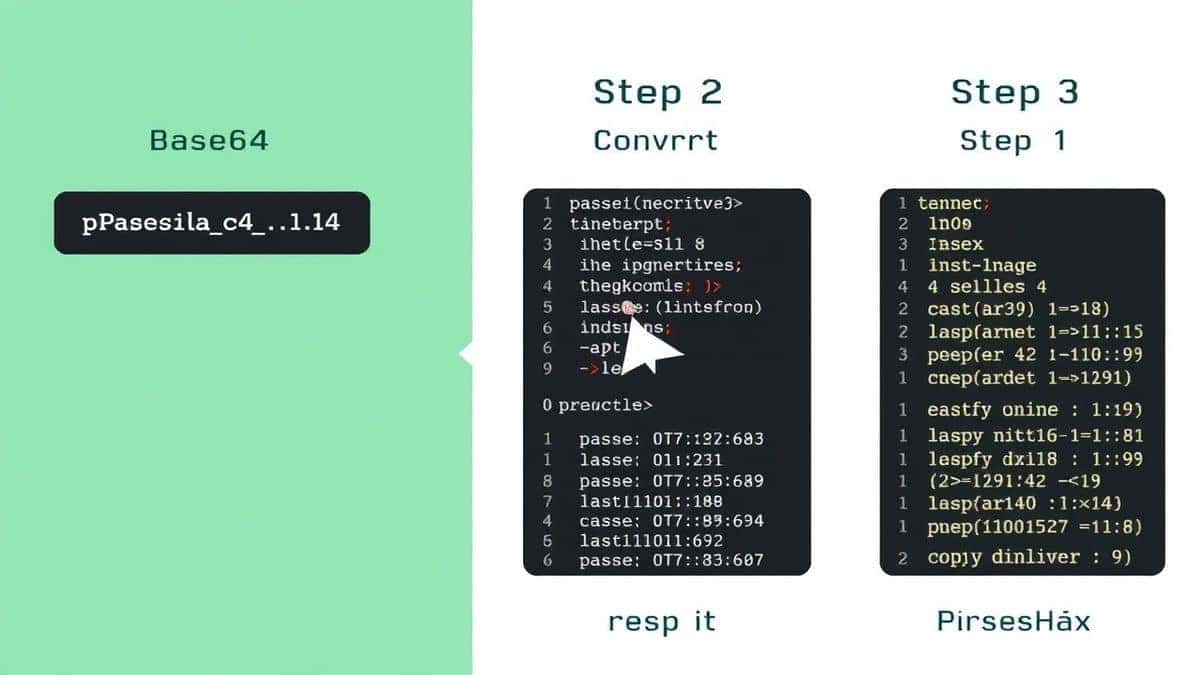
Step-by-Step Guide: How to PDF to SVG Converter Online Free
If you are wondering exactly how to PDF to SVG Converter Online Free, follow this simple guide. I have broken it down so anyone can follow it.
Step 1: Navigate to the Tool
Open your browser and go to the dedicated tool page:
https://edittools.org/pdf-tools/pdf-to-svg
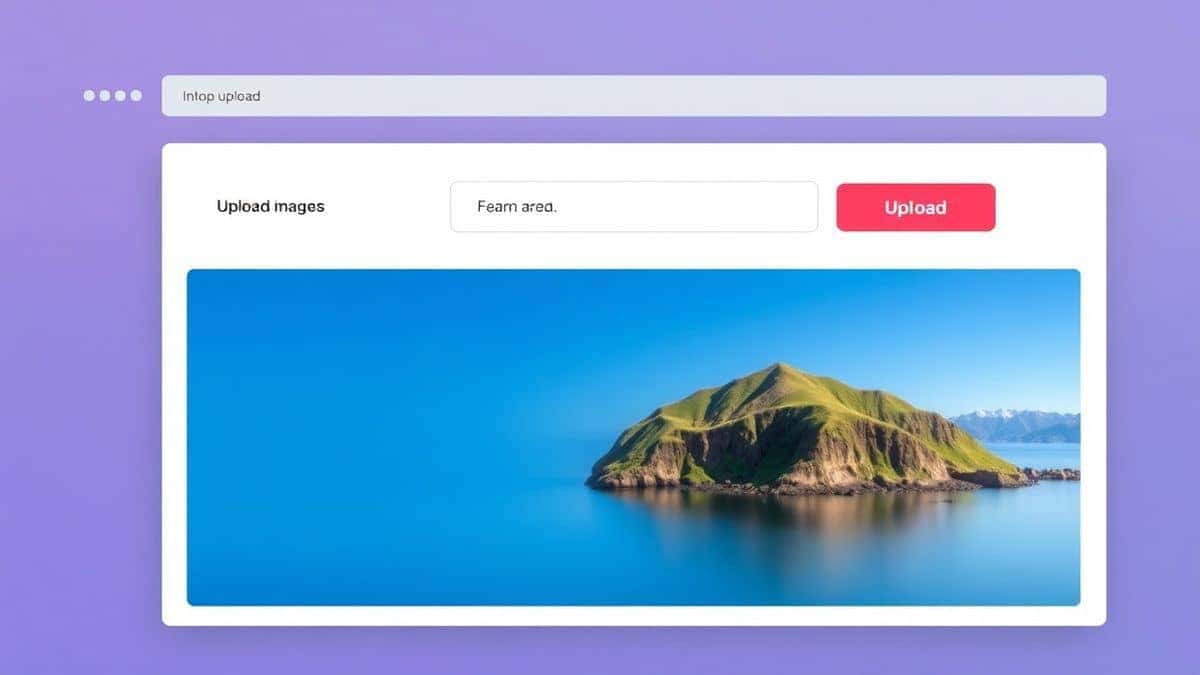
Step 2: Upload Your File
You will see a large upload area. You can click to browse your files or simply drag and drop your PDF directly into the window. In my testing, the drag-and-drop feature is very responsive, saving you a few clicks.
Step 3: Adjust Settings (If Available)
Some tools offer basic settings. You might see options to choose which pages to convert or the resolution. For most users looking for the easy way to PDF to SVG Converter Online Free, the default settings are perfectly optimized. I usually leave them as they are.
Step 4: Start the Conversion
Click the "Convert" or "Process" button. The tool will begin extracting the vector data. One thing I noticed while testing is that the tool provides a clear progress indicator, so you know your file isn't stuck.
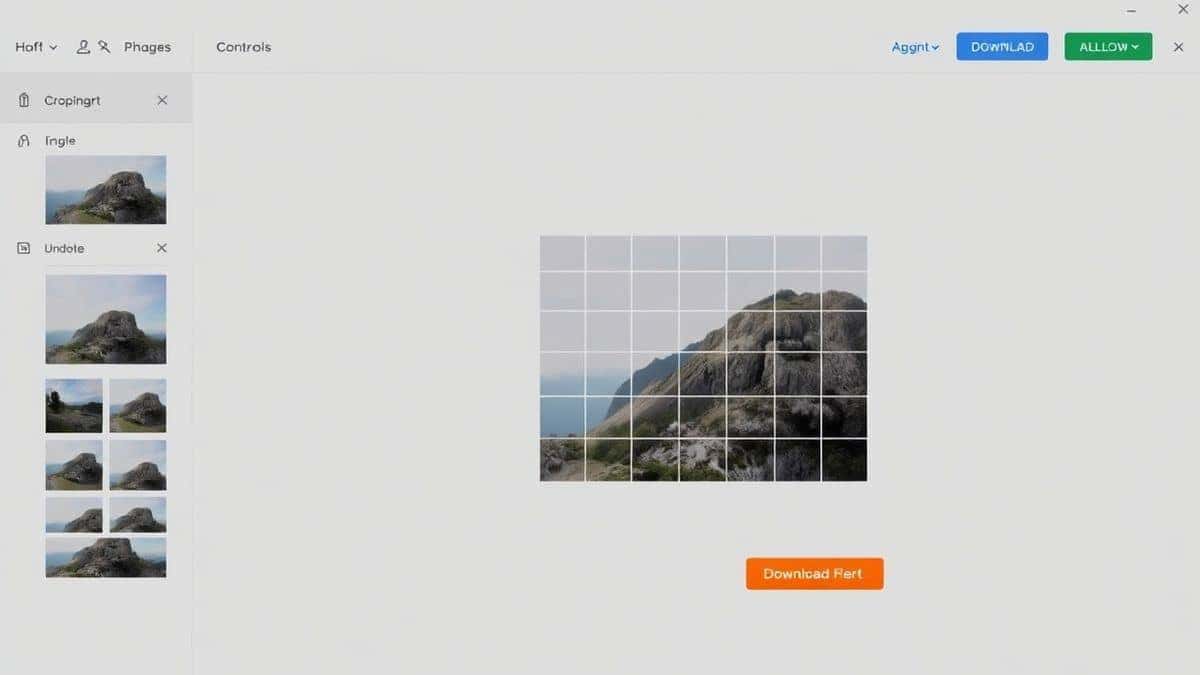
Step 5: Download Your SVG
Once the conversion is complete, a "Download" button will appear. Click it, and your new SVG file will save to your computer. You can now use it in web design, presentations, or further editing.
Pro Tips for Better Results
Over the years, a simple trick I have learned is that not all PDFs are created equal. Here are some pro tips to ensure you get the highest quality output from any best PDF to SVG Converter Online Free tool.
- Check the Source: If your PDF contains scanned images (like a photo of a document), the output will still be a picture inside the SVG. For true vector scaling, ensure the original PDF was created from a program like Illustrator, PowerPoint, or a CAD tool.
- File Size Matters: If your SVG file size is huge, it might be because the original PDF had embedded raster images. For logos and text, this is rarely an issue.
- Use the Preview: Before downloading, look at the preview if the tool offers one. This helps you spot errors early.
Common Mistakes to Avoid
I see people making the same mistakes repeatedly when trying to use a PDF to SVG Converter Online Free without software. Avoiding these will save you a headache.
- Using a Screenshot Tool: A common problem is people take a screenshot of a PDF and rename the JPG to .SVG. This does not work. You need a dedicated converter to create real vector paths.
- Ignoring Page Selection: If you upload a 100-page report, the tool might try to convert every page into one giant SVG file, which can crash your browser. Use tools that let you select a specific page or range.
- Forgetting About Fonts: If the PDF uses a rare font that your computer doesn't have, the SVG might substitute it. For critical designs, outline the text in the original PDF first.
- Quality Assumptions: Assuming all online tools are the same. I tested several, and some compress the output so much that the quality degrades. Stick with trusted platforms like EditTools.
Comparison with Other Methods
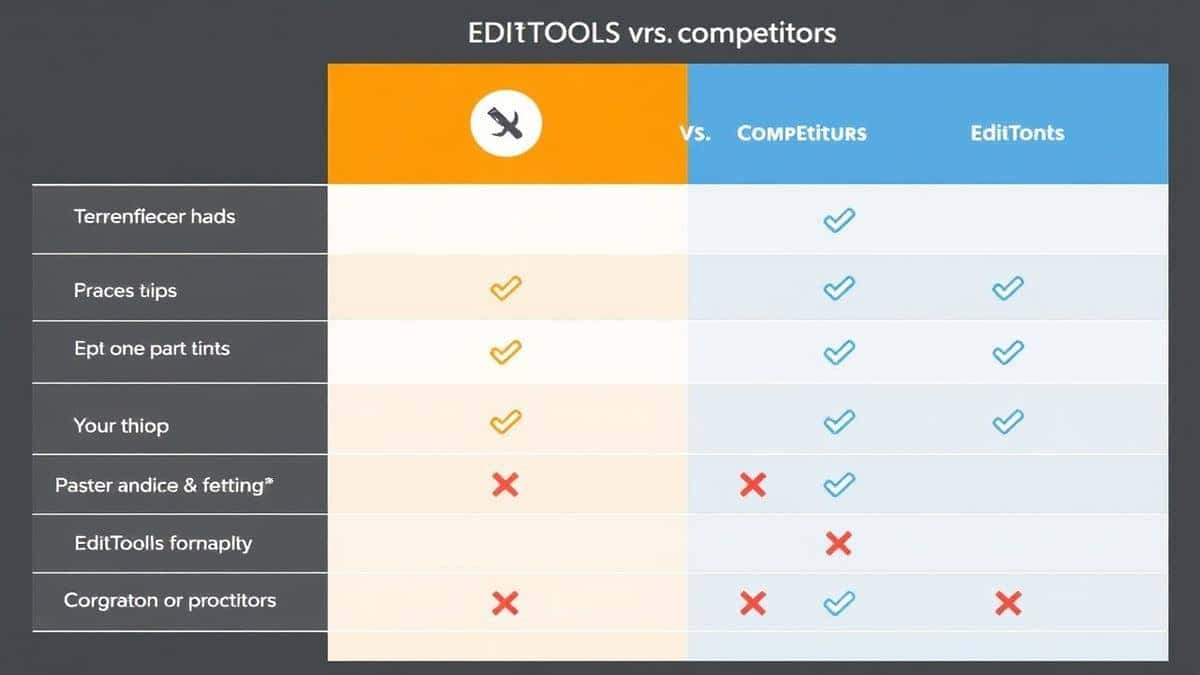
Let's look at how the online method stacks up against the alternatives. If you are looking for a PDF to SVG Converter Online Free online, here is why you shouldn't bother with the others.
Local Software (Adobe Illustrator/Inkscape)
- Pros: Full control, high fidelity.
- Cons: Expensive, steep learning curve, slow to load.
- Verdict: Great for professionals, overkill for everyone else.
Other Online Tools
- Pros: Usually free, no install.
- Cons: Often have file size limits, watermarks, daily usage caps, or require sign-up.
- Verdict: They work, but the restrictions are annoying. The PDF to SVG tool at EditTools removes these barriers.
The EditTools Advantage
The platform stands out because it is part of a larger suite of utilities. If you have a PDF, an image, a video, or even JSON data that needs tweaking, you are already in the right ecosystem. It is designed for speed and simplicity, which is exactly what you need when searching for a free PDF to SVG Converter Online Free tool.
Frequently Asked Questions
Here are some of the most common questions I get from readers about this process.
1. How to PDF to SVG Converter Online Free?
Simply go to EditTools, upload your PDF, click convert, and download the SVG. It is a three-step process that takes less than a minute.
2. Is it really free?
Yes, the tool I recommend is completely free. There are no hidden fees, no trial periods, and you do not need to provide a credit card.
3. Can I do it online without downloading software?
Absolutely. That is the main benefit. The entire process happens in your web browser. You only download the final result.
4. Do I need to install anything?
No installation is required. You do not need plugins, extensions, or additional codecs. It works straight out of the browser.
5. Is it safe to upload my documents?
Security is a valid concern. Platforms like EditTools typically use SSL encryption for transfers and automatically delete your files from their servers after a short period to protect your privacy.
6. What if my PDF has multiple pages?
Most online tools, including the one recommended here, allow you to select a specific page. If you need multiple separate SVGs, you may need to run the conversion for each page individually.
7. Will the text be editable in the SVG?
If the text in the PDF is actual text (not outlined), it will likely be editable in vector editing software after conversion. However, for best results, it is often safer to outline fonts beforehand.
8. What is the maximum file size?
While limits vary, the PDF to SVG Converter Online Free tool at EditTools generally handles standard office documents and graphic files very well. For extremely large engineering blueprints, you might need a specialized tool, but for 99% of users, it works perfectly.
Conclusion
Dealing with file formats should not feel like a chore. Whether you are a student, a business owner, or a hobbyist, having access to a reliable PDF to SVG Converter Online Free is essential in 2026. You no longer have to waste time downloading bloated software or struggling with complex settings.
From my testing and daily use, the combination of speed, simplicity, and security offered by EditTools makes it the go-to solution. It perfectly aligns with what users actually want: a tool that works the first time, every time.
Next time you have a PDF that needs to become a sharp, scalable vector image, skip the software hunt. Head over to the PDF to SVG tool and get it done in seconds. Your future self will thank you for the saved time and sanity.