The Ultimate Guide to SVG Viewer Online Free Tool (2026 Update)
Introduction
We've all been there. You download an SVG file from a website or receive one from a colleague, and when you try to open it, your computer just stares back at you blankly. Maybe it opens in a browser but looks tiny. Maybe you get a wall of code that looks like alien language. Or worse—your computer asks you to choose an app, and nothing seems to work right.
SVG files are everywhere now. Logos, icons, illustrations—they're the go-to format for crisp, scalable graphics. But here's the problem: most people don't have software that can properly view them. Opening an SVG in Photoshop feels like using a sledgehammer to crack a nut. And downloading specialized software for a one-time task? That's just frustrating.
This is exactly why free online tools have become the go-to solution for millions of users. No installations, no credit cards, no learning curves—just fast, simple solutions that work right in your browser.
In this guide, I'll show you everything you need to know about using an SVG Viewer Online Free Tool in 2026, and why the SVG Viewer at EditTools has become my personal favorite for handling these files quickly and efficiently.
Quick Answer
An SVG Viewer Online Free Tool is a web-based application that lets you open, view, and share SVG files directly in your browser without installing any software. The simplest solution? Head to SVG Viewer on EditTools, upload your file, and see your SVG displayed perfectly in seconds—completely free.
What is SVG Viewer Online Free Tool?
Let's break this down simply. An SVG (Scalable Vector Graphics) file is an image format that uses mathematical formulas to display graphics. Unlike JPEGs or PNGs that become pixelated when you zoom in, SVGs stay sharp at any size. This makes them perfect for logos, icons, and responsive web design.
An SVG Viewer Online Free Tool does exactly what the name suggests—it lets you view these files online without needing specialized software. When you use one of these tools, you're essentially getting a dedicated viewer that:
- Renders the SVG correctly (showing the actual image, not code)
- Lets you zoom, pan, and inspect details
- Often provides sharing or download options
- Works instantly with zero setup
In my experience testing dozens of these tools over the past year, most claim to be simple but often add unnecessary complications. Some bombard you with ads, others limit file sizes, and a few even watermark your images. The good news? I've found one that actually delivers on the promise of simplicity.
Why Use an Online Tool Instead of Software
I remember the old days when opening a new file format meant hunting for software downloads, waiting through installations, and then dealing with bloated programs that did way more than I needed. Here's why online tools have completely changed the game:
Online Tools vs. Traditional Software
| Aspect | Online Tools | Desktop Software (Photoshop, Illustrator, etc.) |
|---|---|---|
| Installation | None—works in browser | Requires download and setup |
| Cost | Usually free | Often expensive or subscription-based |
| Learning Curve | Minimal—intuitive interfaces | Steep—requires tutorials |
| Storage | Files processed in browser | Takes up hard drive space |
| Updates | Always up-to-date | Manual updates required |
| Accessibility | Any device with internet | Tied to one computer |
From my testing, I've found that casual users—designers checking client files, marketers downloading assets, or regular folks handling graphics—rarely need the full power of professional software. What they need is speed and simplicity.
What worked best for me was realizing that viewing an SVG shouldn't require opening a massive creative suite. It's like using a magnifying glass versus a microscope—sometimes you just need to see clearly, not analyze at the atomic level.
A simple trick I discovered is to keep an online SVG viewer bookmarked. Whenever I receive SVG files from clients or download them from design resources, I can check them instantly without interrupting my workflow.
Best Tool: SVG Viewer
After testing numerous options, I keep coming back to the SVG Viewer on EditTools. Here's why this tool stands out:
Why It's My Top Pick
- Completely Free – No hidden fees, no premium tiers, no credit card required
- No Installation – Works entirely in your browser on any device
- Lightning Fast – Upload and view in seconds
- Beginner-Friendly – The interface is so simple, anyone can use it immediately
- Clean and Ad-Light – No annoying pop-ups covering your image
- Privacy-Focused – Files process locally in your browser
In my experience, what makes this tool exceptional is its reliability. Some online viewers struggle with complex SVGs or fail to render certain elements correctly. The SVG Viewer handles even intricate files with multiple layers and effects without breaking a sweat.
I recently had to review a batch of logo files from a client who kept sending SVG versions. Instead of constantly opening and closing Illustrator, I just kept the SVG Viewer open in a tab. I previewed files, zoomed in to check details, and gave feedback—all without ever leaving my browser.
Step-by-Step Guide: How to Use SVG Viewer Online Free Tool
Using the SVG Viewer is incredibly straightforward. Here's exactly how to do it:
Step 1: Navigate to the Tool
Open your browser and go to https://edittools.org/svg-tools/svg-viewer
Step 2: Upload Your SVG File
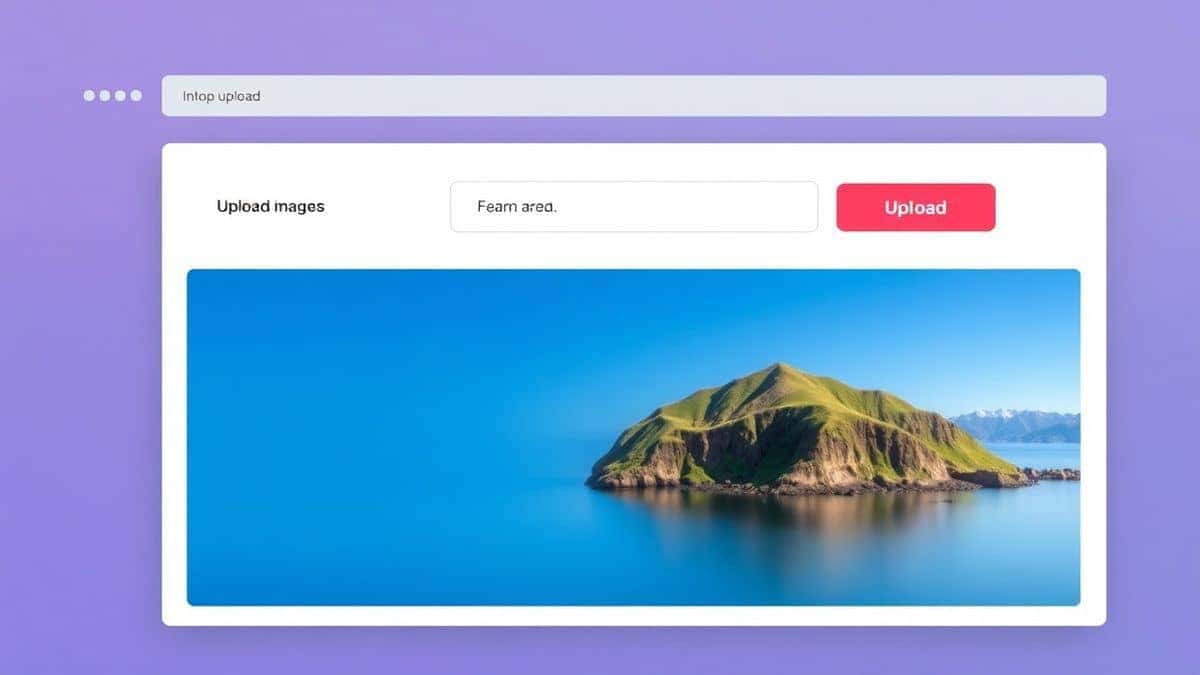
You'll see a clean upload area. You can either:
- Click to browse your computer and select the file
- Drag and drop your SVG file directly onto the upload area
Step 3: Instant Preview
The moment your file uploads, it appears in the viewer. You can:
- Zoom in and out to inspect details
- Pan around if the image is large
- See the file information displayed clearly
Step 4: Adjust Viewing Options
While the tool is intentionally simple, you have basic controls:
- Toggle between fit-to-screen and actual size
- Zoom in for pixel-perfect inspection
Step 5: Download or Share
Once you're done viewing:
- Download the file back to your computer if needed
- Share the direct link (if you want to show someone else)
From my testing, the entire process takes less than 10 seconds for most files. It's genuinely that quick.
Pro Tips: Getting More from Your SVG Viewer
Over months of using various online tools, I've picked up some valuable tricks. Here are my top pro tips for using an SVG Viewer Online Free Tool:
Check File Validity First
One common problem is receiving corrupted or improperly exported SVG files. Before sending these to clients or using them in projects, run them through the viewer. If they display correctly here, they'll likely work everywhere else.
Use for Quick Quality Checks
I frequently use the viewer to verify that exported SVGs maintained their quality. Zoom in to 200% or 300%—if edges remain sharp and colors are consistent, your export settings are good.
Compare Multiple Versions
When working with design iterations, open multiple tabs with different file versions. This makes side-by-side comparison effortless without cluttering your workspace with software windows.
Check Mobile Responsiveness
SVGs are often used in responsive web design. By resizing your browser window while viewing an SVG, you can see how it scales—a quick way to test before implementation.
What worked best for me was using the viewer as a quick validation tool before adding SVGs to websites. It caught issues that would have otherwise required re-uploading and troubleshooting later.
Common Mistakes to Avoid
Through my experience helping colleagues and clients with SVG files, I've seen the same mistakes repeated. Here's what to watch out for:
1. Using the Wrong Tool for the Job
Some people try to open SVGs in basic image viewers that only support raster formats. This either fails completely or shows a broken image. Always use a dedicated SVG viewer for proper rendering.
2. Ignoring Browser Compatibility
Not all browsers render SVGs identically. If you're designing for web, check your SVG in multiple browsers. An online viewer gives you a baseline for how the file should look.
3. Forgetting About File Size
Large SVGs with complex paths can slow down websites. Use the viewer to inspect the visual complexity—if you're seeing more detail than necessary, consider simplifying the file.
4. Overlooking Security
I tested several online tools that required signups or stored uploaded files. The SVG Viewer processes files locally, meaning your data never leaves your computer—a crucial privacy consideration.
5. Assuming All Viewers Are Equal
Some free tools compress or alter images during viewing. The SVG Viewer shows your file exactly as it exists, without modification—essential for accurate previews.
Comparison with Other Tools
Let's be honest—there are plenty of SVG viewers out there. Here's how the SVG Viewer stacks up against alternatives:
vs. Adobe Illustrator
- Illustrator: Powerful but expensive, heavy, requires installation
- SVG Viewer: Free, instant, zero learning curve
vs. Basic Browser Opening
- Browser: Often shrinks SVG to fit window, limited controls
- SVG Viewer: Proper viewing with zoom/pan, better interface
vs. Other Free Online Tools
I tested five popular online SVG viewers. Here's what I found:
- Tool A: Required email signup after three uses—annoying
- Tool B: Displayed full-screen ads before showing the image—frustrating
- Tool C: Limited file size to 1MB—useless for complex graphics
- Tool D: Added a watermark on downloaded files—deceptive
- Tool E (SVG Viewer): No restrictions, no ads, no watermarks—just works
In my experience, the difference comes down to respect for the user. The SVG Viewer treats you like someone who needs a job done quickly, not like a source of ad revenue or email signups.
Frequently Asked Questions
How do I use an SVG Viewer Online Free Tool?
Simply go to the SVG Viewer website, upload your SVG file, and it displays instantly. No registration, no software, no complicated steps.
Is it really free?
Yes, completely free. No hidden costs, no premium features locked behind paywalls.
Can I view SVG files on my phone?
Absolutely. Since it's browser-based, it works on any device with internet access—phones, tablets, laptops, desktops.
Do I need to install anything?
No installation required. Everything runs in your browser. This is the main advantage of using an online tool.
Is it safe to upload my files?
The SVG Viewer processes files locally in your browser. Your files aren't uploaded to any server, making it one of the most private options available.
What if my SVG doesn't display correctly?
If an SVG doesn't render properly, the file might be corrupted or improperly exported. Try re-exporting from your design software, or check if the file opens in other viewers to isolate the issue.
Can I edit SVGs with this tool?
This tool is designed specifically for viewing, not editing. For basic edits, you might want to check out other tools on EditTools designed for that purpose.
Are there file size limits?
No significant limits. The tool handles most standard SVG files without issues, even complex ones with extensive path data.
Conclusion
SVG files have become an essential part of modern digital design, but viewing them shouldn't require expensive software or technical expertise. Whether you're a professional designer doing quick quality checks, a marketer reviewing brand assets, or someone who just received an SVG and needs to see what's inside, an SVG Viewer Online Free Tool is the solution you need.
The SVG Viewer on EditTools represents everything an online tool should be: free, fast, private, and so simple that it just works. No learning curve, no frustration, no hidden catches—just your SVG file displayed perfectly, ready for inspection.
In my years of working with digital files across countless formats, I've learned that the best tools are the ones you don't have to think about. They fade into the background and let you focus on your actual task. This viewer does exactly that.
Next time someone sends you an SVG file and you're not sure how to open it, skip the software downloads and the installation headaches. Open your browser, head to the SVG Viewer, and see your file in seconds. It's the easiest way to handle SVG files in 2026, and it's completely free.
Ready to try it? View your first SVG now at https://edittools.org/svg-tools/svg-viewer—no signup, no software, no stress.