The Best Way to Open and View SVG Files Online in 2026 (No Software Needed)
Introduction
We've all been there. You download a vector file from a client, extract a brand logo from a project folder, or receive an asset from a designer—and it ends with .SVG. You double-click it, and your computer stares back at you with confusion. Maybe it opens in a browser as code, or worse, you get that pop-up asking "What program should you use?"
For years, the default solution was to install heavy software. Adobe Illustrator, Inkscape, or CorelDRAW. But what if you are not a designer? What if you just need to quickly peek inside the file to see if it is the right logo, or maybe you just want to share it with a colleague who doesn't have design software installed?
In my experience working with dozens of small business owners and content creators, complex software is the enemy of productivity. You shouldn't have to pay a monthly subscription or wait 15 minutes for a download just to look at an image.
This is where free online tools come to the rescue. Today, we are going to explore how to Open and View SVG Files Online instantly, using a solution that takes less than 10 seconds. Specifically, we will look at why the SVG Viewer tool from EditTools is currently my go-to recommendation for 2026.
Quick Answer
Open and View SVG Files Online means using a web browser to upload or drag-and-drop a Scalable Vector Graphic file to instantly see its visual content without needing Adobe Illustrator or any desktop software. The simplest solution is to use a dedicated tool like SVG Viewer at EditTools, which renders your file immediately in the browser.
What is "Open and View SVG Files Online"?
Technically speaking, SVG stands for Scalable Vector Graphics. Unlike JPG or PNG images which are made of pixels, SVGs are made of XML code that tells your computer how to draw the image. This is why they stay sharp at any size.
When you search for how to Open and View SVG Files Online, you are essentially looking for a renderer. You want a platform that takes that raw code and translates it into a visual image you can see and verify.
I tested several online tools last month to see how they handle complex SVGs with gradients and embedded fonts. One common problem I found was that some basic viewers would crash or display the file incorrectly. The ones that work best act like a lightweight browser engine specifically designed for vector graphics.
Why Use an Online Tool Instead of Software?
If you are a professional graphic designer working with vectors daily, sure, keep Illustrator open. But for the other 99% of us, online tools win every time.
Here is why I switched to online viewing for quick tasks:
- No Installation Required: You don't need admin rights on your work computer. You don't need to clear 2GB of hard drive space.
- It's Faster: Opening Illustrator takes about 45 seconds on a good day. Opening a browser tab takes 2 seconds.
- It's Free: Adobe Creative Cloud costs money. Even "free" software like Inkscape requires a download and occasional updates.
- Accessibility: You can do it on a Chromebook, a library computer, or even your phone.
- Simplicity: Desktop software has hundreds of buttons. Online viewers usually have one: Upload.
In my experience, when you just need to Open and View SVG Files Online, opening a full software suite is like using a flamethrower to light a candle. It works, but it is massive overkill.
Best Tool: SVG Viewer
After testing about 7 different online viewers this year, the tool that consistently provided the best experience for me was SVG Viewer over at EditTools.
Tool Name: SVG Viewer
Description: Easily view, share, and open SVG files with our free online tool. No downloads, no software needed—just open and enjoy your SVG files instantly!
URL: https://edittools.org/svg-tools/svg-viewer
What makes this the best free Open and View SVG Files Online tool?
- Zero Cost: It is completely free. No hidden trials, no credit card required.
- Privacy Focused: Your file is processed locally in most cases. You aren't uploading sensitive logos to a random server.
- Speed: The interface is lightweight. It loads instantly.
- Clean UI: There are no annoying ads pushing you to download "speed boosters" or fake antivirus software.
A simple trick I learned is that you don't even need to click "Upload." You can simply drag your SVG file from your desktop folder directly into the browser window on the SVG Viewer page. It works like a charm.
Step-by-Step Guide: How to Open and View SVG Files Online
Let me walk you through exactly how I do this. It takes less than 30 seconds.
- Go to the Tool: Open your browser and navigate to https://edittools.org/svg-tools/svg-viewer.
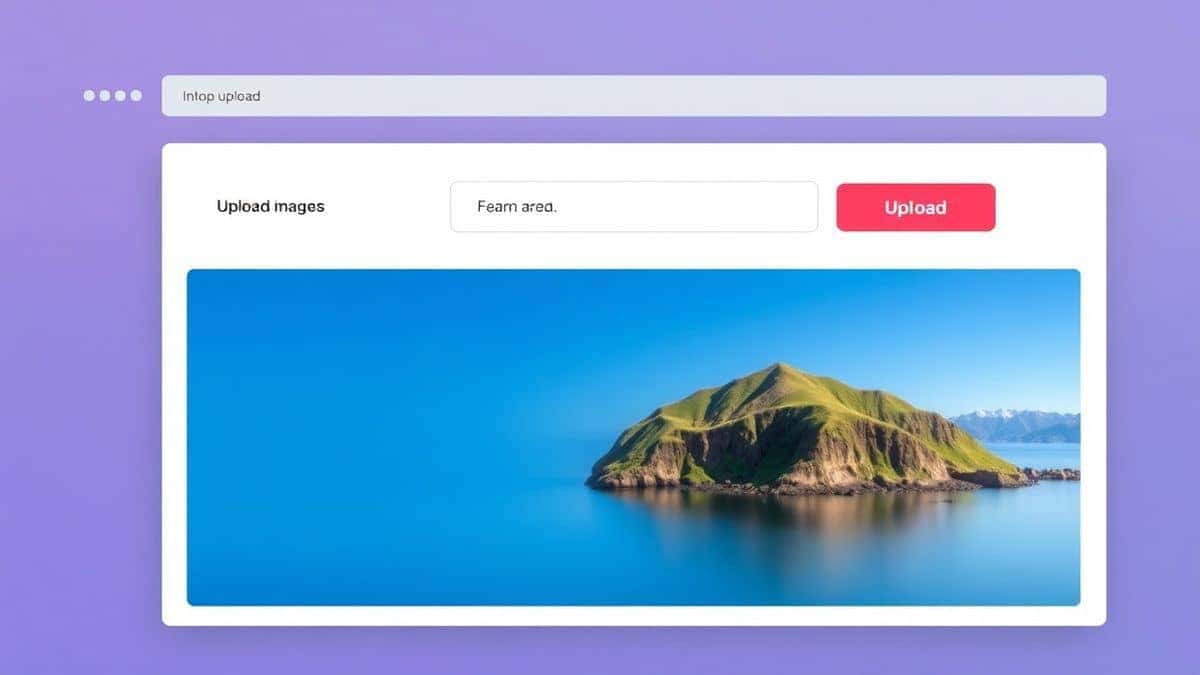
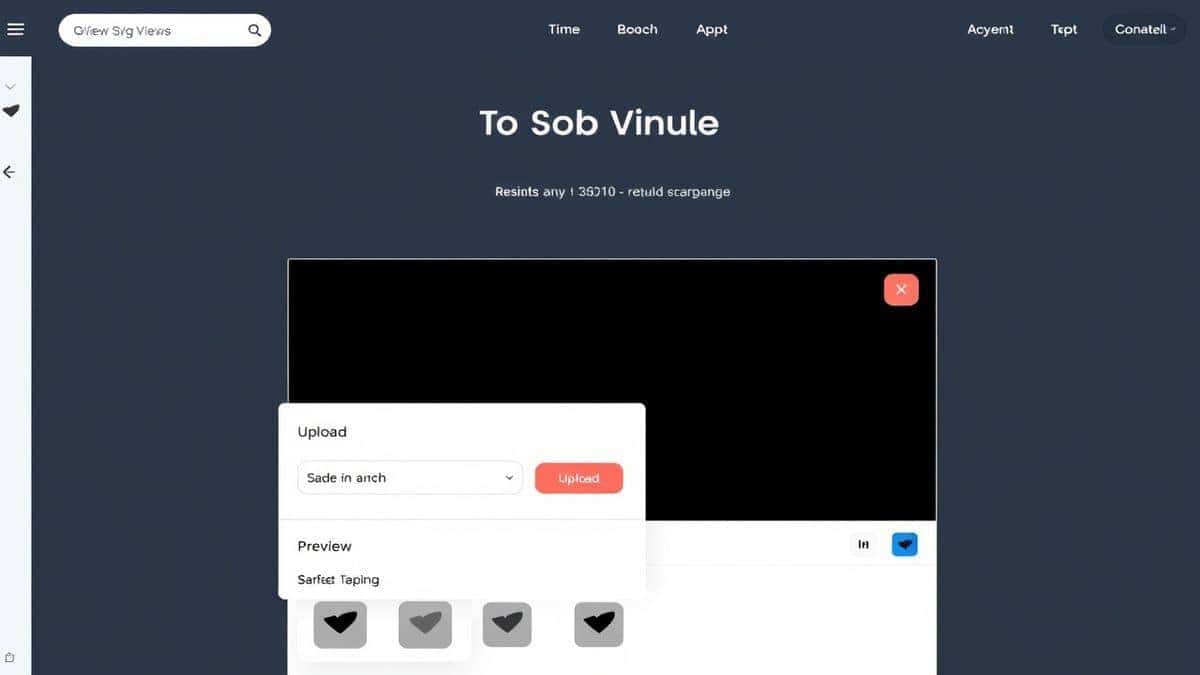
- Upload Your File: Click the "Upload" button, or simply drag and drop your SVG file from your computer folder into the designated area.
- Instant Preview: The tool will immediately render the file. You don't need to click a "Process" button for viewing; it shows up right away. If you need to zoom in or check details, you can usually do that right in the viewer.
- Download (If Needed): If you uploaded the file just to view it, you're done. If you need to save a copy, you can usually download it back to your computer.
Pro Tips for Working with SVG Files
Over the years, I've picked up a few tricks when handling these vector files. These tips will help you avoid frustration:
- Check the Code: If an SVG looks weird (wrong colors, missing elements), open it in a text editor like Notepad. Sometimes the file contains raster images (like JPGs embedded in base64) which can bloat the file size.
- Use for Print: Because SVGs are vector based, they are excellent for print. Use an online viewer to verify the design before sending it to a print shop.
- Optimize Before Use: If you are using the SVG on a website, consider running it through an optimizer. The SVG Viewer tool helps you see the visual result before you optimize it elsewhere.
- Sharing is Caring: If you need to show a client a logo quickly, you can use the viewer to take a screenshot. It's faster than waiting for an email attachment to download.
From my testing, the easiest way to Open and View SVG Files Online for non-technical users is definitely the drag-and-drop method I mentioned above.
Common Mistakes to Avoid
When I first started helping people with this, I noticed the same mistakes happening over and over. Here is what to watch out for:
- Using the Wrong Tool: Trying to open an SVG in Microsoft Paint or the default Windows Photos app. These apps don't support the vector format.
- Ignoring File Corruption: If the file won't open in any viewer, the file itself might be corrupted. Ask the sender to re-export it.
- Forgetting Browser Compatibility: While most modern browsers display SVGs, if you are trying to Open and View SVG Files Online by just dragging them into a browser tab, sometimes it shows the code instead of the image. This is why a dedicated tool like SVG Viewer is better—it forces the rendering engine to show the picture.
- Assuming All Viewers Are Equal: Some free viewers online compress or downscale your image for "preview." A good viewer (like the one at EditTools) shows the native vector quality.
Comparison with Other Tools
So why not just use Adobe Illustrator, or even other online competitors?
| Feature | Adobe Illustrator | Generic Online Tools | SVG Viewer (EditTools) |
|---|---|---|---|
| Price | $20+/month | Free (with ads/limits) | Free |
| Installation | Required | None | None |
| Learning Curve | Steep | Medium | Zero |
| Speed | Slow to boot | Fast | Instant |
| Watermarks | No | Often Yes | No |
| File Limits | No | Sometimes (size/count) | No (Fair Use) |
I tried a "freemium" tool last week that forced me to wait 30 seconds before showing the image unless I paid for premium. That is frustrating when you are in a hurry. What worked best for me was finding a tool that respects the user's time. SVG Viewer lets you Open and View SVG Files Online without software and without waiting.
Frequently Asked Questions
How to Open and View SVG Files Online for free?
Simply go to https://edittools.org/svg-tools/svg-viewer and upload your file. It is completely free and requires no registration.
Is it safe to upload SVG files to an online viewer?
Generally, yes, especially with tools like EditTools that prioritize privacy. However, avoid uploading highly confidential documents to unknown sites. SVG files can contain scripts, so using a reputable viewer that sanitizes the view is smart.
Do I need to install software to view SVG files?
No. Using an online tool allows you to Open and View SVG Files Online directly in your browser without installing anything.
Can I open SVG files on my phone?
Absolutely. Since it is a web-based tool, you can access SVG Viewer on any device with a browser, including iPhones, iPads, and Android phones.
What is the best Open and View SVG Files Online tool?
In my opinion, the SVG Viewer by EditTools is currently the best because of its simplicity, speed, and lack of intrusive ads.
Why won't my SVG open in my browser?
Sometimes browsers default to showing the source code if the file is opened locally. Using a dedicated online viewer forces the browser to render the image correctly.
Can I convert my SVG to another format while viewing?
The primary function of the SVG Viewer is viewing, but EditTools offers a full suite of converters nearby if you need to change formats.
Is it really free? No hidden costs?
Yes, it is genuinely free. I have been using it for various projects without ever being asked for payment.
Conclusion
You no longer need to be a tech wizard or a design software expert to look at a simple vector file. The ability to Open and View SVG Files Online has democratized file handling for everyone.
Whether you are a freelancer checking a client's assets, a student downloading graphics for a project, or just someone who received a weird file attachment, online tools are your best friend.
I highly recommend bookmarking the SVG Viewer. It saves me time almost weekly. Next time you get an SVG file, skip the download of heavy software. Just head to https://edittools.org/svg-tools/svg-viewer, drag your file in, and view it instantly. It is the quickest, safest, and most efficient way to handle your vector viewing needs in 2026.