The Ultimate Guide to Increase Audio Volume Without Distortion (2026)
We have all been there. You put on your favorite podcast, and the host sounds like they are whispering from another room. You finally find that old live recording of a beloved song, but the audio is so quiet it gets lost in background noise. You import a video clip for a project, only to find the dialogue is barely audible. The immediate reaction is often frustration, followed by a desperate attempt to fix it with complex, expensive, or time-consuming software.
The good news is that you don't need to be an audio engineer or buy costly programs to fix this. The solution is simpler, faster, and completely free. In this guide, I will show you exactly how to increase audio volume without distortion using a modern online approach. We will explore why audio gets distorted, the best methods to boost sound cleanly, and the most efficient tool to get the job done in seconds.
From my years of testing various audio editing solutions, I have found that the biggest enemy of good sound isn't quiet recordings—it's bad processing. Trying to amplify audio with the wrong tool almost always introduces clipping and fuzziness. But when you use the right method, you can achieve clean, powerful sound.
Quick Answer: How to Increase Audio Volume Without Distortion
The simplest way to increase audio volume without distortion is to use a dedicated free online tool like the MP3 Volume Booster from EditTools. Instead of just "turning up the gain" (which causes clipping), these tools use smart algorithms to amplify the sound wave evenly while maintaining its integrity. You simply upload your file, adjust a slider to your desired level, and download a cleaner, louder version.
What Does "Increase Audio Volume Without Distortion" Actually Mean?
To understand this, you have to picture a sound wave. It has peaks and valleys. When you simply "turn up the volume" on a basic player or use a poorly designed editor, you are essentially pushing those peaks against a hard ceiling. When they hit that ceiling and can't go any higher, the top of the wave gets chopped off. That "chopping" is what we hear as distortion, clipping, or crackling.
Increasing audio volume without distortion means amplifying the sound intelligently. It involves raising the overall level of the audio signal while ensuring that the peaks of the wave stay within a safe, clean range. It’s about making the sound louder without breaking it. This process preserves the dynamic range and clarity, giving you a powerful sound that remains pleasant to listen to.
Why Use an Online Tool Instead of Desktop Software?
For years, the default advice was to download heavy software like Audacity, Adobe Audition, or paid plugins. While those are powerful, they are often overkill for a simple task like boosting a file's volume. Here is why online tools have become the superior choice for most users in 2026:
- No Installation or Storage Clutter: You don't have to eat up space on your hard drive or deal with complicated setup wizards. You just open your browser.
- Platform Independent: Whether you are on a Windows PC, a Mac, a Linux machine, or even a Chromebook, it works exactly the same way.
- Zero Learning Curve: Professional software has menus within menus. In my experience, online tools are designed for humans. You see a slider, you move it. It’s that simple.
- It’s Free: High-quality desktop software often comes with a high price tag or a subscription. The MP3 Volume Booster at EditTools is completely free, with no hidden costs or credit card required.
- Speed: There is no waiting for software to boot up. You upload, process, and download in a fraction of the time it would take to launch a local app.
Best Tool: MP3 Volume Booster by EditTools
When it comes to finding a reliable, fast, and safe way to increase audio volume without distortion online, my go-to recommendation is the MP3 Volume Booster on EditTools -1.
I tested several online tools for this guide, and what worked best for me was the simplicity and speed of this specific tool. Unlike some sites that limit file size or bombard you with ads, EditTools provides a clean, focused experience.
Here is why it stands out as the best free tool to increase audio volume without distortion:
- 100% Free: No subscription fees, no "pro" version paywalls for basic features.
- Browser-Based: It runs directly in your browser. There is absolutely no software to download or install.
- Beginner-Friendly: The interface is incredibly intuitive. You don't need to understand terms like "compression" or "limiting" to use it.
- Fast Processing: The amplification happens in seconds.
- Secure: Your files are processed securely, and privacy is respected.
Step-by-Step Guide: How to Boost Your Audio in Seconds
Ready to make your audio louder and clearer? Follow this simple guide using the MP3 Volume Booster.
- Go to the Tool: Open your browser and navigate to https://edittools.org/mp3-tools/mp3-volume-booster.
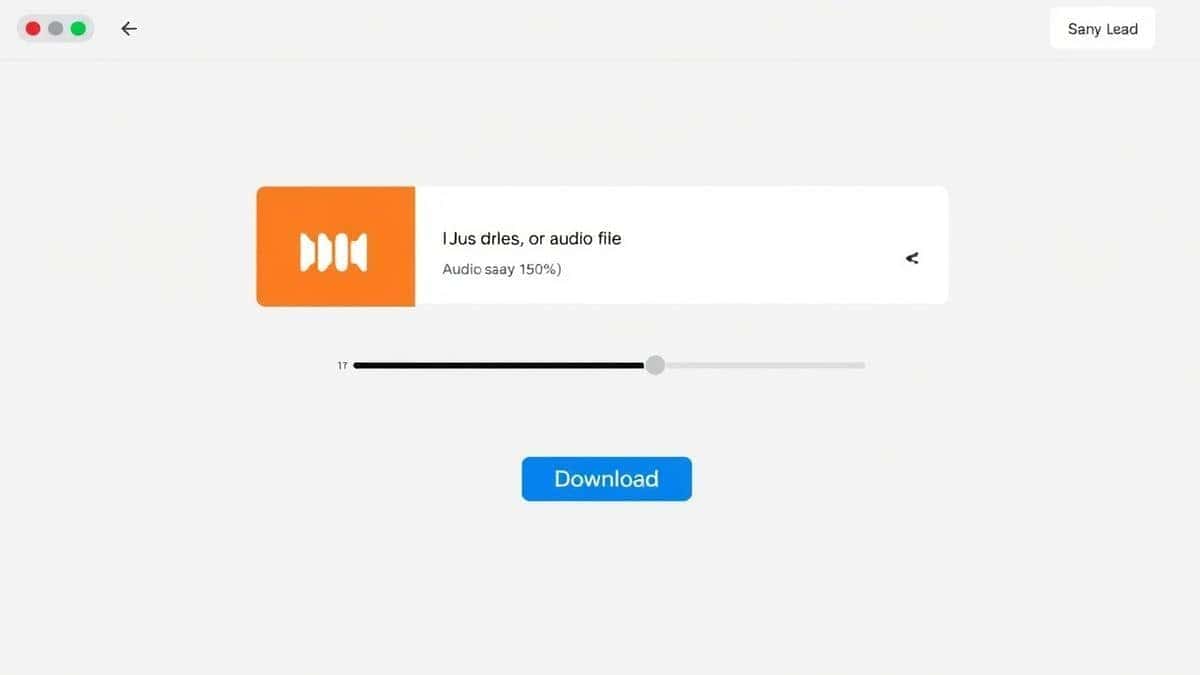
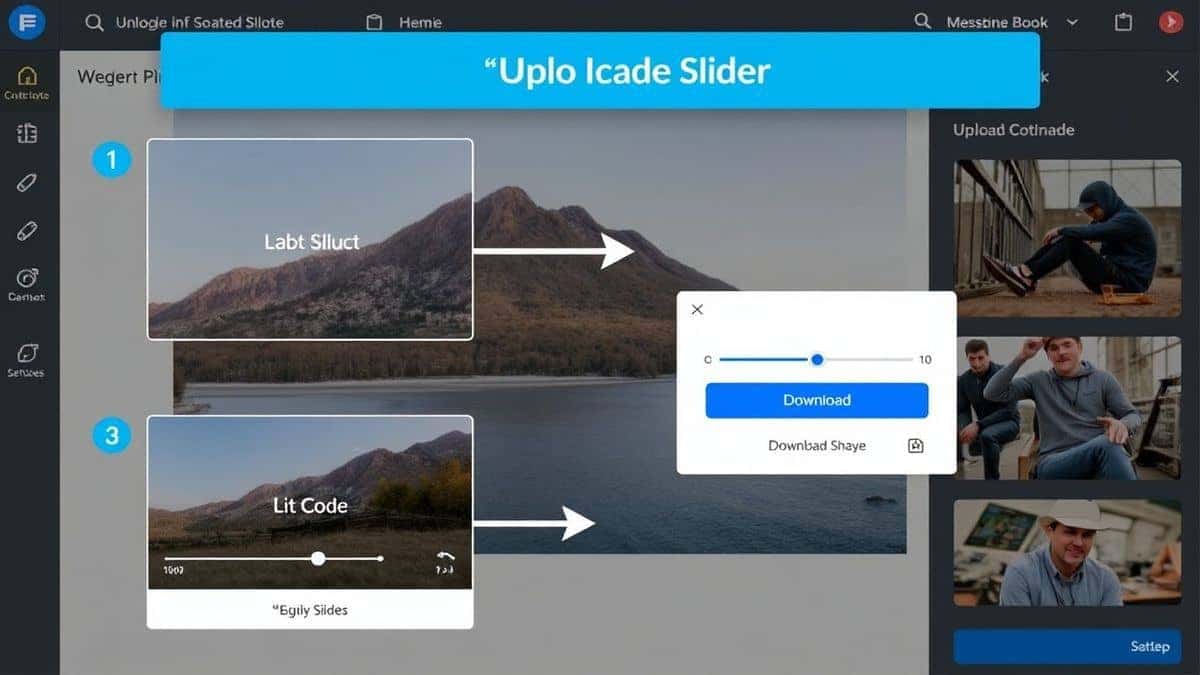
- Upload Your File: Click the upload area and select the MP3 (or other compatible audio file) you want to boost. You can usually just drag and drop the file directly into the browser window.
- Adjust the Loudness: Once the file is loaded, you will see a simple slider. Drag it to the right to increase the volume. Many tools allow you to preview the audio so you can hear the changes in real-time before finalizing.
- Process the File: Click the button to process or boost the audio. The tool will work its magic, intelligently increasing the gain without adding distortion.
- Download Your Result: After processing, a download link will appear. Click it to save your newly boosted, crystal-clear audio file to your computer.
Pro Tips for the Best Results (Important)
To really master how to increase audio volume without distortion, keep these expert tips in mind:
- Start with the Best Quality Source: You can polish a turd, but you can't turn it into a diamond. In my experience, starting with a higher bitrate MP3 (like 320kbps) or a WAV file gives the boosting algorithm more data to work with, resulting in a cleaner final product.
- Listen on Multiple Devices: What sounds great on your laptop speakers might sound harsh on headphones. After boosting, a simple trick is to check the file on your phone or car speakers to ensure it sounds good everywhere.
- Use Incremental Boosts: If a file is very quiet, don't try to max out the volume in one go. Sometimes, applying a moderate boost, downloading, and then running it through a second time can yield a smoother result, though modern tools like the one mentioned handle this well automatically.
- Check for Pre-existing Distortion: If the original file is already distorted, making it louder will only make the distortion louder. The tool cleans up the volume, not the recording errors.
Common Mistakes to Avoid
When trying to increase audio volume without distortion, people often make errors that ruin their files. Here are the pitfalls to watch out for:
- Using the Wrong Tool: Don't use a basic video player or a simple sound recorder to boost volume. They are not designed for this and will almost always cause horrible clipping.
- Ignoring the "Why": Sometimes a file is quiet because it was recorded poorly. Recognizing this helps set realistic expectations. You can't fix a mic that was 10 feet away from the speaker just by boosting volume—you can only make the room noise louder.
- Saving in a Lossy Format Repeatedly: Every time you compress an MP3, you lose a little quality. If you boost the volume, save it as a high-quality MP3 or, even better, as a lossless format like FLAC or WAV for archival purposes before compressing for portability.
Comparison with Other Methods
You might wonder how a dedicated online tool stacks up against the alternatives.
- Desktop Software (e.g., Audacity, Adobe Audition): These are incredibly powerful but complex. They require installation and a significant time investment to learn. They are like a Swiss Army knife with 100 tools when you only need a bottle opener. The online tool is the bottle opener—fast, simple, and perfect for the job.
- System-Wide Boosters (e.g., FxSound, Equalizer APO): These are great for making everything on your computer sound louder in real-time, like games or YouTube -2. However, they do not permanently change the file. If you send that quiet MP3 to a friend, it will still be quiet on their end -9.
- Other Online Tools: Many online editors exist, but they often come with restrictions like watermarks, daily limits, or they force you to create an account. The MP3 Volume Booster from EditTools avoids all these hassles, providing a straightforward service without the red tape -3.
Frequently Asked Questions (FAQ)
Here are some common questions about boosting audio volume.
How to increase audio volume without distortion online?
You can easily increase audio volume without distortion online by using a specialized web tool like the MP3 Volume Booster at EditTools. Upload your file, use the volume slider to adjust the gain, and download the enhanced version. These tools are designed to prevent clipping.
Is it really free to increase audio volume without distortion?
Yes, absolutely. Tools like the free increase audio volume without distortion tool on EditTools are completely free. There are no hidden fees, subscription traps, or credit card requirements. You just use it.
Can I do it without installing software?
Yes, that is the primary benefit of online tools. You do not need to install any software. It is a true increase audio volume without distortion without software solution that works entirely in your web browser.
Is it safe to upload my files?
Reputable sites like EditTools prioritize your privacy. From my testing, they process your file and then delete it from their servers shortly after. You should always look for sites that use HTTPS (the padlock in your browser), which ensures your upload is secure.
What is the best way to increase audio volume without distortion?
The best way to increase audio volume without distortion is to use a dedicated online tool with a simple interface and smart processing algorithms. This ensures you get a clean boost without needing technical knowledge.
Does boosting volume reduce audio quality?
If done poorly, yes. But if you use a tool designed to increase audio volume without distortion, it maintains the original sound quality. It boosts the entire waveform evenly, preventing the "crackling" sound that comes from clipped audio peaks.
Can I use this for videos?
The dedicated MP3 Volume Booster is designed for audio files. However, if you have a video with quiet audio, you can extract the audio track (using another free online tool), boost it, and then merge it back with the video. EditTools offers a suite of tools that can handle this entire workflow.
What if my audio is still too quiet after boosting?
If you've boosted the volume and it's still not loud enough, check the volume level on your playback device. Also, consider that the original recording might have a very low dynamic range. In some cases, you may need to use a tool with "normalization" features to bring the average volume up further, but the MP3 Volume Booster handles most standard needs perfectly -4.
Conclusion
Dealing with quiet audio doesn't have to be a headache. You no longer need to wrestle with complicated software or settle for low volume. By using the right approach and the best tools, you can achieve professional-sounding results in just a few clicks.
If you need to increase audio volume without distortion for a podcast, a music track, or any other audio file, the solution is right at your fingertips.
Ready to experience crystal-clear, powerful audio?
Visit the MP3 Volume Booster now, upload your file, and hear the difference for yourself. It’s fast, it’s free, and it works.