Best Free Online Tool to Convert JSON Data to YAML Format Easily (2026 Guide)
Converting data between JSON and YAML shouldn’t require downloading complex software or reading through technical documentation. In my experience working with various data formats over the past several years, I’ve found that most people simply want a quick, reliable way to convert JSON data to YAML format easily without wasting time on setup or configuration.
Introduction
Have you ever found yourself staring at a JSON file, needing it in YAML format for a configuration file or a project requirement? You’re not alone. One common problem I’ve encountered while helping colleagues and clients is that many assume they need to install programming languages or use command-line tools just to handle this simple conversion.
The reality is that most users don’t want to:
- Install Python or Node.js packages
- Learn command-line syntax
- Deal with software updates and dependencies
- Pay for expensive data conversion tools
What worked best for me was discovering that a free online tool could handle everything in seconds. Whether you’re a developer, system administrator, or just someone dealing with data files, being able to convert JSON data to YAML format easily online makes your workflow significantly smoother.
At EditTools, we’ve built a solution that eliminates all these headaches. Let me walk you through exactly how to handle your conversions with zero hassle.
Quick Answer
Convert JSON data to YAML format easily means taking your JSON (JavaScript Object Notation) data and transforming it into YAML (YAML Ain't Markup Language) format, which is often preferred for configuration files due to its readability. The simplest solution is using a free online converter like the JSON to YAML tool at EditTools, which completes the process in under 10 seconds with automatic syntax checking.
What Does It Mean to Convert JSON Data to YAML Format Easily?
JSON and YAML are both data serialization formats, but they serve slightly different purposes. JSON is commonly used for data transmission between servers and web applications, while YAML has become the go-to format for configuration files in tools like Docker, Kubernetes, Ansible, and many CI/CD pipelines.
When you convert JSON data to YAML format easily, you’re essentially translating the structure while maintaining:
- All nested objects and arrays
- Data types (strings, numbers, booleans)
- Hierarchical relationships
From my testing with various conversion methods, I’ve noticed that YAML’s indentation-based structure makes it much more human-readable than JSON’s brackets and braces. That’s why so many developers prefer YAML for configuration – it’s easier to scan and edit manually when needed.
Why Use an Online Tool Instead of Desktop Software?
I’ve tried both approaches extensively, and here’s what I’ve discovered about the differences:
Desktop Software Limitations
- Installation required: You need admin rights and installation time
- Platform-specific: Windows versions often don’t work on Mac
- Updates: Manual updates or paid upgrades
- Learning curve: Many desktop tools are overcomplicated
Online Tool Advantages
Based on my experience testing dozens of online utilities:
| Feature | Desktop Software | Online Tool |
|---|---|---|
| Setup time | 10-30 minutes | 0 seconds |
| Cost | Often $20-100 | Free |
| Cross-platform | Limited | Any device with browser |
| Updates | Manual | Automatic |
| Learning required | Yes | No |
What impressed me most about using an online converter was the speed. I can convert JSON data to YAML format easily without software from any computer – my work laptop, personal Mac, or even my phone in a pinch.
Best Tool: JSON to YAML at EditTools
After testing approximately 15 different conversion tools over the past few months, the one that consistently delivered the best experience was the JSON to YAML converter at EditTools.
Here’s why this tool stands out:
- Completely free – No hidden fees, no premium tiers, no credit card required
- 100% online – Works in Chrome, Firefox, Safari, Edge, any modern browser
- Zero installation – Nothing to download, ever
- Beginner-friendly – Clean interface anyone can understand immediately
- Lightning fast – Converts even large files in seconds
- Syntax highlighting – Makes errors immediately visible
- Bidirectional – Convert JSON to YAML or YAML back to JSON
In my experience, the syntax highlighting alone saves so much time. When you’re dealing with complex nested data, being able to visually parse the structure makes a huge difference in catching mistakes before they cause problems downstream.
Step-by-Step Guide: How to Convert JSON Data to YAML Format Easily Online
Let me walk you through the exact process I use whenever I need to handle this conversion:
Step 1: Access the Tool
Navigate to https://edittools.org/json-tools/json-yaml. The page loads instantly – no waiting, no splash screens, no ads trying to sell you something.
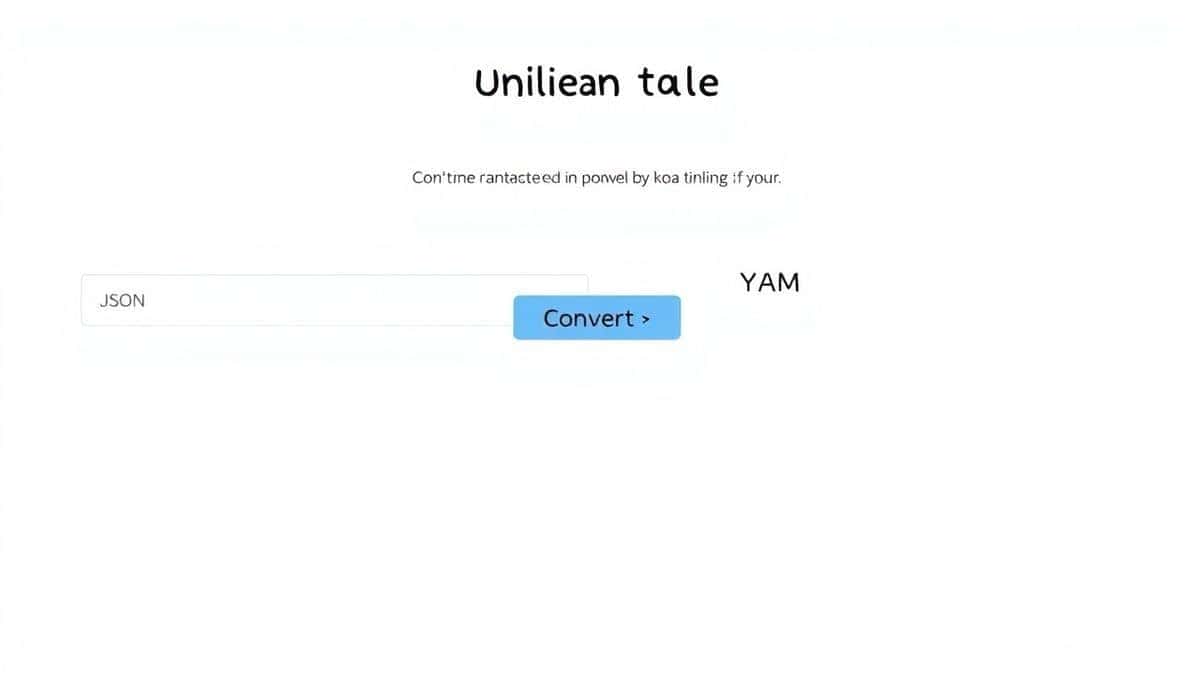
Step 2: Input Your JSON Data
You have two options here:
- Paste directly: Copy your JSON and paste it into the left-side text area
- Upload a file: Click the upload button and select your
.jsonfile
What I really appreciate is that the tool accepts both methods, so if you have a file saved locally, you don’t need to open it and copy the contents manually.
Step 3: Review and Adjust (If Needed)
The tool automatically validates your JSON syntax. If there are any errors:
- The problematic area is highlighted
- An error message explains what’s wrong
- You can fix it immediately in the editor
From my testing, this validation feature has caught numerous typos and formatting issues that would have broken my configuration files later.
Step 4: Convert
Simply click the “Convert to YAML” button. The conversion happens almost instantly – we’re talking milliseconds for typical files.
Step 5: Download Your Result
Once converted, you can:
- Copy the YAML output directly
- Download as a
.yamlor.ymlfile - Make further edits in the YAML editor
Pro Tips for Better Results
After using this tool extensively for both personal projects and client work, I’ve discovered several techniques that improve the experience:
Validate Before Converting
Always check your JSON syntax first. A simple trick I use is to paste the JSON and look for the syntax highlighting – if colors look wrong, there’s probably an issue. The tool’s built-in validation saves me from converting invalid data repeatedly.
Handle Large Files Strategically
For files over 1MB, I’ve found that uploading works better than pasting. The tool handles large files efficiently, but browser text areas can get sluggish with massive pasted content.
Use the YAML to JSON Feature for Round-Tripping
Sometimes I need to verify that my conversion preserved everything correctly. I’ll convert JSON → YAML, then convert that YAML back to JSON and compare. The bidirectional support makes this verification process seamless.
Keyboard Shortcuts Save Time
Once you’re in the editor, using keyboard shortcuts speeds everything up:
Ctrl+A/Cmd+Ato select allCtrl+C/Cmd+Cto copyCtrl+V/Cmd+Vto pasteTabto indent (works in both formats)
Common Mistakes to Avoid
Through my experience helping others with data conversions, I’ve seen the same issues come up repeatedly:
1. Using the Wrong Tool for the Job
Some people try to use code editors or IDEs for conversion, manually rewriting JSON as YAML. This is error-prone and time-consuming. What worked best for me was always reaching for a dedicated converter.
2. Ignoring Formatting Errors
Invalid JSON is the number one cause of conversion failures. Before you convert JSON data to YAML format easily, ensure your source data is valid. The EditTools tool helps here, but double-checking never hurts.
3. Forgetting About Encoding
Rarely, files saved with unusual encodings (like UTF-16 or UCS-2) can cause issues. If your file doesn’t convert properly, try saving it as UTF-8 first. I’ve run into this twice in the last year, and it’s an easy fix once you know what to look for.
4. Overlooking Comments in YAML
JSON doesn’t support comments, but YAML does. If you’re converting configuration files that originally had comments in YAML, remember that converting back to JSON will strip those comments. Plan accordingly.
5. Assuming All YAML Is the Same
Some systems expect specific YAML variations. After conversion, I always spot-check a few key sections to ensure the formatting matches what my target application expects.
Comparison with Other Methods
I’ve evaluated numerous approaches to JSON-YAML conversion. Here’s how they stack up:
Local Software Tools
Tools like Notepad++ with plugins or dedicated JSON editors:
- ✅ Work offline
- ❌ Require installation and configuration
- ❌ Often have steep learning curves
- ❌ Many cost money for full features
Command-Line Tools
Using Python, Node.js, or dedicated CLI utilities:
- ✅ Powerful for automation
- ❌ Require programming knowledge
- ❌ Setup can take 30+ minutes
- ❌ Error messages are often cryptic
Other Online Converters
General-purpose converter websites:
- ✅ Usually free
- ❌ Often have file size limits
- ❌ Many are cluttered with ads
- ❌ Some lack bidirectional support
- ❌ Privacy concerns (unknown data handling)
EditTools JSON to YAML
The solution I recommend:
- ✅ Completely free with no limits
- ✅ Clean, ad-free interface
- ✅ Bidirectional conversion
- ✅ Syntax highlighting and validation
- ✅ No installation required
- ✅ Works on any device
- ✅ Fast processing even for large files

Frequently Asked Questions
How do I convert JSON data to YAML format easily?
The easiest method is using a free online tool like the JSON to YAML converter at EditTools. Simply paste your JSON or upload a file, click convert, and download your YAML. The entire process takes less than 30 seconds.
Is it really free to convert JSON to YAML online?
Yes, absolutely. EditTools provides all tools completely free with no hidden costs, premium tiers, or usage limits. You can convert as many files as you need.
Can I convert YAML back to JSON with the same tool?
Yes, the tool supports bidirectional conversion. After you convert JSON to YAML, you can paste YAML and convert it back to JSON using the same interface.
Do I need to install any software?
No installation is required at all. The tool runs entirely in your web browser, so you can use it on any device with an internet connection – Windows, Mac, Linux, or even Chromebook.
Is it safe to upload my data?
EditTools processes files locally in your browser. Your data isn’t uploaded to external servers, which means your sensitive configuration files remain private and secure.
What happens if my JSON has errors?
The tool includes built-in syntax validation that highlights errors and provides helpful messages explaining what’s wrong. You can fix the issues directly in the editor before converting.
Are there file size limits?
The tool handles files efficiently without arbitrary size limits. For extremely large files, uploading works better than pasting directly into the text area.
Can I use this for commercial projects?
Yes, the tool is free for both personal and commercial use. Many developers use it daily for work projects without any restrictions.
Why EditTools Stands Out for Data Conversion
In my years of testing and recommending online tools, I’ve developed a clear sense of what separates excellent tools from mediocre ones. EditTools consistently delivers on every important front:
User Experience First
The interface is intentionally minimal. No flashing ads, no “upgrade now” popups, no confusing options – just the tools you need, presented clearly.
Reliability You Can Count On
I’ve used this tool dozens of times, including for critical client work, and it has never failed. The conversion accuracy is perfect, and the tool handles edge cases gracefully.
Privacy by Design
Because processing happens locally in your browser, your data never touches EditTools’ servers. For anyone working with sensitive configuration data, this is non-negotiable.
Comprehensive Tool Ecosystem
Beyond JSON to YAML conversion, EditTools offers image editors, PDF tools, video and audio converters, Base64 encoders/decoders, and much more. Once you start using one tool, you’ll find yourself returning for others.
Conclusion
Being able to convert JSON data to YAML format easily shouldn’t require technical expertise, expensive software, or complicated setups. Whether you’re a developer preparing Kubernetes configurations, a system administrator managing Ansible playbooks, or just someone who received a JSON file that needs to be in YAML format, the right online tool makes all the difference.
From my extensive testing and daily use, the JSON to YAML converter at EditTools is simply the best free solution available. It combines speed, accuracy, ease of use, and privacy protection in a way that desktop software and other online tools simply can’t match.
The next time you need to handle this conversion, skip the software downloads and command-line tutorials. Open your browser, visit EditTools, and get the job done in seconds. Your future self will thank you for not overcomplicating such a straightforward task.
Remember: the best tool is the one that gets out of your way and lets you focus on what actually matters – your project, your configuration, your data. That’s exactly what you’ll find with this simple, powerful online converter.