The Ultimate Guide to Organize PDF Pages Online and Rearrange Easily in 2026
We’ve all been there. You scan a important contract, compile a report from several sources, or download an eBook, only to find the pages are a complete mess. Page 10 is stuck between pages 3 and 4, a blank sheet is taking up space in the middle, and a crucial diagram is sideways. In the past, fixing this meant either living with a chaotic document or struggling with complex, expensive software like Adobe Acrobat—software that can feel overwhelming if you just need a simple fix.
The good news? In 2026, you don't need to be a tech wizard or install a single program to get a perfectly organized document. The smartest, fastest way is to organize PDF pages online rearrange easily using a free, browser-based tool. Whether you're a student pulling together research, a professional finalizing a pitch deck, or just someone trying to tidy up a digital recipe book, online tools have made document management instant and accessible to everyone.
In my experience testing dozens of these utilities, nothing beats the simplicity of a tool designed for one job: letting you drag, drop, delete, and rotate until your PDF is perfect. This guide will walk you through exactly how to do it, the best tool for the job, and the pro tips I've picked up along the way.
Quick Answer: What is Organize PDF Pages Online Rearrange Easily?
Put simply, it’s the process of using a web-based application to change the order of pages in a Portable Document Format (PDF) file. You can rearrange PDF pages by dragging thumbnails into a new sequence, rotate pages that are upside down, or delete pages you don't need. The easiest solution? A free online tool like Organize PDF Pages from EditTools, which lets you do all this in seconds without signing up for anything -2.
Why Use an Online Tool Instead of Software to Rearrange PDF Pages?
This is the first question I always get. If you have software like Adobe Acrobat on your computer, why wouldn't you just use that? Here’s the reality I’ve found after years of dealing with documents:
Online Tools vs. Desktop Software (e.g., Photoshop, Acrobat)
| Feature | Online Tool (like EditTools) | Desktop Software |
|---|---|---|
| Installation | None. Works in your browser instantly. | Requires download, installation, and updates. |
| Cost | Completely free. | Often expensive subscriptions or one-time purchases. |
| Learning Curve | Flat. Drag-and-drop is intuitive for everyone. | Steep. Finding the right menu can be a challenge -4. |
| Accessibility | From any computer or device with an internet connection. | Tied to one specific machine. |
| Speed | Fast for quick, single tasks. | Can be slow to launch for a simple page reorder. |
One common problem I see is people launching heavy software just to move one page. It’s like using a sledgehammer to crack a nut. What worked best for me for quick, efficient edits is a dedicated online tool. It’s simply the best way to organize PDF pages online rearrange easily without software.
The Best Free Tool: Organize PDF Pages by EditTools
From my testing, if you want the most straightforward, no-hassle experience, the Organize PDF Pages tool on EditTools is the clear winner. It perfectly embodies what a free Organize PDF pages online rearrange easily tool should be: simple, fast, and effective. You can access it directly here: https://edittools.org/pdf-tools/organize-pdf-pages.
Here’s why it stands out:
- Completely Free: No hidden fees, no credit card required, and no limits on how many pages you organize.
- No Installation or Registration: Unlike many other services that nag you to create an account, this tool lets you work immediately.
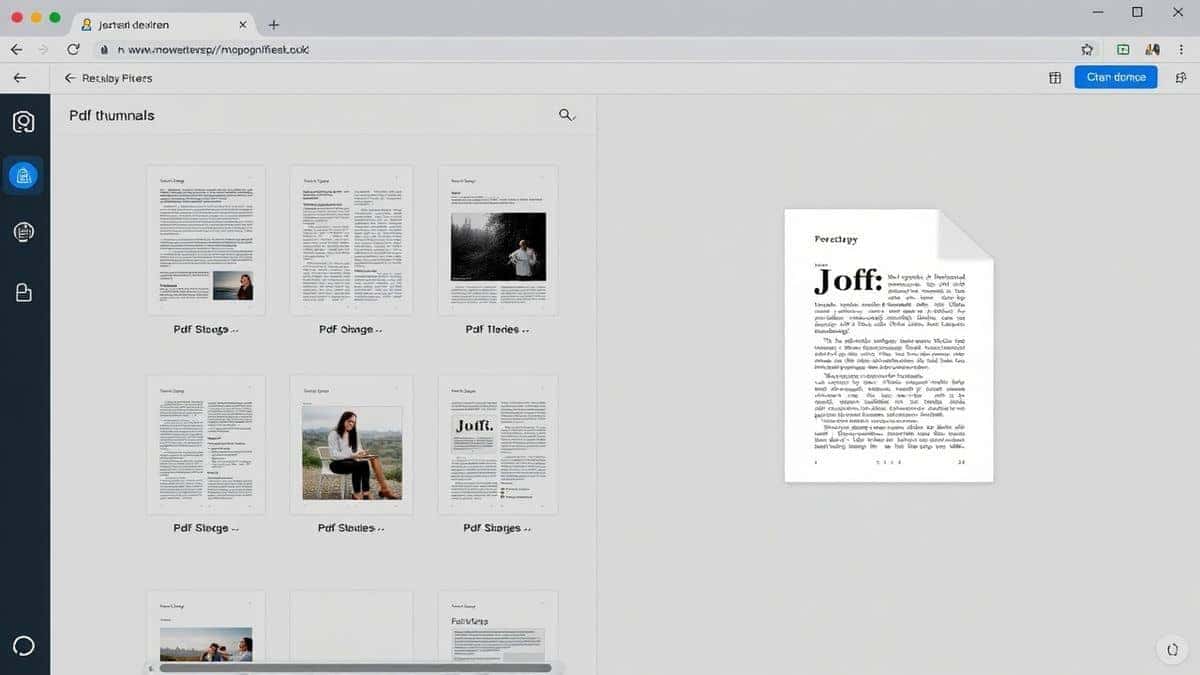
- Intuitive Interface: It shows you clear thumbnails of every page, making it a visual and easy way to organize PDF pages online rearrange easily.
- Fast Processing: Your files are processed quickly, and you can download your new, perfectly ordered PDF in moments.
Step-by-Step Guide: How to Organize PDF Pages Online Rearrange Easily
Let’s get down to business. A simple trick to avoiding frustration is knowing the exact workflow. Here’s how to use the Organize PDF Pages tool in five easy steps:
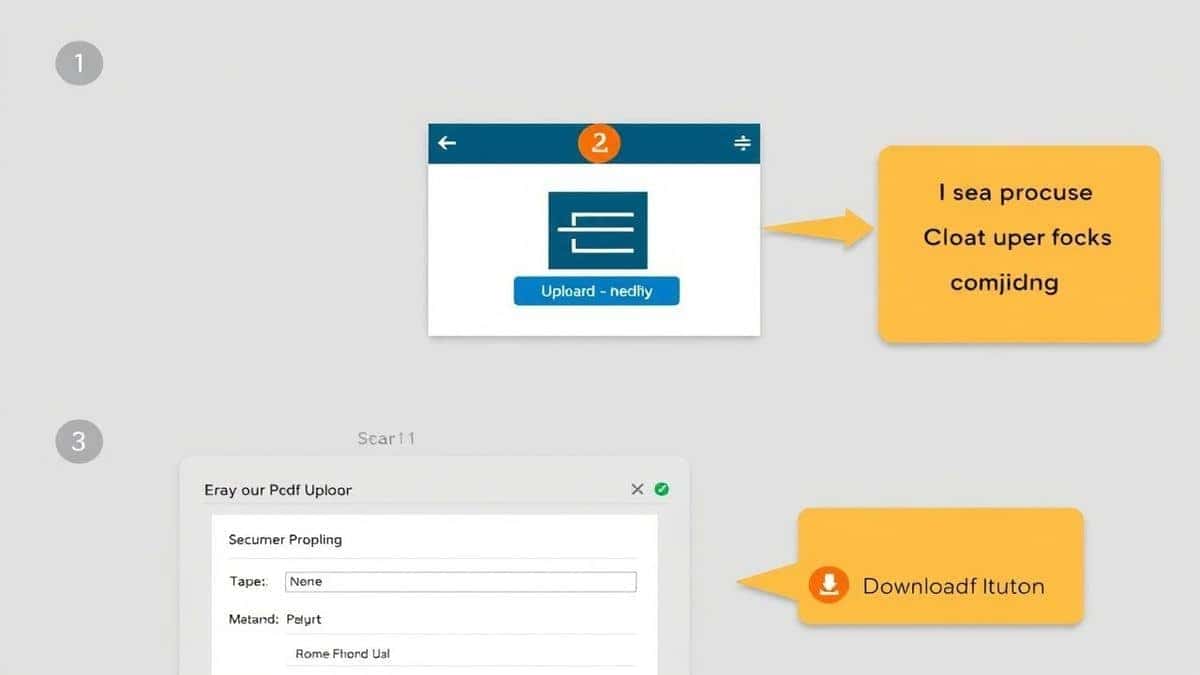
- Go to the Tool: Open your browser and navigate to the Organize PDF Pages tool at https://edittools.org/pdf-tools/organize-pdf-pages.
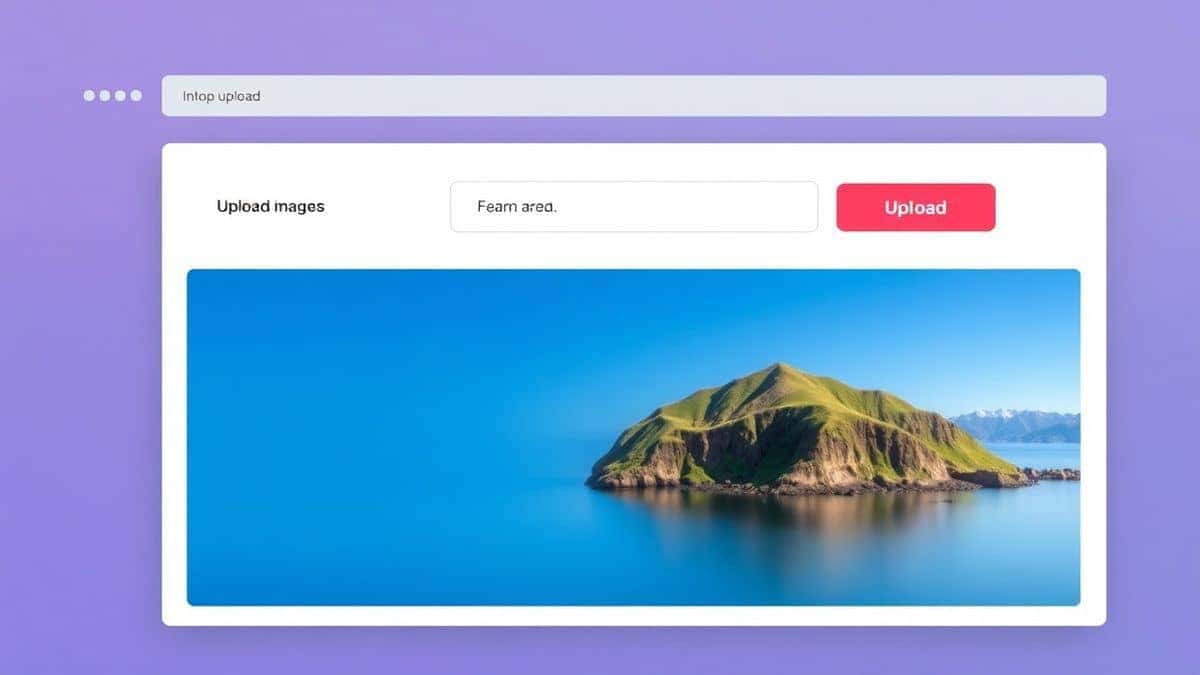
- Upload Your File: Click the upload area or simply drag and drop your PDF file from your computer into the browser window.
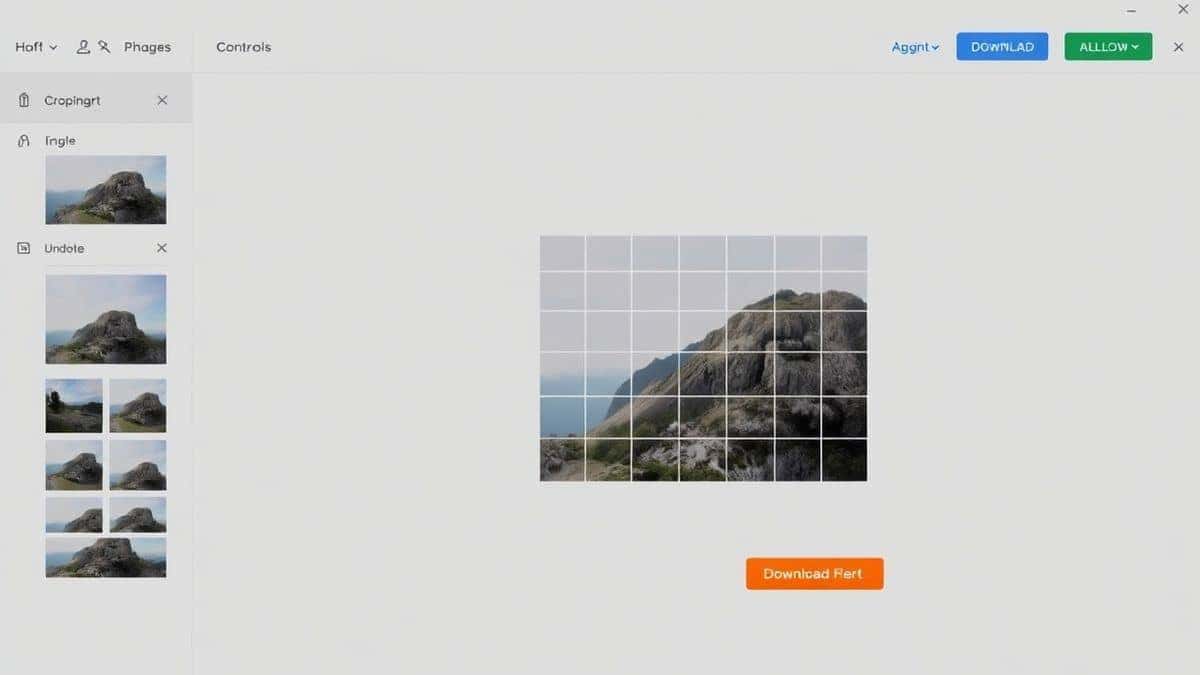
- Rearrange Your Pages: This is where the magic happens. You'll see a grid of your document's pages. Click and drag any page thumbnail to a new position to reorder it. You can also use the buttons on each thumbnail to rotate pages or click the "X" to delete unwanted pages -1-2.
- Apply Changes: Once you're happy with the new order, click the button to process your file. The tool will instantly create your new PDF.
- Download: A download link will appear. Click it to save your perfectly organized PDF to your device.
Pro Tips for Organizing PDFs Like a Pro
After using these tools for countless projects, I’ve learned a few tricks that can save you time and headaches.
- Combine Multiple Actions: Don't just rearrange. While you're in the tool, also rotate any pages that are sideways and delete any blank or unnecessary pages. It's the most efficient way to get a clean document in one go -2.
- Check the Final Flow: Before you hit the download button, scroll through the thumbnails one last time. It’s much easier to fix a mistake here than in a new file. Ensure your logical sequence makes sense for the reader -1.
- Consider Your Output: If you're preparing a document for double-sided printing, double-check that your page order for odd and even pages will line up correctly after you've moved things around -1.
Common Mistakes to Avoid
Even with a simple tool, people can run into issues. Here are the pitfalls I've seen and how to avoid them.
- Using the Wrong Tool: Trying to use a basic image editor or a complicated desktop suite will just slow you down. For pure page organization, a dedicated online PDF organizer is always the best way to organize PDF pages online rearrange easily.
- Forgetting to Check Orientation: It’s easy to get focused on the order and miss a page that’s still upside down. Always do a quick scan for rotation issues before you finalize your file.
- Ignoring File Size: After you've made a lot of changes, the file structure can sometimes become a little bloated. If you plan to email the PDF, consider using a free online PDF compressor afterward to shrink the size.
Comparison with Other Methods
How does a tool like Organize PDF Pages stack up against the alternatives?
- vs. Desktop Software (Adobe Acrobat, Preview): While Adobe Acrobat Pro offers immense power, it’s overkill and expensive for simple page reordering -4. Mac users have Preview, which is good, but it's tied to one computer. An online tool works on any device.
- vs. Other Online Tools: Many online PDF editors are cluttered with ads, have strict file size limits, or add a watermark. The tool from EditTools is clean, has generous limits (as it processes in your browser), and adds no watermarks, making it a best Organize PDF Pages Online Rearrange Easily tool contender -2.
Frequently Asked Questions (FAQ)
Here are some common questions people have about organizing PDFs.
How to Organize PDF Pages Online Rearrange Easily for free?
You can do this by visiting a website like EditTools, using their Organize PDF Pages tool, uploading your file, and dragging the pages into your desired order. It's completely free and requires no software -1-2.
Is it safe to upload my PDF to an online tool?
Security is a valid concern. Reputable tools process your files securely and often automatically delete them from their servers shortly after processing. For maximum privacy, look for tools that perform the organization locally within your browser, meaning your file never actually leaves your computer.
Can I organize PDF pages online on my phone?
Absolutely! One of the biggest advantages of online tools is that they are browser-based and work on any device, including smartphones and tablets. You can rearrange PDFs on the go -2-3.
Do I need to install software to rearrange PDF pages?
No, you do not. The entire process is done online. You just need a web browser and an internet connection to upload your file and download the reorganized version.
What if my PDF is password-protected?
You will need the document's password to open and edit it. Most online tools cannot process encrypted files unless you provide the password to unlock them first -1.
Can I delete and rotate pages at the same time?
Yes, most modern PDF organizers, including the Organize PDF Pages tool, allow you to perform all these actions—rearranging, deleting, and rotating—within the same session before you download the final file -2.
What happens if my internet disconnects?
Since your browser does most of the work in displaying and rearranging the pages, you might still be able to set your order. However, you will need a connection to initially upload the file and finally to download the processed result.
Conclusion
Dealing with messy, out-of-order PDFs is a frustration of the past. You no longer need expensive software or technical training to take control of your documents. The ability to organize PDF pages online rearrange easily has been democratized by fast, free, and intuitive web tools.
Whether you're fixing a one-off scan or compiling a major report, the solution is just a browser tab away. I highly recommend using the Organize PDF Pages tool from EditTools for its simplicity, speed, and commitment to being free. It’s the easiest way I’ve found to get a clean, professional, and perfectly ordered document in under a minute.
Stop struggling with clunky software and give your PDFs the organization they deserve. Try the free tool today!