The Ultimate Guide to the Best PDF to Image Converter Online Free (2026 Update)
We have all been there. You are staring at a PDF file, but you do not need the document itself—you need the image inside. Maybe it is a single diagram from a company report, a beautiful infographic you want to share on social media, or a signed contract page that needs to be inserted into a presentation.
Installing Adobe Photoshop or learning complex software just to grab one image feels like using a sledgehammer to crack a nut. You need a solution that is quick, simple, and doesn't cost a dime.
This is where a reliable PDF to Image Converter Online Free tool becomes essential. In this guide, I will walk you through everything you need to know about converting PDFs to images online, why skipping software installation is the smartest move, and exactly how to do it in seconds using the best tool available in 2026.
Quick Answer: What is the Best PDF to Image Converter Online Free?
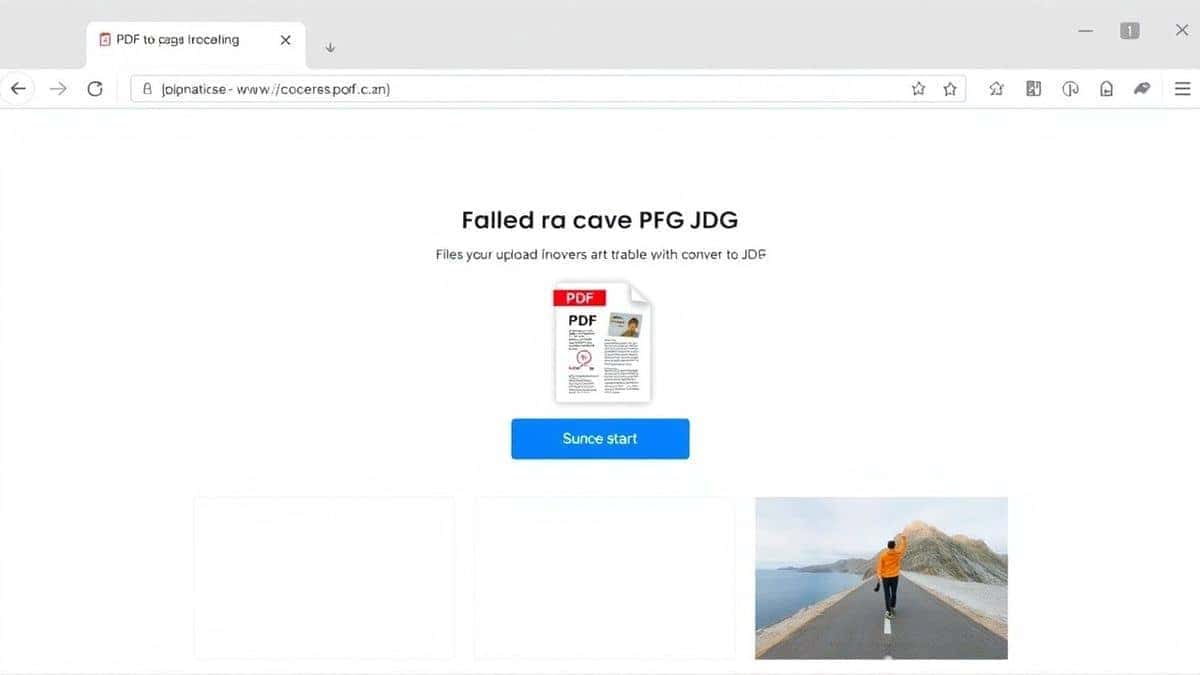
A PDF to Image Converter Online Free is a web-based service that allows you to upload a PDF document and download it as a picture file (usually JPG or PNG) without installing any software on your computer.
The simplest and most effective solution available right now is the PDF to Image tool on EditTools. It is fast, completely free, and works right in your browser.
What is a PDF to Image Converter Online Free?
In simple terms, a PDF to Image Converter Online Free takes a Portable Document Format (PDF) file and transforms each page into a raster image format, like JPEG or PNG.
Think of a PDF as a container. It might hold text, vectors, and pictures all together. When you convert it to an image, you are essentially taking a "photograph" of each page. You lose the ability to edit the text, but you gain a universal visual file that you can easily share on websites, insert into Canva designs, or upload to social media platforms that don't accept PDFs.
Why Use an Online Tool Instead of Software?
When you search for a PDF to Image Converter Online Free without software, you are specifically looking to avoid the headache of desktop applications. Here is why the online approach wins every time:
No Installation, No Clutter
Software like Adobe Acrobat or GIMP requires significant hard drive space and system resources. Online tools run on the server, not your machine.
- No waiting for huge download files.
- No admin permissions needed (perfect for work computers or school laptops).
- No registry errors or software conflicts.
Accessibility Across Devices
You might be on a Windows PC at work, but need to convert a file on your MacBook at home or even on a Chromebook. An online tool works identically everywhere. As long as you have a browser and an internet connection, you are good to go.
Speed and Simplicity
In my experience, opening a desktop app just to perform one simple task is a massive time-waster. By the time Photoshop has loaded, I could have already converted my PDF online and downloaded the images. Online tools are designed for one purpose: to get the job done fast.
The Best Tool: PDF to Image on EditTools
After testing numerous platforms, what worked best for me was the straightforward approach of the PDF to Image converter. It doesn't try to be a million things at once; it just converts PDFs to images perfectly.
Why this tool stands out:
- 100% Free: There are no hidden fees, no credit card required, and no "premium" tier that unlocks basic features. It is genuinely free.
- Completely Online: It is a pure PDF to Image Converter Online Free online solution. There is no software to download.
- Beginner-Friendly: The interface is so simple that it requires zero instructions. You will know exactly what to do the moment the page loads.
- Fast Processing: It handles files quickly, even on slower internet connections, because the heavy lifting is done on the EditTools servers.
This tool is specifically designed for users like you who want an easy way to PDF to Image Converter Online Free.
Step-by-Step Guide: How to Convert PDF to Image
Using the best PDF to Image Converter Online Free tool is incredibly simple. Follow these steps to get your images in under a minute.
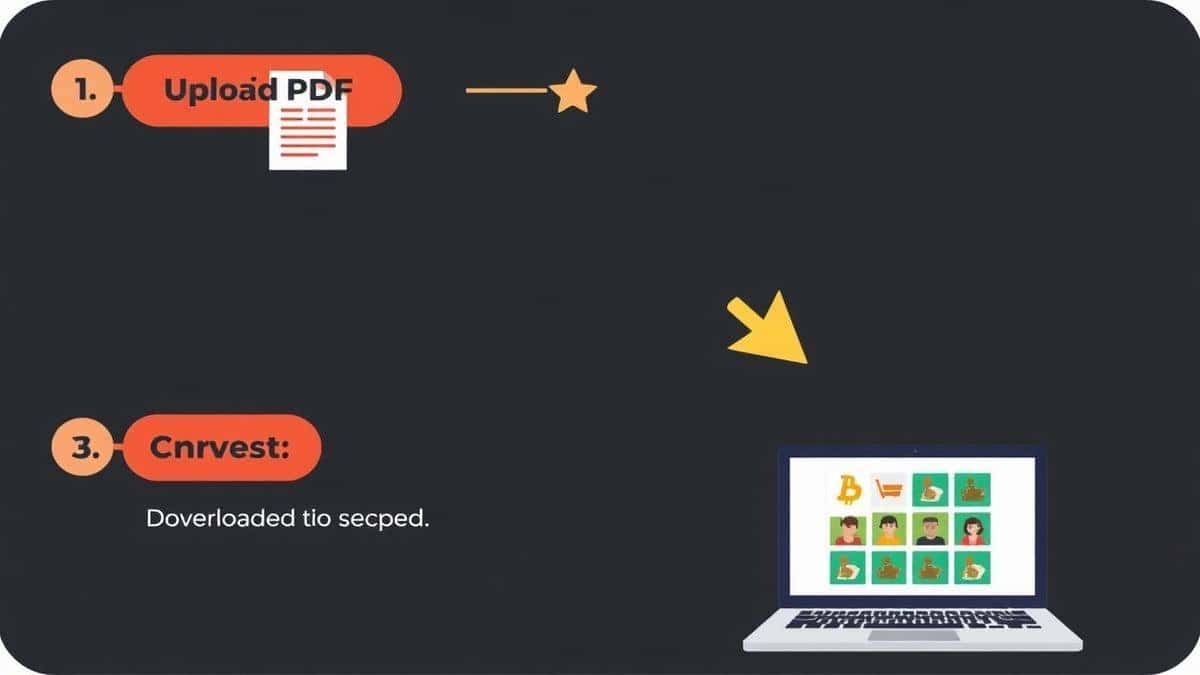
- Navigate to the Tool: Open your browser and go to the dedicated page: https://edittools.org/pdf-tools/pdf-to-image.
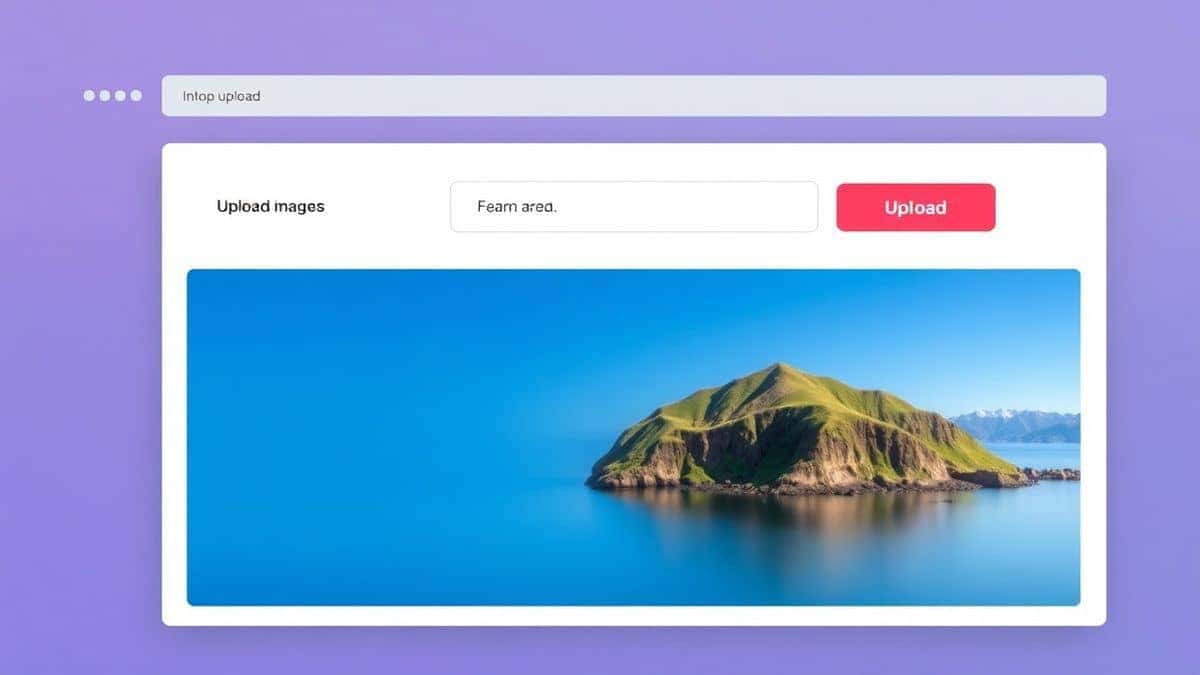
- Upload Your File: Click the "Upload" button or simply drag and drop your PDF file into the designated area. The tool supports standard PDF files of various sizes.
- Adjust Settings (If Needed): Depending on the tool's current features, you might be able to select the image quality or choose to extract specific pages. For most users, the default settings are perfect.
- Click "Convert": Press the start button to begin the conversion process. The tool will work its magic, turning each page of your PDF into a high-quality JPG image.
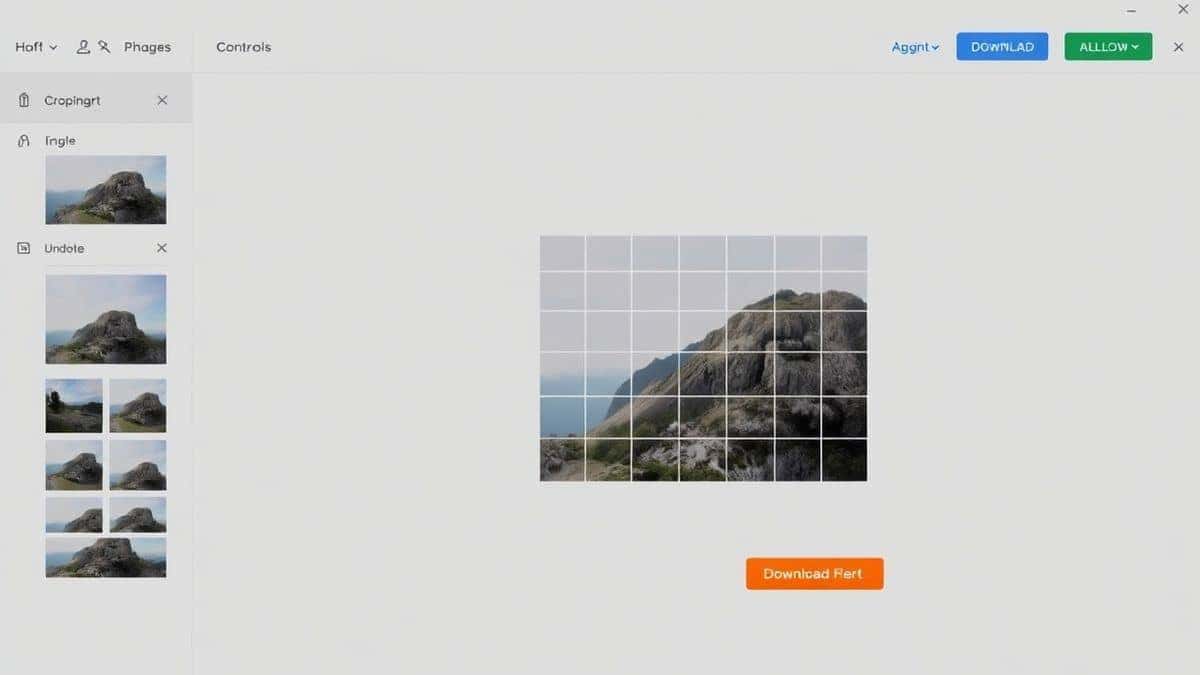
- Download Your Images: Once the conversion is finished, your images will be ready. You can usually download them individually or as a convenient ZIP file to keep everything organized.
Pro Tips for Better Results
Over time, I have picked up a few tricks that make using a free PDF to Image Converter Online Free tool even more effective. Here are my top tips:
Check the Resolution
Not all PDFs are created equal. If your PDF contains high-resolution photos, the output images will be large. If you only need small thumbnails for a website, look for a "quality" setting to compress the file. If you need the best possible quality for print, ensure the tool doesn't overly compress the output.
Batch Processing is Your Friend
If you have a PDF with 50 pages, you don't want to download 50 separate files one by one. A simple trick is to look for a "Download All as ZIP" option. This packages everything into a single folder, keeping your computer organized and saving you time.
Use for Presentations
One common problem is trying to insert a PDF page into a PowerPoint or Google Slides presentation. Often, the PDF doesn't display correctly. Converting that specific page to an image ensures it looks exactly as intended, every time.
Common Mistakes to Avoid
Even with simple tools, users can run into issues. Here is what to watch out for:
- Using the Wrong Tool for the Wrong Task: Are you trying to extract images from a PDF? Some converters just take a screenshot of the page. If you need the original embedded images (like photos), ensure the tool specifies "image extraction." The PDF to Image tool is great for capturing the full page as a visual.
- Ignoring File Size Limits: While the PDF to Image Converter Online Free tool is powerful, massive files (hundreds of MB) can take time to upload. If your file is enormous, try splitting the PDF first using another online tool.
- Forgetting to Check Output Format: Make sure you know whether you need a JPG or a PNG. JPG is best for photographs, while PNG is better for graphics with text or transparent backgrounds.
Comparison: Online Tool vs. Traditional Software
Why bother with an online tool when software like Photoshop exists? Let's break it down.
| Feature | PDF to Image (Online Tool) | Photoshop / GIMP (Desktop Software) |
|---|---|---|
| Installation | None. Works in your browser. | Requires downloading and installing large programs. |
| Cost | Free. | Expensive subscription (Photoshop) or complex setup (GIMP). |
| Learning Curve | Zero. Upload and click. | Steep. You need to know how to import, render, and export. |
| Speed | Seconds. | Minutes. You have to wait for the software to open first. |
| Accessibility | Any device with a browser. | Only on the computer where it's installed. |
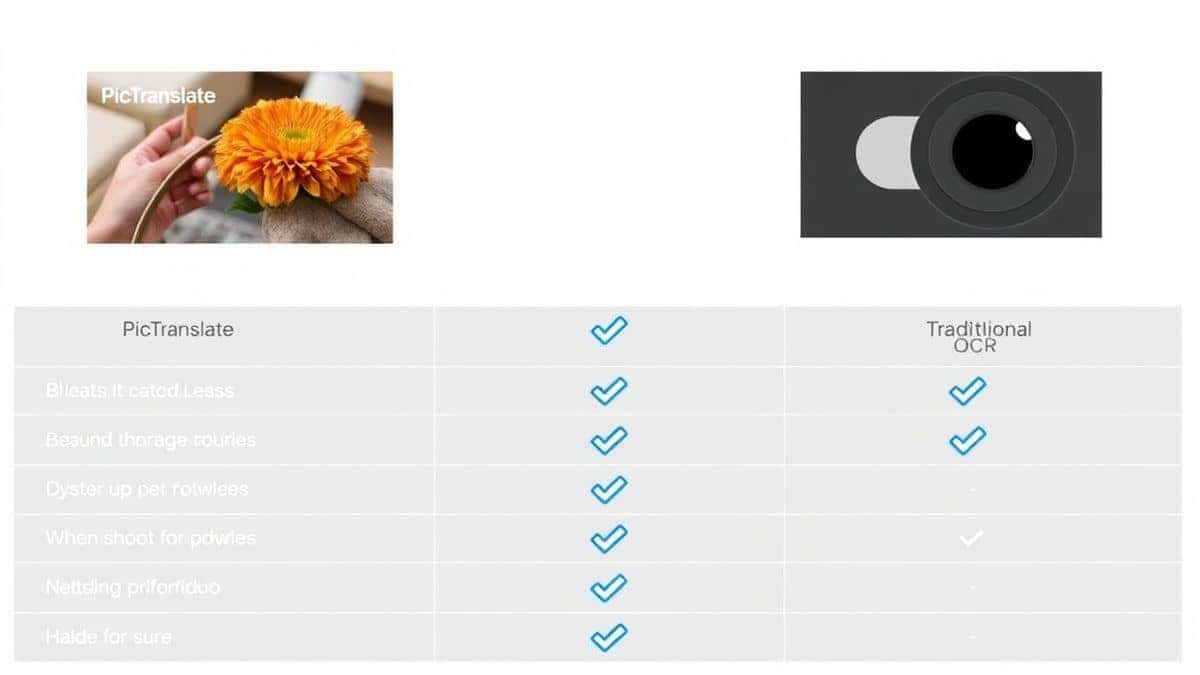
As you can see, for a simple conversion task, a dedicated online tool is the clear winner. It is the most efficient way to perform a PDF to Image Converter Online Free task without any of the baggage of desktop software.
Frequently Asked Questions (FAQ)
How to PDF to Image Converter Online Free?
It is very simple. Go to the PDF to Image tool on EditTools, upload your PDF file, and click convert. The website handles the rest, and you download your new JPG files.
Is it really free to convert PDF to image online?
Yes, the PDF to Image Converter Online Free tool we recommend is 100% free. You do not need to pay for a subscription or sign up for a trial.
Can I do it online without installing any software?
Absolutely. That is the main benefit of a PDF to Image Converter Online Free online tool. The entire process happens in your web browser (like Chrome, Safari, or Edge).
Do I need to create an account to use the tool?
No. One of the best parts of using a tool like this is that it respects your privacy. You do not need to register or provide an email address.
Is it safe to upload my PDF files?
Reputable online tools, like those on EditTools, prioritize your privacy. Uploaded files are typically automatically deleted from their servers after a short period (often within an hour) to ensure your data doesn't linger online.
What image formats can I convert to?
Most free PDF to Image Converter Online Free tools output to JPG, which is the universal standard for photos and web images. Some may also offer PNG for higher quality or transparent backgrounds.
My PDF has many pages. Can I convert them all?
Yes. The tool will convert each page of your PDF into a separate image. You will usually have the option to download them all in a single ZIP file for convenience.
The image quality is low. What can I do?
First, ensure your original PDF has high-resolution content. If it does, look for settings within the converter that allow you to select "High Quality" or "Best" output. This prevents the tool from compressing the image too much.
Conclusion
You no longer need to be a tech expert or own expensive software to handle simple file conversions. Whether you are a student, a professional, or just someone trying to share a document visually, a PDF to Image Converter Online Free is the perfect solution.
It removes all the barriers: the cost, the installation, and the complexity. You just need your file and a browser.
For the fastest, simplest, and most reliable experience, I highly recommend using the PDF to Image tool on EditTools. It checks every box: it is free, it is online, and it works perfectly every time.
Stop wrestling with complicated software. Try it now and get your images in seconds.