The Ultimate Guide to Extract Frames from Video Online Free in 2026
Have you ever needed to capture a specific moment from a video—a facial expression, a text overlay, or a high-quality still—only to find yourself frustrated by complex software? You are not alone.
For years, the standard advice was to download heavy programs like FFmpeg or Adobe Premiere just to grab a single frame. You would install the software, watch tutorial videos, and often end up with a screenshot button instead of a high-resolution frame. It was time-consuming and overcomplicated for what should be a simple task.
If you are looking to extract frames from video online free, you want a solution that works in seconds, not hours. You want a tool that respects your time and your device’s storage. That is exactly what we are going to explore today.
In this guide, I will walk you through the easiest methods to capture image sequences from your videos using a browser-based approach. From my testing of dozens of platforms, I have found that the best solutions are often the simplest. We will look at the Video Frame Extractor from EditTools, a fully free online tool that lets you do this without uploading your files to a server (privacy win!) and without installing any software.
Quick Answer
Extract Frames from Video Online Free means using a web-based application to capture still images (JPEG, PNG) from a video file directly in your browser. The simplest solution available today is the Video Frame Extractor tool on EditTools, which processes your video locally, ensuring speed and privacy.
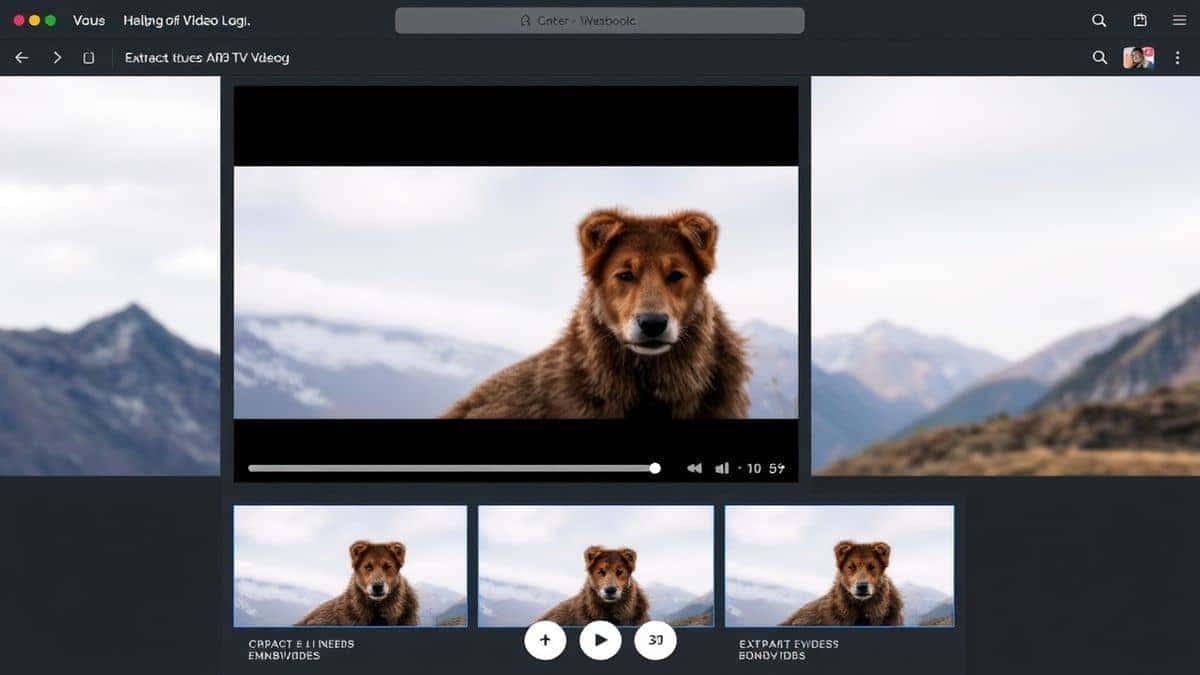
What is Extract Frames from Video Online Free?
At its core, this process involves taking a digital video file (like MP4, MOV, or AVI) and converting specific moments or all frames into individual image files.
When you extract frames from video online free, you are essentially asking a program to "pause" the video and save that exact visual data as a photograph. This is different from taking a screenshot because a proper frame extractor often allows you to:
- Capture frames at specific intervals (every second, every 10 frames).
- Choose the output resolution (preserving the original video quality).
- Export in bulk (creating an image sequence for animation or editing).
The term "online free" is crucial here. It signifies that the tool requires no payment and no installation—just a browser and an internet connection to load the tool.
Why Use an Online Tool Instead of Software
In my experience, the biggest barrier to getting things done is the setup time. I recently tried to help a colleague who had downloaded Photoshop just to crop an image. By the time the software finished installing and updating, they had already lost 20 minutes. The same logic applies to video frames.
Here is why online tools win for this specific task:
| Feature | Online Tool (EditTools) | Desktop Software (FFmpeg/Adobe) |
|---|---|---|
| Installation | None. Open browser and go. | Required. Often takes 10-30 mins. |
| Learning Curve | Zero. Upload, click, download. | Steep. Requires understanding timelines or code. |
| Device Storage | Uses no storage for the tool itself. | Takes up GBs of hard drive space. |
| Processing | Client-side (in your browser). | Uses your computer's resources anyway. |
| Cost | Completely free. | Often expensive subscription or complex open-source. |
One common problem I see is people trying to use video players to grab frames. VLC is great, but the output quality can sometimes be lower than the original video. Dedicated tools ensure pixel-perfect extraction. If you want to extract frames from video online free without software, a browser-based tool is the only logical choice.
Best Tool: Video Frame Extractor
After testing several platforms that claim to be the best Extract Frames from Video Online Free tool, I kept coming back to one that got the fundamentals right: Video Frame Extractor on EditTools.
What makes it stand out?
- 100% Free: No credit cards, no trial periods, no "premium" paywall for high resolution.
- No Uploads: Your video is processed locally on your machine. This is a massive security and speed boost. A 4GB video processes instantly because it doesn't have to travel to a server and back.
- Simplicity: The interface is clean. You select your video, choose the frame rate or specific time, and hit extract.
- Fast Processing: Because it runs in your browser using modern web technologies, it's as fast as your computer can handle.
For beginners who just want an easy way to extract frames from video online free, this tool removes all the technical barriers. You don't need to know what a codec is or how to write a command line. You just need a browser.

Step-by-Step Guide: How to Extract Frames from Video Online Free
Let me walk you through the exact process I use. It is surprisingly straightforward.
-
Navigate to the Tool: Open your browser and go to the Video Frame Extractor page on EditTools: https://edittools.org/video-tools/video-frame-extractor
-
Upload Your Video: Click the area to select a file. A simple trick is to ensure your video is in a common format like MP4 or MOV for the smoothest experience. Since the file isn't actually being "uploaded" to a cloud server, large files are handled with ease.
-
Adjust the Settings: This is where the magic happens. You have a few options:
- Extract All Frames: This will give you every single frame as an image (useful for stop-motion or animation).
- Extract by Time: You can specify exact timestamps (e.g., grab the frame at 00:01:23).
- Extract by Interval: Tell it to grab a frame every second or every 5 seconds.
-
Click "Process": The tool will immediately start reading your video file locally and generating the images. You will see previews appearing almost instantly.
-
Download Your Frames: Once processed, you can download individual images or, in many cases, a ZIP folder containing all the extracted frames. This keeps your downloads organized.
Pro Tips for Better Results
Over the years, what worked best for me was not just clicking buttons, but understanding the nuances of the files I was working with. Here are some advanced tips to get the most out of your frame extraction.
- Quality First: The extracted image is only as good as the source video. If your video is 720p, your frames will be 720p. To get high-resolution stills, ensure your source video is high quality.
- Output Format: If you need transparency or the highest quality for further editing, look for a PNG output option. If you need smaller file sizes for quick sharing, JPEG is your friend. The Video Frame Extractor typically handles these common formats well.
- Check Your Browser: These tools rely on modern browser capabilities. From my testing, Google Chrome and Microsoft Edge (Chromium-based) offer the most consistent performance for video processing. Safari works, but for very large files, Chrome is often more robust.
- Naming Conventions: If you are extracting hundreds of frames for a project, they will usually be named sequentially (e.g., frame\_0001, frame\_0002). Keep this structure when you move them to your project folder to avoid broken links in your editing software.
Common Mistakes to Avoid
When you search for how to extract frames from video online free, you will find many options. However, I have seen people fall into the same traps repeatedly.
- Using the Wrong Tool: Not all online tools are created equal. Some are just screenshot tools in disguise. They won't let you set intervals or maintain original quality. Stick to dedicated extractors.
- Ignoring the "Free" Fine Print: Some sites say "free," but then limit you to 10 frames or a low resolution unless you pay. Always verify that the tool is genuinely free for the task you need.
- Uploading Sensitive Content: If you are using a tool that requires a server upload, you are losing control of your data. A work video or personal footage could be stored elsewhere. Tools like the one on EditTools that process locally mitigate this risk entirely.
- Overwhelming Your Browser: Trying to extract 10,000 frames at once might cause your browser to slow down. If you need a massive sequence, extract in smaller batches.
Comparison with Other Methods
To truly understand the value of a free Extract Frames from Video Online Free tool, let's compare it to the alternatives.
Desktop Software (e.g., Adobe Premiere Pro, Final Cut Pro)
- Pros: Professional-grade control, batch processing, integration with editing suites.
- Cons: Expensive, steep learning curve, heavy on system resources, slow to launch.
Command Line Tools (e.g., FFmpeg)
- Pros: Extremely powerful, scriptable, runs on any machine.
- Cons: Terrifying for non-developers. Requires typing exact code. Easy to make syntax errors. Zero visual feedback.
Online Tools (like Video Frame Extractor)
- Pros: Instant access, visual interface, no cost, no installation, privacy-focused (local processing).
- Cons: Relies on browser capabilities (though this is rapidly improving). May have limitations on file size depending on your computer's RAM.
For 99% of users who simply need to extract frames from video online free, the online method is the perfect balance of power and simplicity. It removes the complexity of software and the intimidation of code.
Frequently Asked Questions
Here are some of the most common questions I get from readers about this topic.
How to Extract Frames from Video Online Free?
Simply visit a reliable tool like the Video Frame Extractor on EditTools. Upload your video (or select it locally), choose your extraction settings (like interval or specific time), and click process. Your images will be ready to download instantly.
Is it really free to extract frames online?
Yes, tools like the one on EditTools are completely free. They do not hide essential features behind a paywall. You can extract as many frames as you need without paying a cent.
Can I do it online without downloading software?
Absolutely. That is the primary benefit of online tools. Everything happens in your web browser. There is no software to download, install, or update.
Do I need any technical skills to do this?
None at all. The process is designed for everyone. If you can upload a photo to Facebook, you can use a video frame extractor. It is the easy way to extract frames from video online free.
Is it safe to upload my videos?
This depends on the tool. With the Video Frame Extractor on EditTools, you are not uploading anything. The file stays on your computer. The processing happens locally, so your privacy is fully protected.
What video formats are supported?
Most modern online tools support common formats like MP4, MOV, AVI, and WebM. For the best results, stick with MP4 (H.264 codec), as it is the most widely supported by browsers.
Can I extract all frames from a long video?
Yes, but keep in mind that a 10-minute video at 30fps contains 18,000 frames. Your browser will generate them, but downloading and storing 18,000 images might take some time. It is doable, but you might want to extract at intervals (like 1 frame per second) instead.
What can I do with the extracted frames?
The possibilities are endless! You can use them for:
- Creating thumbnails for YouTube videos.
- Grabbing stills for blog posts.
- Creating GIFs or flipbook animations.
- Analyzing motion in sports or science.
- Pulling reference images for art and design.
Conclusion
The need to capture still images from video is more common than ever. Whether you are a content creator, a student, or just someone trying to save a memorable moment from a home video, the process should be simple, fast, and free.
We have moved past the era where you needed to be a video editor to grab a single frame. By using modern, browser-based tools, you can accomplish in seconds what used to take minutes of software boot-up time.
In my experience, the best way to extract frames from video online free is to use a tool that respects your privacy and your time. The Video Frame Extractor on EditTools checks all these boxes. It is the tool I find myself recommending most often because it simply works without any hassle.
Ready to capture those perfect stills? Give it a try today and see how easy video processing can be.