The Ultimate Guide to Crop PDF Online Free Tool in 2026 (Easy Step-by-Step)
We have all been there. You download an important document, an invoice, or an ebook, only to find massive white borders around the text, or perhaps a messy header from a scanner that you need to remove. Maybe you are creating a report and only need a specific chart from a multi-page document.
Opening Adobe Acrobat feels like overkill (and it is expensive). Trying to do it in Microsoft Word usually ruins the formatting completely. You just need a quick solution.
If you are searching for a Crop PDF Online Free Tool, you don’t want to read a 50-page software manual. You want to upload your file, cut out the junk, and download a clean version. Right now.
In this guide, I am going to show you exactly how to do that. I have tested dozens of these utilities over the years, and I will walk you through the best method to Crop PDF Online Free Tool without sacrificing quality, and without signing up for anything.
Quick Answer: How to Crop PDF Online Free Tool
A Crop PDF Online Free Tool is a web-based application that allows you to remove unwanted margins or sections from your PDF document directly in your browser.
The simplest solution available today is the PDF Cropper by EditTools. You just upload your file, drag the crop box to select the area you want to keep, and download your new, cropped PDF instantly.
What Does "Crop PDF Online Free Tool" Actually Mean?
When we talk about cropping a PDF, we are talking about permanently trimming the pages. Unlike image editing, PDF cropping is a bit more technical because the file can contain text, vectors, and images.
When you use a Crop PDF Online Free Tool, you are essentially defining a new visible boundary for your page. Everything outside that boundary is removed. This is incredibly useful for:
- Removing scanner artifacts (like black edges or fingers in the scan).
- Eliminating headers and footers you don't want.
- Isolating a specific diagram from a large technical drawing.
- Standardizing page sizes for a professional presentation.
Why Use an Online Tool Instead of Heavy Software?
In my experience, the biggest mistake people make is trying to use software designed for graphic designers to perform simple office tasks. Let's break down why an online tool wins every time for this specific job.
The Problem with Desktop Software (Photoshop, Acrobat Pro)
- Complexity: Photoshop is a beast. You have to understand resolution, layers, and export settings just to cut a page. You shouldn't need a graphic design degree to crop a document.
- Cost: Adobe software subscriptions are expensive. If you are just looking for a free Crop PDF Online Free Tool, paying $20+ a month doesn't make sense.
- Installation Time: You have to download, install, and update software. If you are on a public computer or a work laptop with restrictions, you are stuck.
The Advantage of Online Tools
- No Installation: You do it right in the browser. It is the definition of a Crop PDF Online Free Tool without software.
- Speed: Upload, crop, download. We are talking about 30 seconds.
- Accessibility: You can do it from your phone, your tablet, or a library computer.
- Simplicity: The UI is designed for one job: cropping. There are no distracting menus.
The Best Tool for the Job: PDF Cropper by EditTools
After testing several platforms, the one that consistently delivers the best balance of speed, quality, and simplicity is the PDF Cropper on EditTools.
I have used this tool for everything from trimming down academic papers to preparing slides for client meetings. Here is why it stands out as the best Crop PDF Online Free Tool available right now:
- It is 100% Free: No credit card required, no trial period that expires in 24 hours.
- Truly Online: It runs entirely in your browser. Your file is processed securely.
- No Sign-Up: This is a huge one for me. I hate having to create an account just to do a simple edit. With this tool, you just go to the URL and start working.
- Fast Processing: Even large files with high-resolution images process in seconds.
- User-Friendly: The interface shows you a live preview of your PDF. You literally just drag the handles to select the area you want to keep. It is the easy way to Crop PDF Online Free Tool.
It is specifically designed for people who want a Crop PDF Online Free Tool free online without the headaches of command-line tools like Ghostscript or expensive software.
Step-by-Step Guide: How to Crop a PDF in Seconds
Ready to do it yourself? Follow this simple guide. I am going to show you exactly how to use the PDF Cropper to get a perfect result every time.
Step 1: Navigate to the Tool
Open your browser and go to the official tool page:
https://edittools.org/pdf-tools/pdf-cropper
Step 2: Upload Your File
You will see a big "Upload" button. Click it and select the PDF file you want to edit from your computer. You can also simply drag and drop the file into the upload area. From my testing, drag-and-drop works flawlessly in Chrome and Edge.
Step 3: Adjust the Crop Area
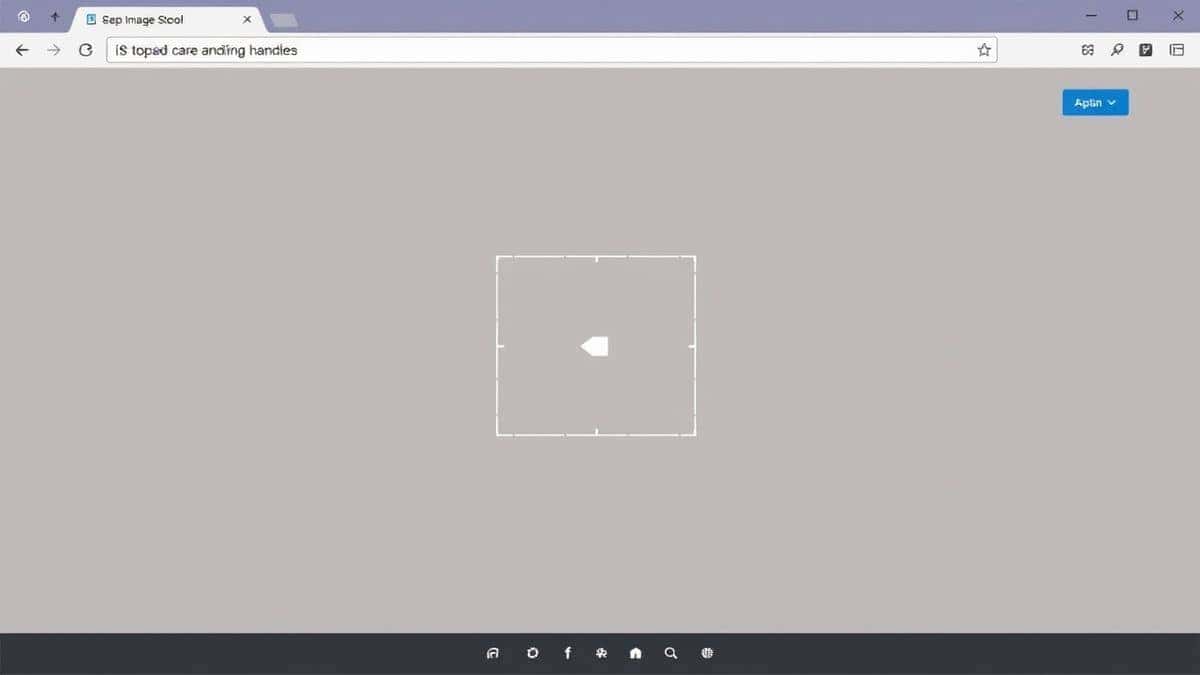
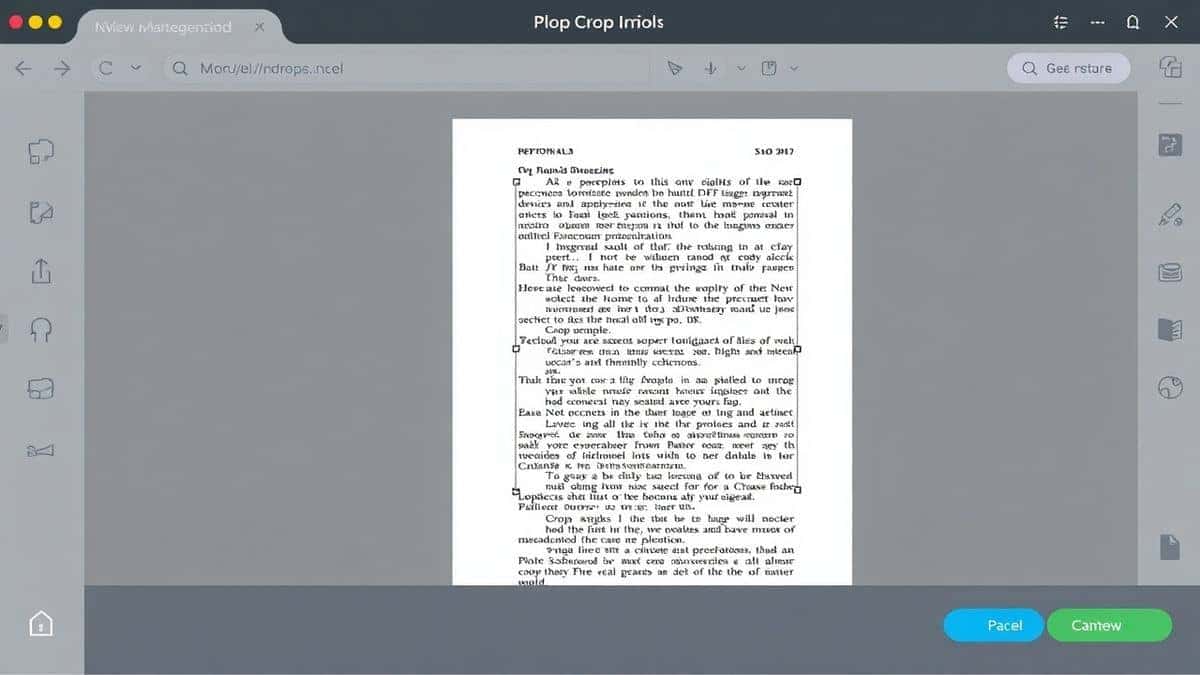
Once your file loads, you will see a preview of the first page.
- A blue rectangular box will appear over your document.
- Drag the corners and edges of this box to select the specific area you want to keep. Everything outside this box will be removed.
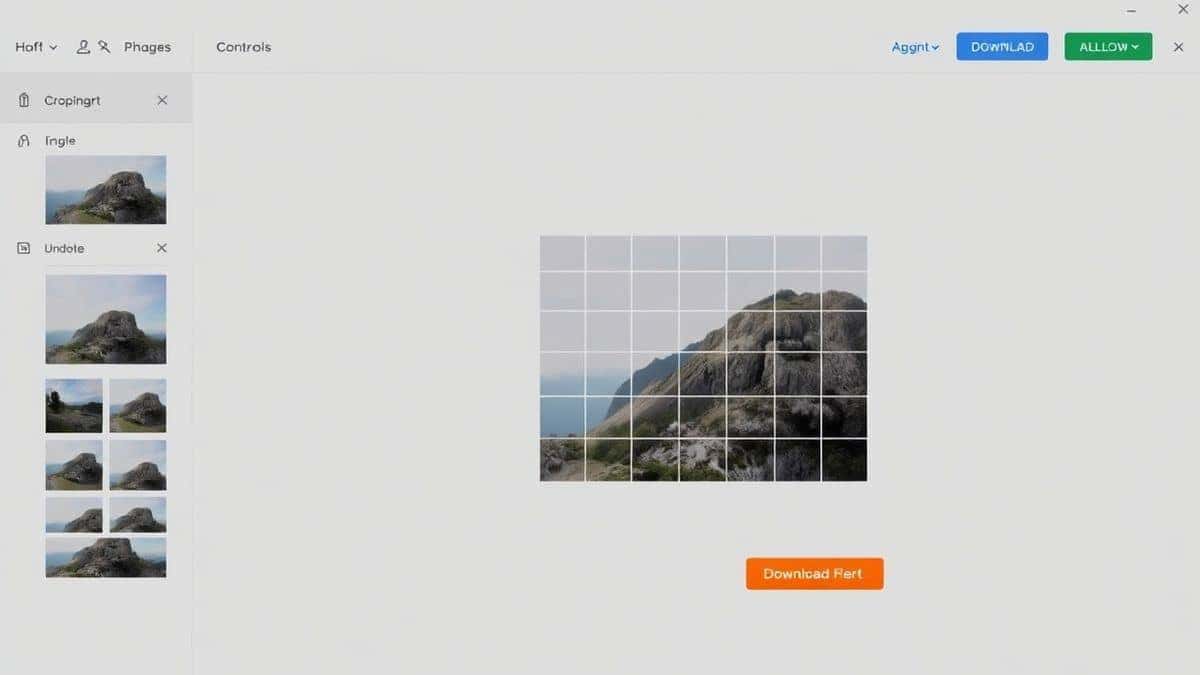
- You can navigate through the pages using the arrows to ensure the crop looks good on every page, or apply it to all pages at once.
Step 4: Click "Process" or "Crop"
Once you are happy with the selection, click the button that says "Crop" or "Process". The tool will instantly apply your settings.
Step 5: Download Your Result
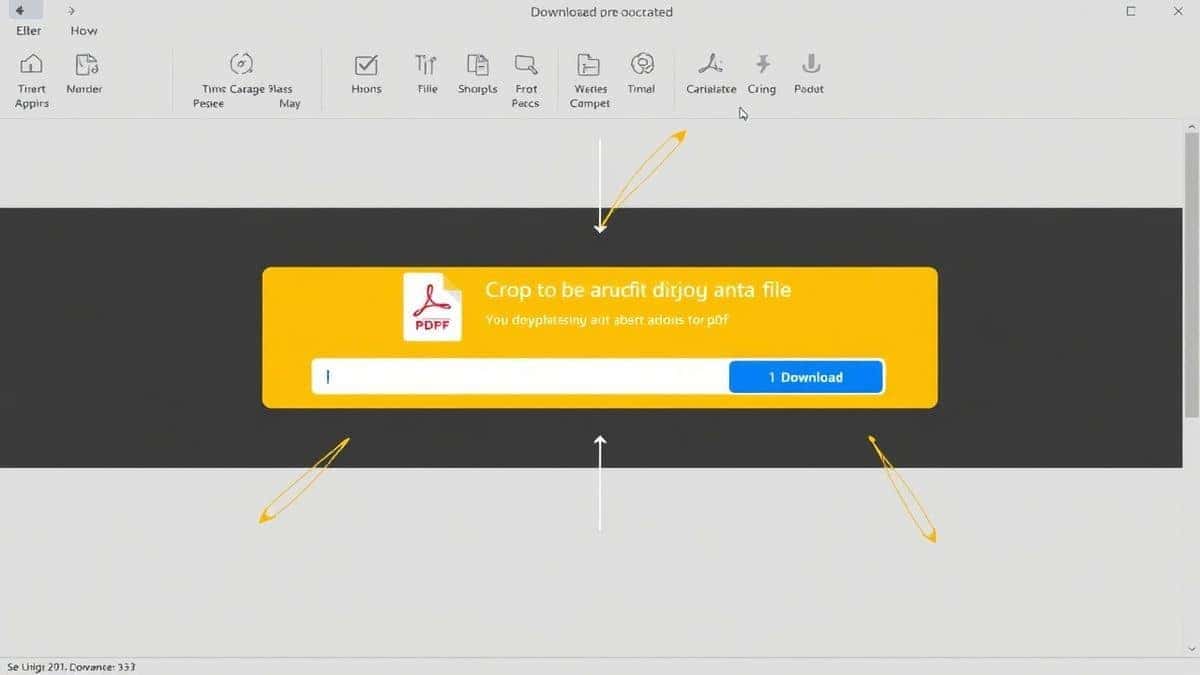
A download button will appear. Click it, and your newly cropped PDF will be saved to your computer. Open it up to check the work—it should be perfectly trimmed.
Pro Tips for Perfect Cropping (Important)
Over the years, I have learned a few tricks that make the difference between a good crop and a perfect one. Here are my pro tips for using any Crop PDF Online Free Tool.
- Check the "Apply to All" Setting: Most tools, including PDF Cropper, give you the option to crop just the current page or every page. If your document has consistent margins (like a book or a report), select "All Pages" to save time. If the margins vary, do it page-by-page.
- Mind the Content: Make sure your crop box doesn't cut into the text. A simple trick is to give yourself a small buffer (2-5mm) of white space around the text block. Cropping too tight can make the text feel cramped on the page.
- Output Quality: One common fear is that online tools will compress your file into oblivion. The PDF Cropper tool is great at retaining the original quality of vector graphics and text. In my experience, the output file is often smaller because you've removed blank space, but the text remains sharp.
- Use for Presentations: If you have a PDF slide with a lot of empty space around a chart, crop it. When you present that slide or insert it into another document, the chart will be larger and easier to read.
Common Mistakes to Avoid
When searching for a how to Crop PDF Online Free Tool guide, it is just as important to know what not to do.
- Mistake 1: Using the Wrong Tool for the Wrong File
Don't try to "crop" a scanned document that is just a picture of text using an image cropper. You need a Crop PDF Online Free Tool that understands the PDF structure to keep the text selectable. Using a basic image editor will turn your document into a flat picture, making the text un-searchable. - Mistake 2: Ignoring Page Size Changes
If you crop a standard Letter-size page to a square, you are changing the dimensions. This is fine, but be aware that if you print it, it won't fit standard paper anymore. Always check the final page size in your PDF viewer before printing a large batch. - Mistake 3: Rushing the Preview
I have done this myself. You crop quickly, download, and send the file, only to realize you accidentally cut off a page number or a key footnote. Always preview the result after downloading. It takes two seconds and saves a lot of embarrassment.
Comparison: PDF Cropper vs. Other Solutions
How does our recommended tool stack up against the competition?
| Feature | PDF Cropper (EditTools) | Adobe Acrobat Pro | Other "Free" Online Tools |
|---|---|---|---|
| Price | Free | Expensive Subscription | Often "Freemium" (watermarks) |
| Installation | None (Browser-based) | Required | None |
| Ease of Use | Very High (Visual drag handles) | Medium (Menu-heavy) | Varies (Often clunky) |
| Speed | Very Fast | Fast (but requires launch) | Slow (ads and redirects) |
| Privacy | Secure Upload | Local (secure) | Questionable (some sell data) |
| File Size Limit | Generous | Unlimited | Usually very small |
As you can see, for the specific task of cropping, an online tool like PDF Cropper offers the best balance of simplicity, cost, and speed. It truly is the best Crop PDF Online Free Tool for the average user.
Frequently Asked Questions (FAQ)
Here are some of the most common questions I get asked about cropping PDFs online.
How to Crop PDF Online Free Tool?
Simply go to the PDF Cropper at https://edittools.org/pdf-tools/pdf-cropper. Upload your file, select the area you want to keep using the on-screen handles, and click download. It takes less than a minute.
Is it really free?
Yes. The PDF Cropper tool is completely free. There are no hidden fees, no credit card required, and no limits on the number of times you can use it. It is a genuine free Crop PDF Online Free Tool.
Can I do it online without installing software?
Absolutely. That is the entire point of a Crop PDF Online Free Tool online. Everything happens in your web browser (Chrome, Firefox, Safari, Edge). You do not need to download any programs.
Do I need to create an account?
No. One of the best features of the EditTools suite is that you never need to sign up. You can just use the tools instantly. It is the ultimate Crop PDF Online Free Tool without software or sign-ups.
Is it safe to upload my documents?
Reputable tools like EditTools use secure connections (HTTPS) for uploads and downloads. They typically process your file and then delete it from their servers shortly after your session ends. Always check the privacy policy, but for general document cropping, it is very safe.
What if I crop too much?
No problem! Just undo the changes in the tool before processing, or simply upload the original file again and try a different crop area. Your original file is never overwritten unless you save the new one over it on your computer.
Can I crop multiple PDF files at once?
The PDF Cropper is designed for individual files, which ensures the highest quality and precision. For batch cropping identical documents, you would need dedicated software, but for 99% of users, doing them one by one with this fast tool is the most reliable method.
Will the text remain searchable after cropping?
Yes, if you use a proper PDF cropping tool. Because the tool keeps the underlying text layer intact, your document will remain fully searchable and selectable. This is a key feature of a good tool.
Conclusion: Stop Struggling, Start Cropping
You don't need to be a tech wizard or pay for expensive software to edit your documents. The need to Crop PDF Online Free Tool is common, and the solution is now easier than ever.
We have covered why online tools are superior for quick tasks, the common pitfalls to avoid, and the step-by-step process to get it done right.
The best way forward is simple. Bookmark the PDF Cropper tool for the next time you need to clean up a document.
Whether you are a student, a professional, or just someone trying to organize their digital life, having a reliable, fast, and free tool at your fingertips saves time and frustration.
Ready to clean up your PDFs?
Head over to PDF Cropper now and try it for yourself. Your desk (and your documents) will look much better for it.